This morning, Disk Utility said I had a 16 TB container. (I assure you that I do not.)
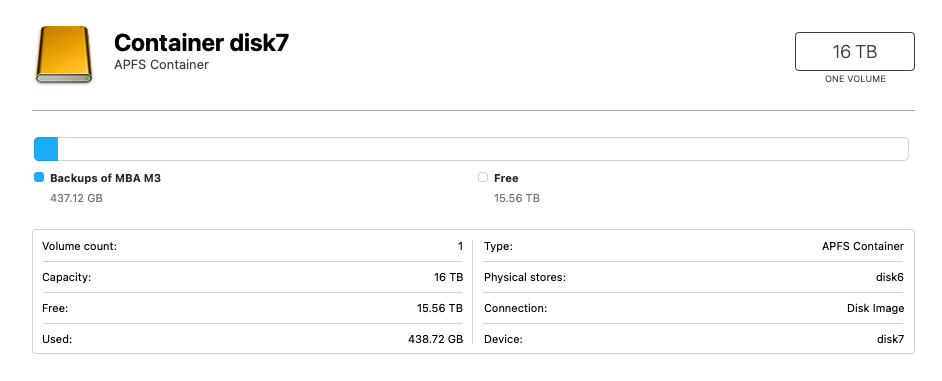
At the time, Time Machine was backing up to an ethernet-connected Time Capsule that has a 2 TB disk. At no time was there an icon on the Desktop for this device, container, or volume. Shortly (maybe one to two minutes) after the backup completed, the entries for the 16 TB container (and its device and sole volume) disappeared, so I assume the container is on the Time Capsule internal drive and some interaction between Time Capsule and macOS (Sequoia 15.7.8) confused Disk Utility. Any confirmation or refutation? Anything to worry about (besides the imminent obsolescence of the Time Capsule)? Thanks.