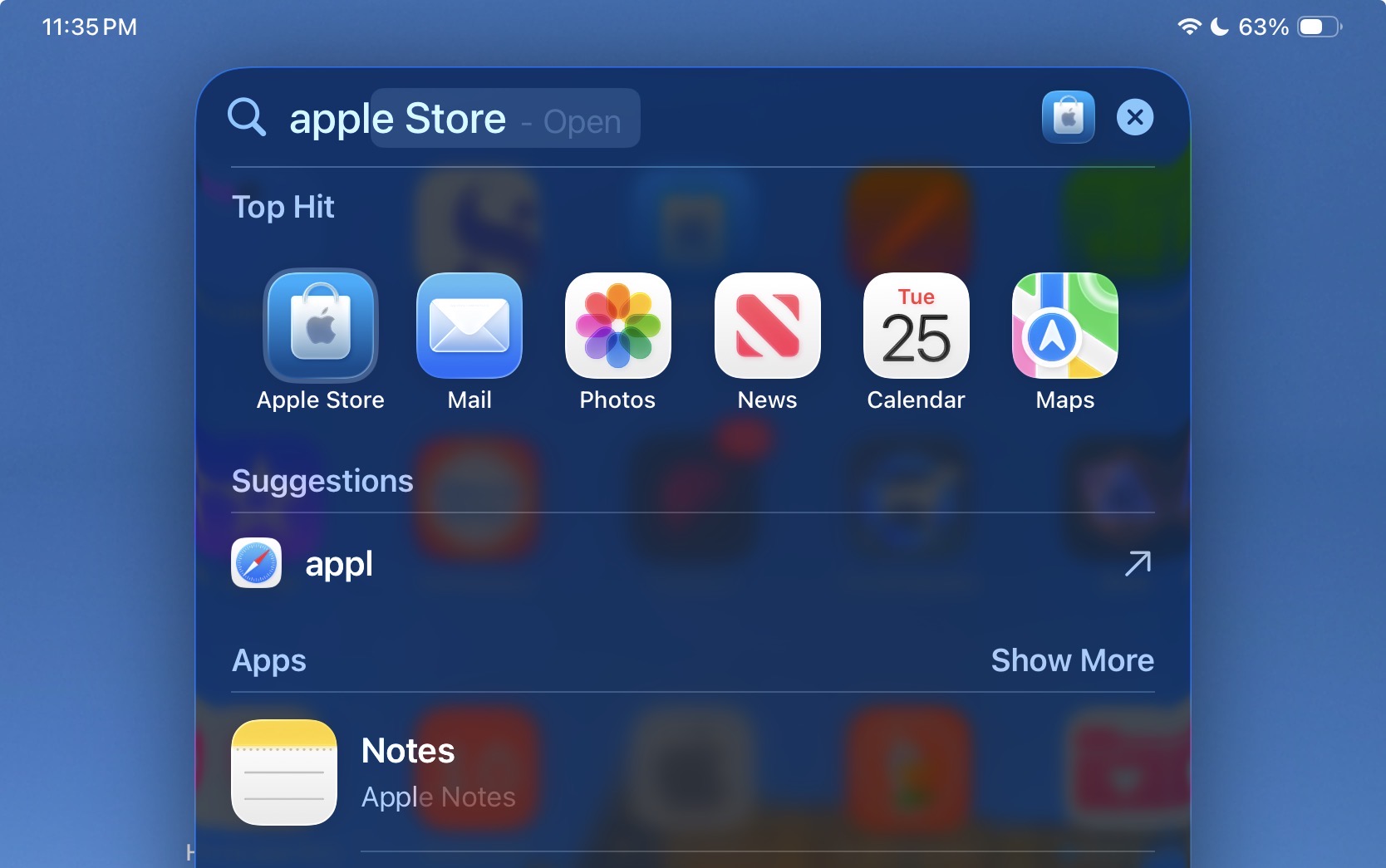
So I have a Shopping List app (Shop Shop) that I use on my iPhone and I keep a copy on my iPad to add groceries (which then syncs with Dropbox for the lists). I used to be able to do a search for “Shop Shop” and pull it up. Now when I go to my iPad and search, it shows me the Shop app (completely different app) but even when I type the second Shop, it will only show the single app. Corrected, if I type Shop the start to type the second Shop, it seems to show the ShopShop app after I type the second “sh” but then disappears afterwards. It seems to only want to choose one item and not do a real search through what is contained on my iPad.
Does this have something to do with Apple Intelligence or did something change on an update? I would like to use the Search as Spotlight, where it finds all instances of a query rather than just one.
I may not be following completely, but tapping “show more” usually addresses these sort of things for me. Some words are simply overloaded as search terms on my iPhone so the top results often don’t include what I’m hoping to find.
And that stays like that. If I keep typing, it will eventually show the Apple Store, but the area below is not populated with other options. The fact that when you do a regular search the window always looks like the second image, but then the lower portion will fill in. But before my restart (and a few times since) I only get the single selection with no way of proceeding to other selections without typing out their whole name. Is there some indexing going on in the background that is incomplete?