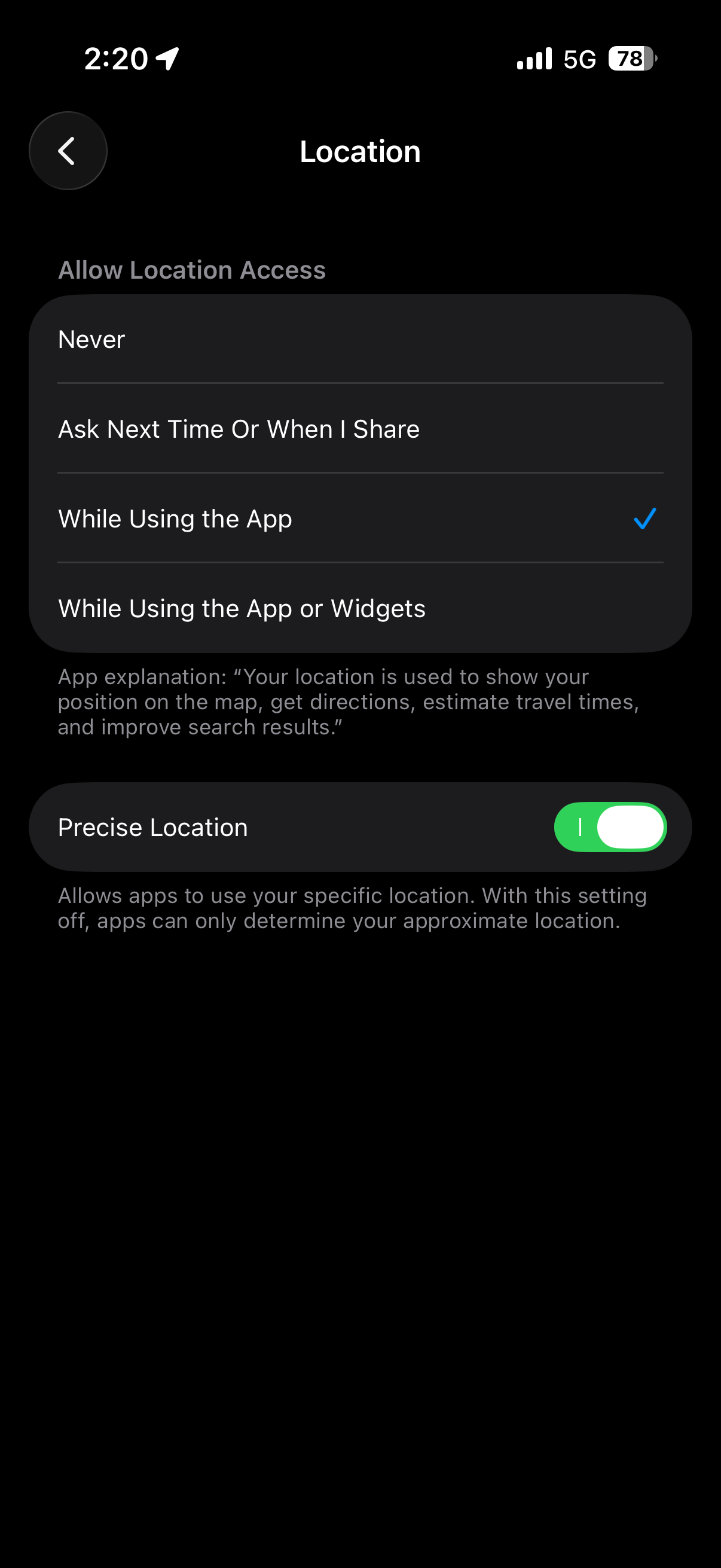
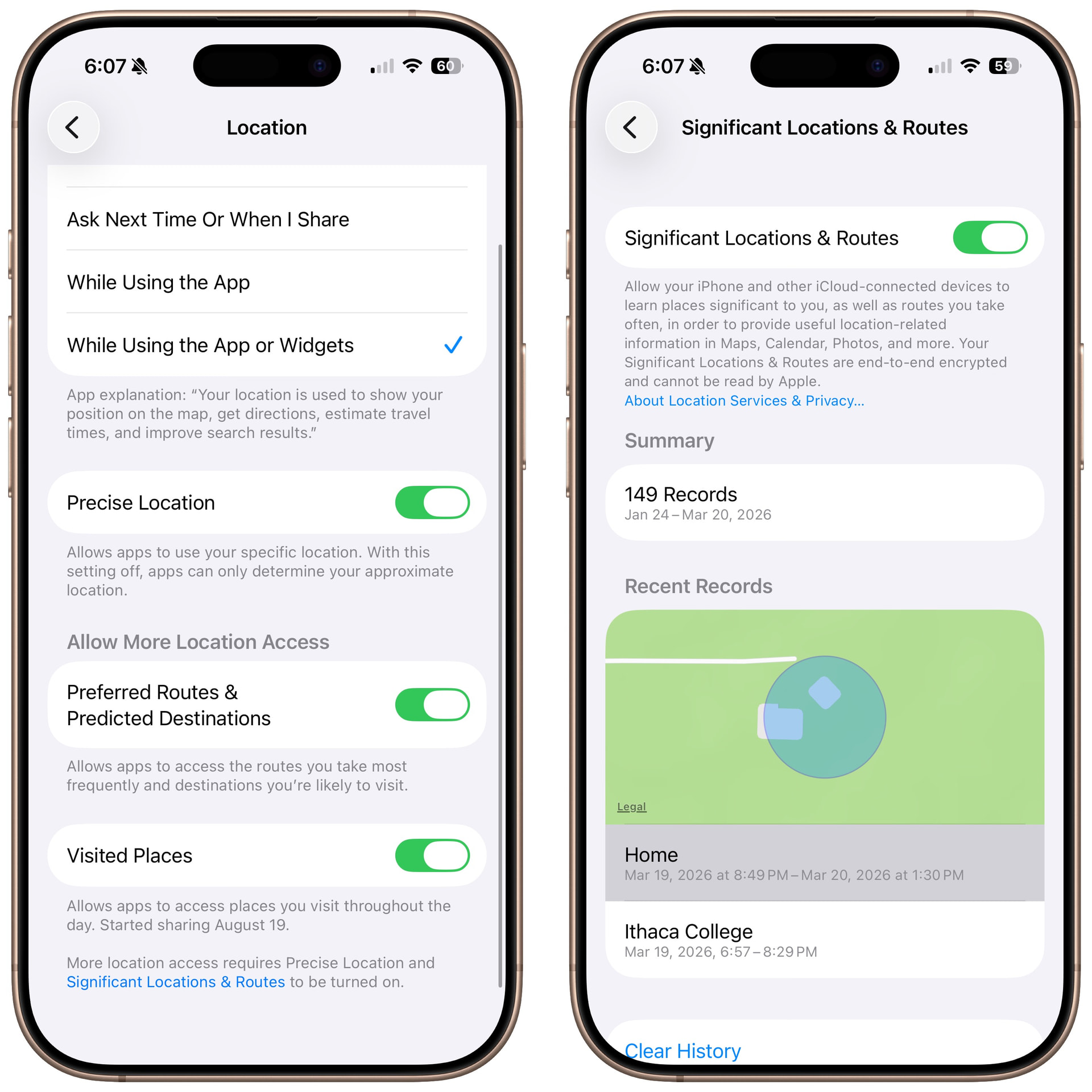
View and manage Visited Places in Maps on iPhone - Apple Support says to enable Visited Places in my iPhone 17’s iOS v26.3.1 (a)‘s Settings’ Apps’ Maps location, but I don’t see it. I do have iOS’ Settings’ Privacy & Security’s enabled Location Services’ System Services’ Significant Locations & Routes’ Significant Locations & Routes. Why do I see my new Visited Places like today’s destinations? Am I missing something?
Thank you for reading and hopefully answering soon. :)
I have a Precise Location toggle, but nothing says Visited Places
Mine also says Significant Locations, nothing about Routes
But inside there, I have 3 entire locations, from yesterday. The summary says there are 128 records but I can’t see them. Apple removed that a long time ago and I now use another app to track my time (I use it for billing clients)
Inside the Maps app, I do have recents. I think they are what I’ve mapped though, not everywhere I’ve been. There are a few from a month or so ago.
Do you have Significant Locations & Routes enabled in Settings > Privacy & Security > Location > System Services (at the bottom of the list) > Significant Locations & Routes?