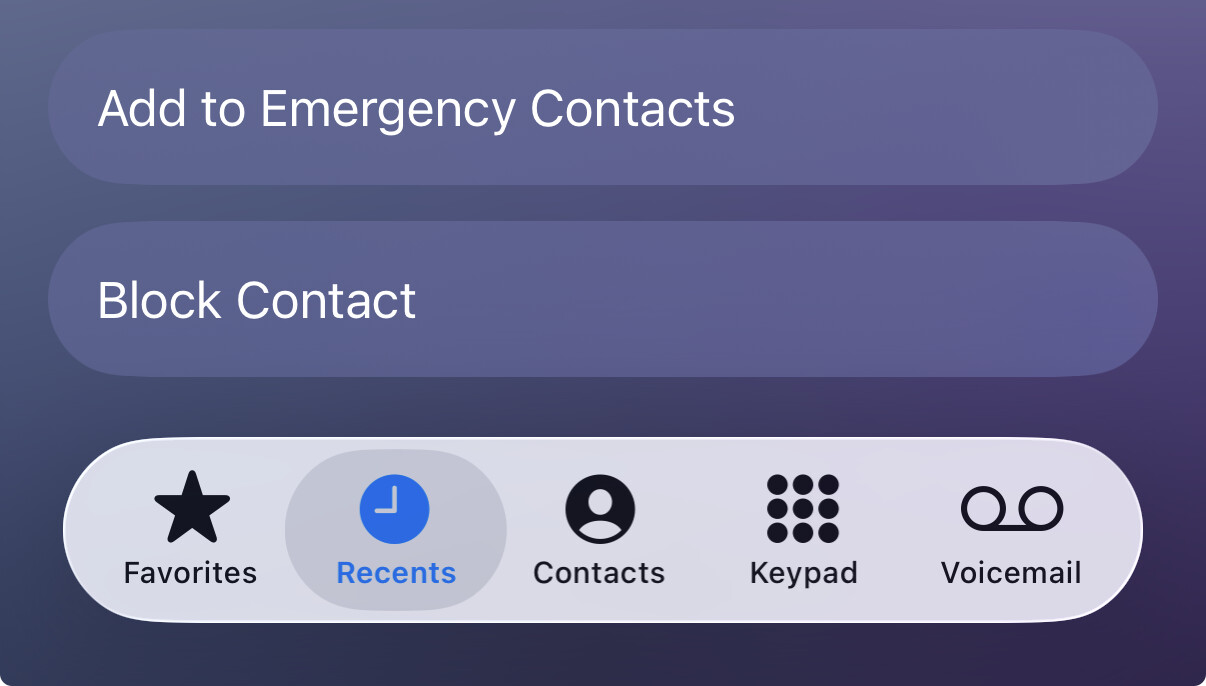
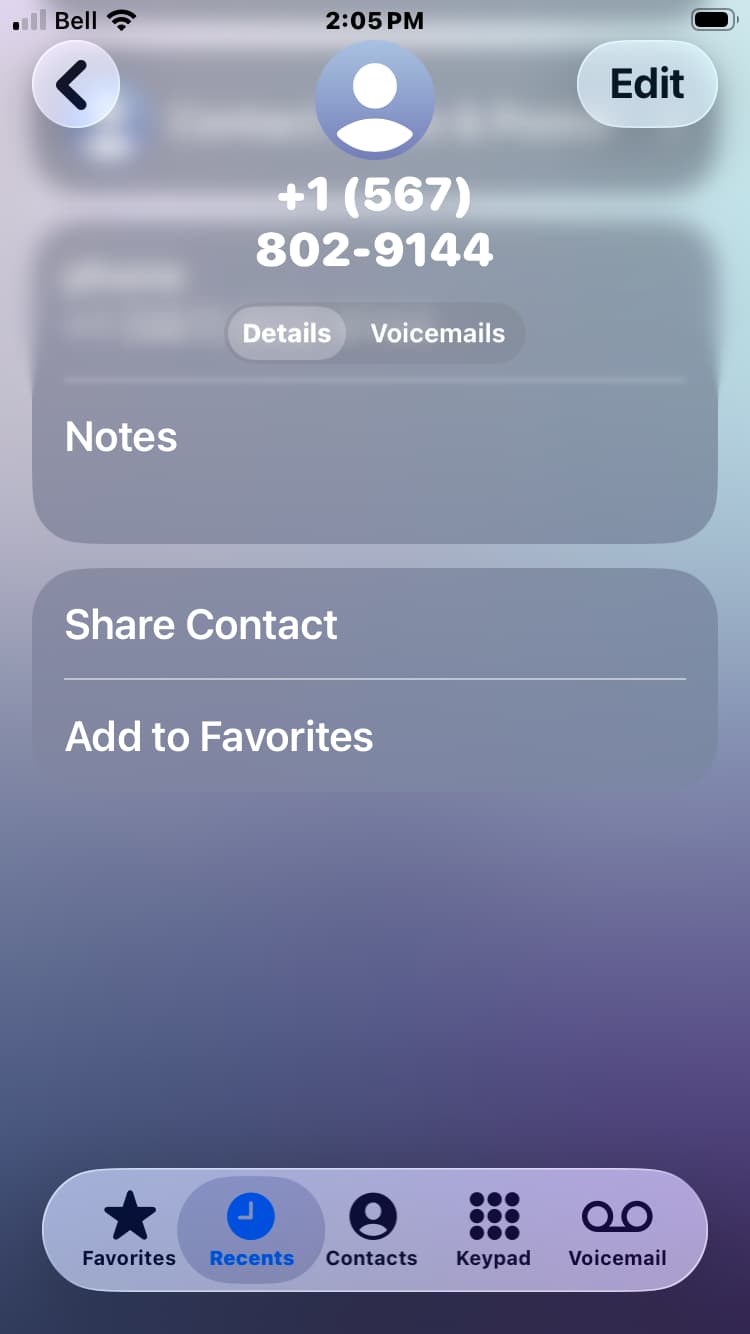
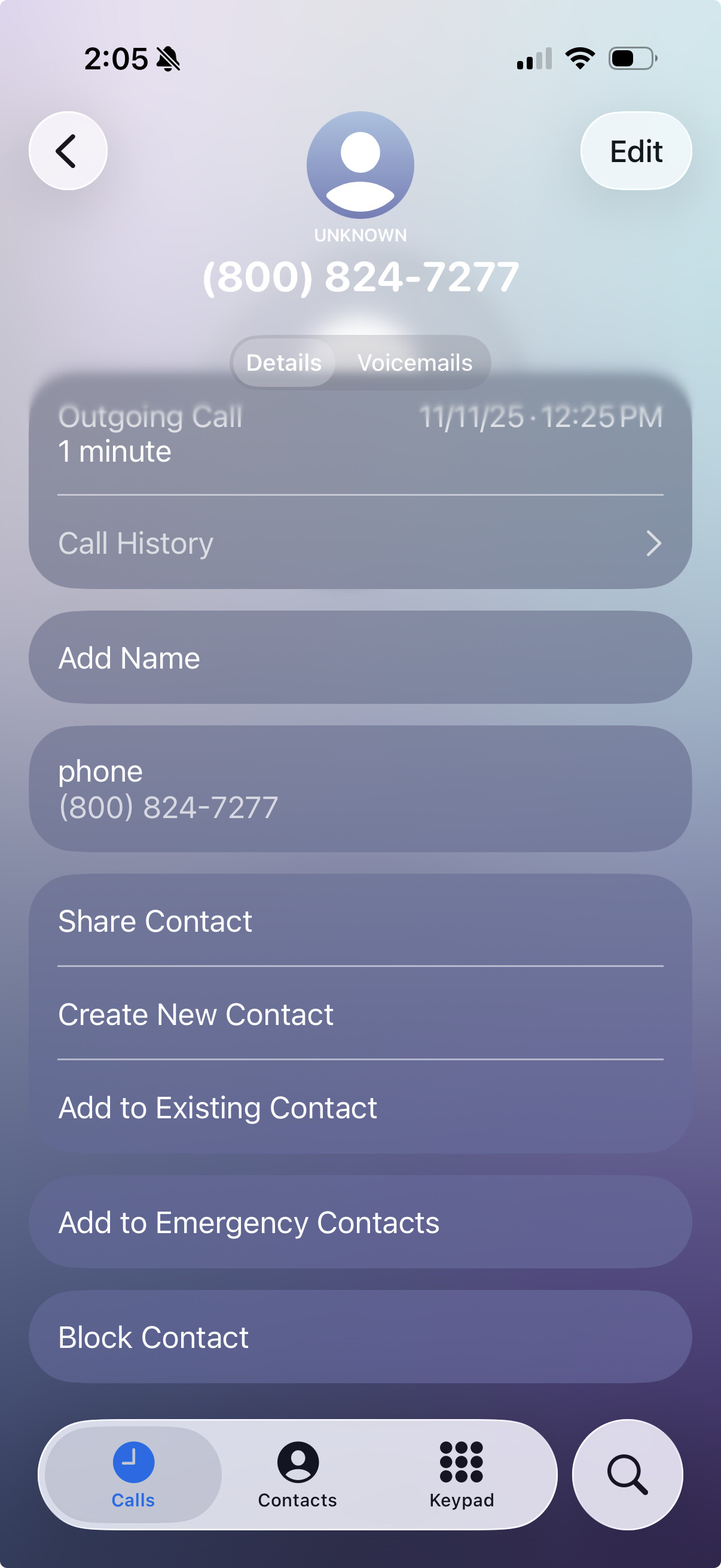
I have clicked on the Info button next to the call, which now takes me to a screen with an Edit button that tells me it is going to edit a Contact, but on using it there is no Block Caller button the way there used to be. So I asked Siri and got sent to an Apple page that simply describes the way it used to work.
If we’re talking about iOS 26, I think the new options in Settings/Apps/Phone for “Screen Unknown Callers” and “Call Filtering” changed how unknown and spam callers are handled. The Block Contact function might be limited to entries in the Contacts app.
I’m not 100% sure on all that, though, because I don’t use my iPhone for voice stuff much.
When I click the Info button for someone who is in my Contacts there is still no Block button.
I powered it off, started it up again and checked again - Block Caller present! Went off to do it to my wife’s phone, but it did not work. Showed her my phone, and the Block Caller button is now gone!
Later: restarted the phone again, and the Block button is present. Returned to the recents list and pressed the info button again - no Block button. You can bring it up once per restart. This must be a bug. I can get at the list of blocked numbers and add one in the Phone app settings.
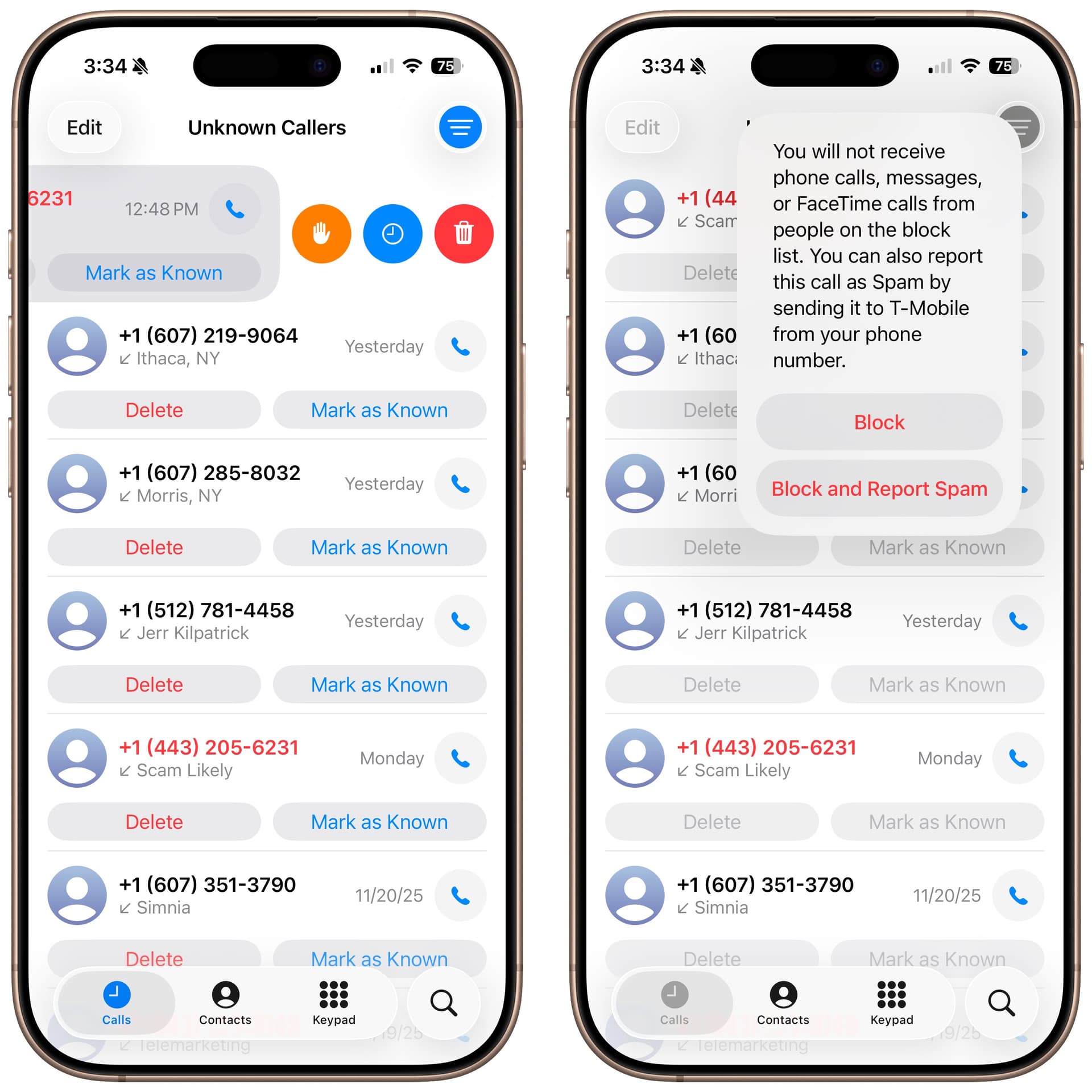
You can also swipe left on any item in the Unknown Callers list, then tap the orange hand button. At least on my iPhone 17—let us know if it works on an iPhone SE.
26.2 has not solved this issue, but I have found a work around. In the Phone app, Recents screen, tap the Info button for caller details. This shows only the number and none of the other options. Now press the Home button, which closes the Phone app. Tap the Phone app icon and it re-opens to that Info page, with more options shown than before. If you’re lucky, Block Contact will be at the bottom, but if it isn’t, repeat the Home button press and re-open the Phone app. Now Block Contact will be there!
This issue seems to affect all SE phones, and some 17s. I would be surprised if Apple doesn’t bother to fix it for the SE (“Buy a new phone” will be their response), but I expect affected 17 owners will expect a fix.
On a related topic, I just came across a Macrumours article explaining how to use “Ask reason for calling”:
‘In iOS 26, though, you can learn about who’s calling before you respond, thanks to a clever feature that intercepts unknown calls and asks the caller to identify themselves before your iPhone even rings…’
Apologies if I missed this in previous Tidbits posts.