On Mac OS 27 Golden Gate, I’ve noticed in both Mail and Messages the Mac is now suggesting text. Does anyone know how to turn this off? It’s INCREDIBLY ANNOYING, and usually inapt.
Settings / General/ Keyboards/ Predictive Text
Dave
I don’t see Settings → General → Keyboards in Mac OS 27. (I do see it in iOS Settings)
In Settings → Keyboard, I don’t see a ‘Predictive Text’ toggle.
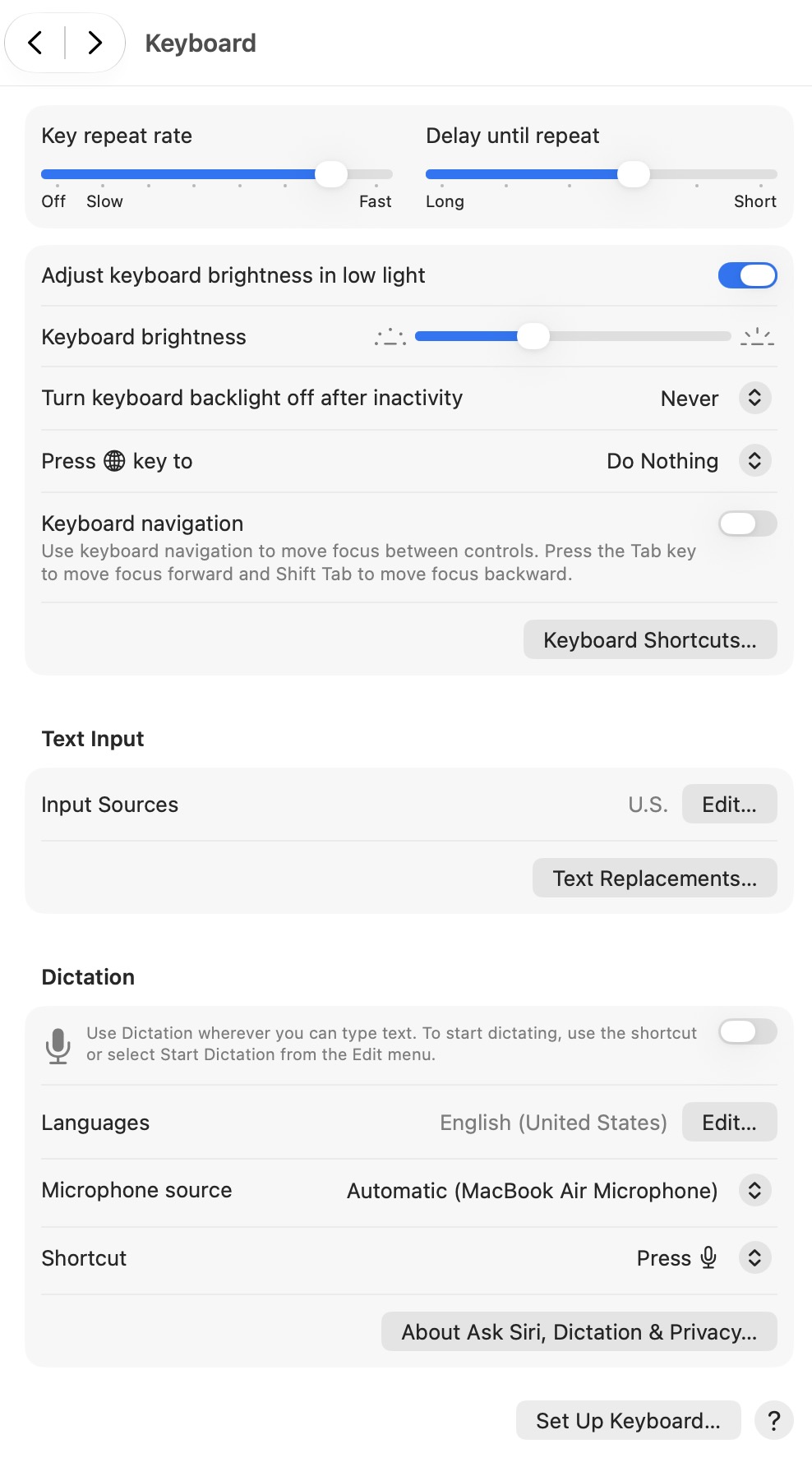
Press the “Edit” next to the US keyboard (the “Input sources” line) and you’ll find the setting for predictive text (as well as “show suggested replies”, which may be what is being used in mail and messages apps.)
FWIW, if you search for “Predictive text” in the Settings app it does bring you to this page. I know the settings search isn’t always the most reliable, but this time it works. And I admit in this case I never would have found it if I hadn’t searched.
2 Likes
Thanks! I tried a couple of searches, but apparently didn’t get the correct phrase. Now adding some ‘fuzziness’ to Preferences search would be some AI I would use. (Boy, those substitutions were driving me crazy!)
Or, on Golden Gate, you can just ask Siri. . . .

Dave
1 Like
A bit of an off topic predictive text question. In iOS why do I rarely get the predictive suggestion for very common contractions? For example, I rarely get “I’ll” if I type “Ill” or “I’ve” when typing “Ive”. Not really a problem with a real keyboard, but on an iPad or phone it’s a pain to have to go get the apostrophe. I thought predictive text was supposed to learn.