M1 Mini running OS27.2. Since upgrading to Golden Gate I get this alert every time I log out. Only I have an account on the Mac. I have no legacy Intel apps and have not installed any other programme. Any ideas how to get rid of it? I always click ‘don’t allow’
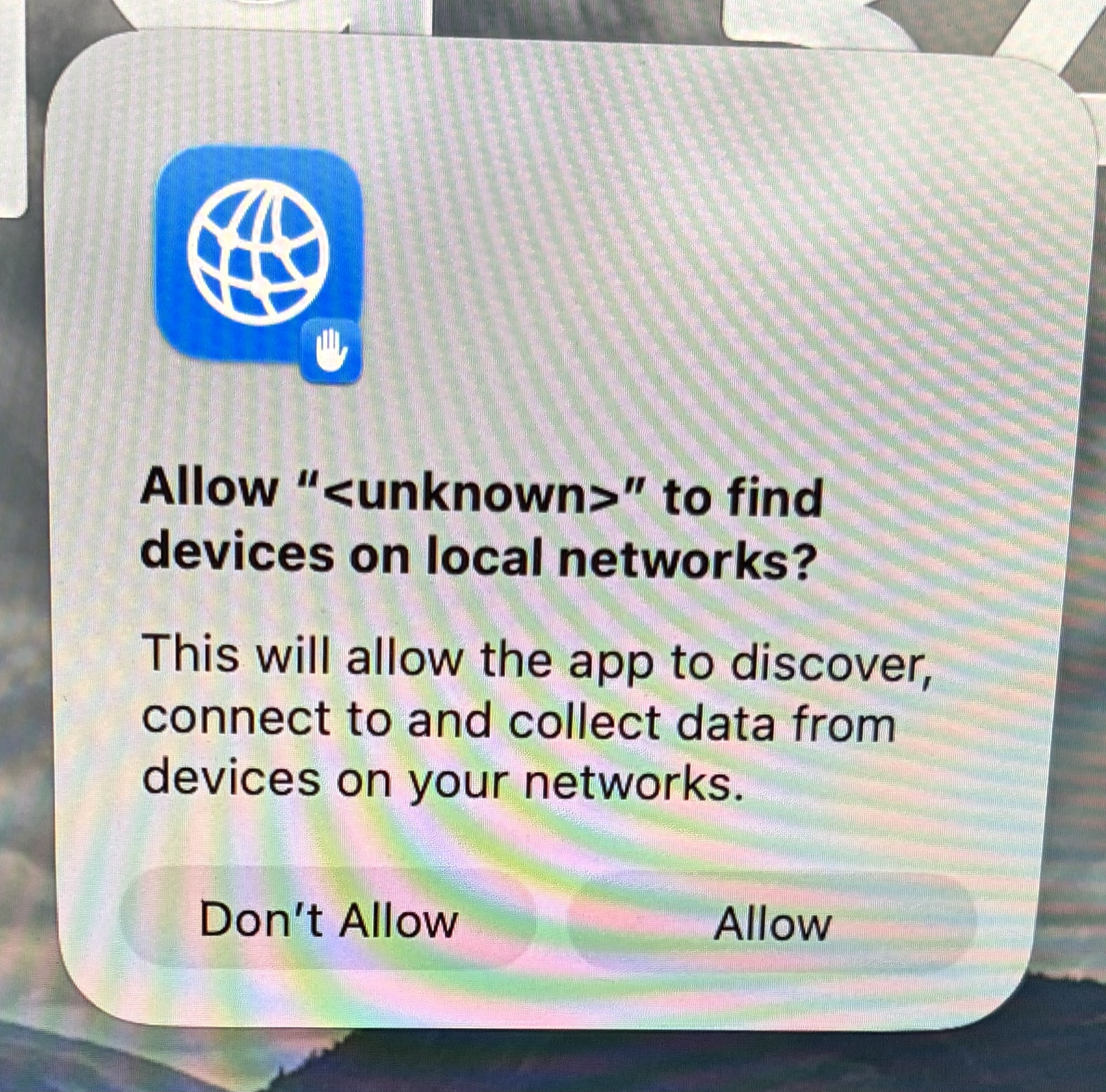
You can always say “don’t allow” and then if you find an app that isn’t working as it should (not finding a printer or shared disk, say), go to System Settings > Privacy & Security > Local Network and add it there.
3 Likes
Thanks but I’ve checked those settings and there’s nothing (apparently) amiss. No application is failing to work as it should.
It looks to me like a fairly standard macOS question window but the ‘unknown’ part is a bit worrisome. I see similar dialogs, but less often, on my Tahoe system, and maybe earlier as well.
An Apple Discussion covers some possibilities before devolving into antagonism. Further down is a user with the same issue. Another one. Yet Another. Same issue mentioned on MacRumours Forum but no solution as yet. Hope there’s something useful in the links.
There should be an option in that dialog to show the app or the app bundle before making a voice, but maybe that just opens another can of worms somehow.