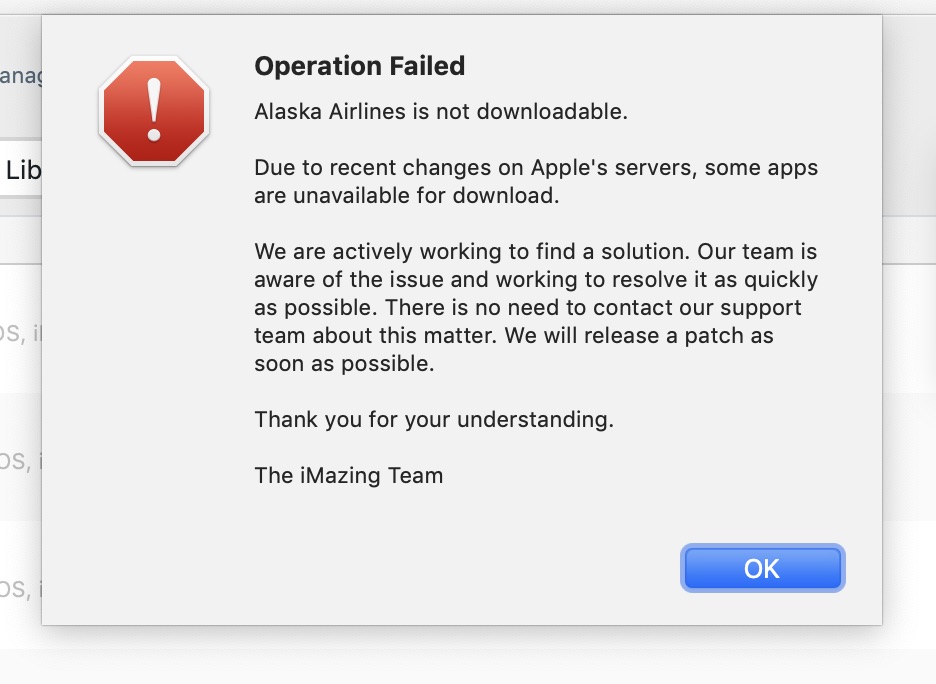
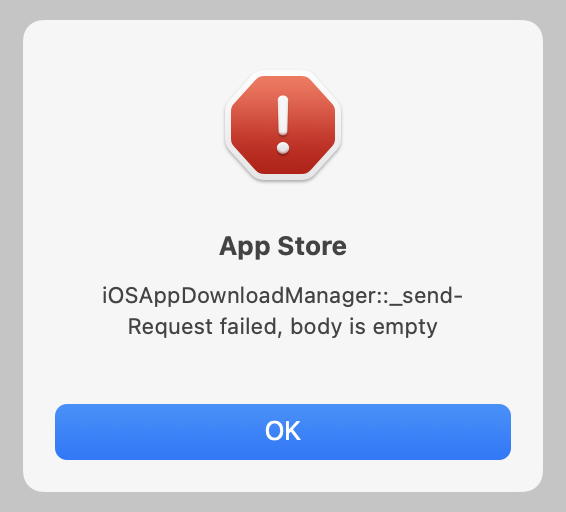
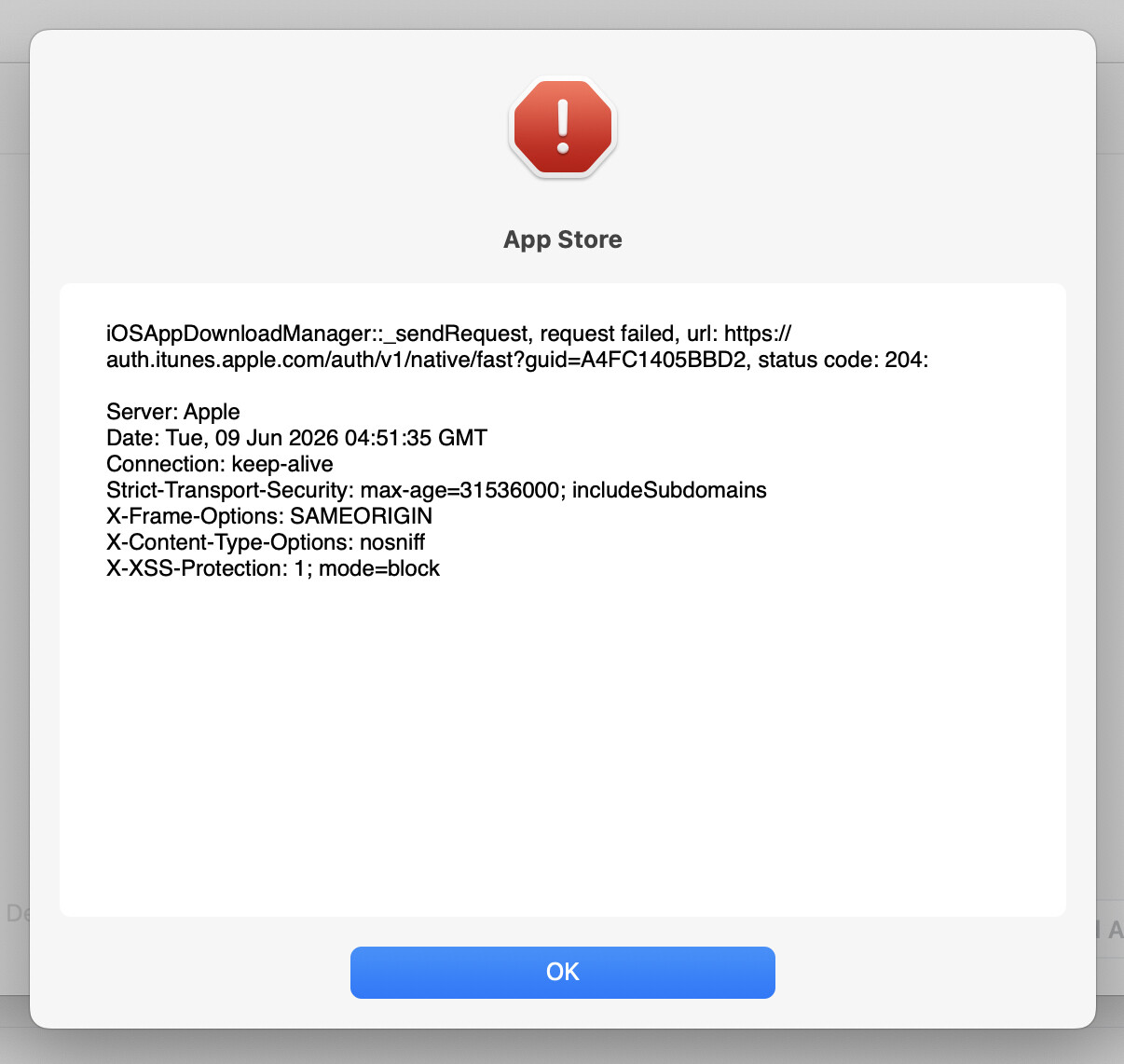
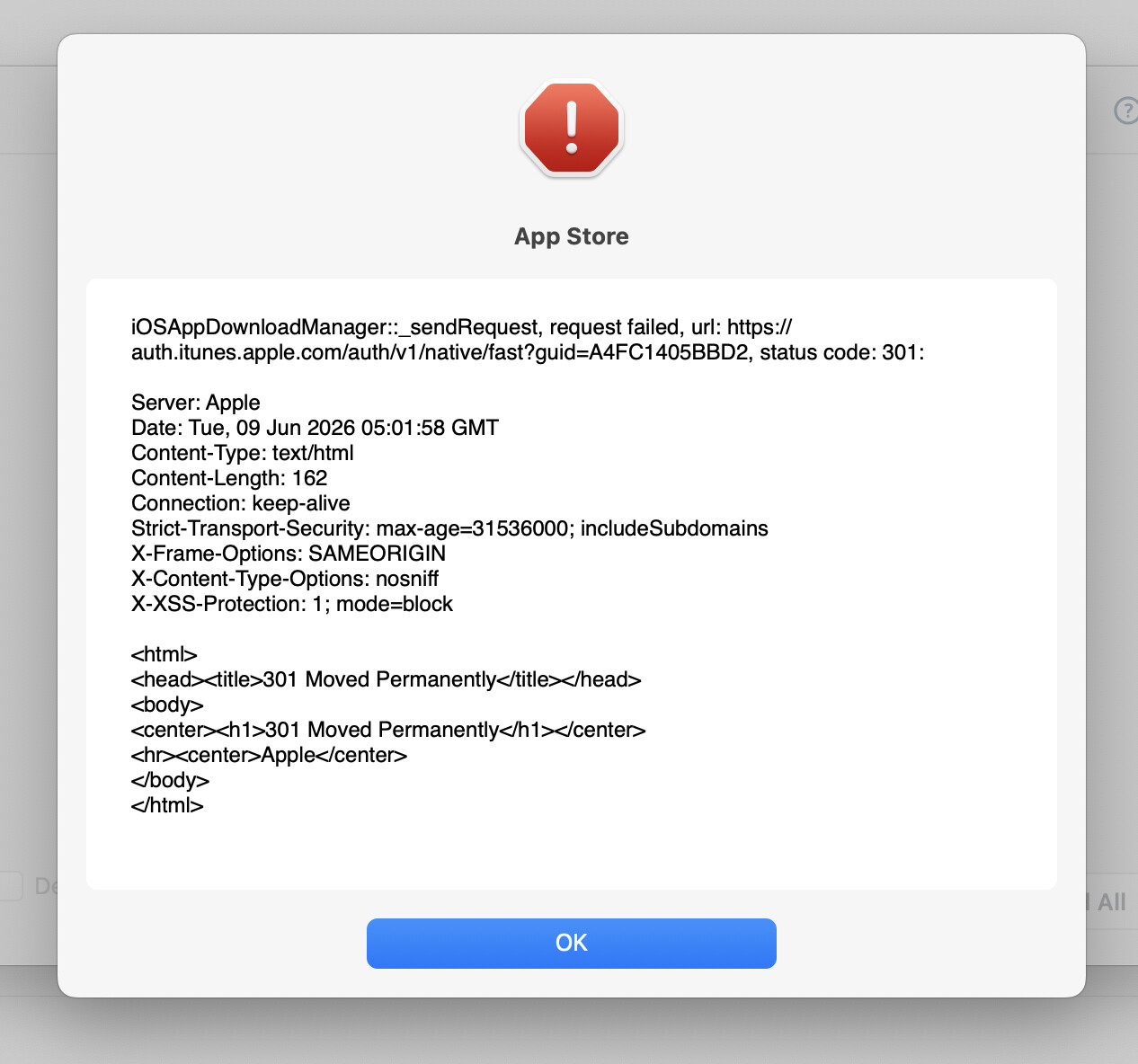
For at least a few weeks I have been unable to downloaded updated iOS apps using iMazing. iMazing shows which apps have updates available but when attempting to download I get the following error:
Searching online brings up a relevant discussion on reddit. In that discussion it says that the iMazing team is aware of the problem and is working on a solution.
There is also a brief mention of this issue in another Tidbits discussion.
I have also emailed iMazing and have gotten the same answer.
I can still download updates via the iPhone app store. The downside to that is it removes the old version when installing the new version. iMazing allows me to keep multiple versions – which can be very useful if a new version has problems.
iMazing has been my go-to for keeping iOS apps up to date. It would be a big loss of iMazing was no longer compatible with Apple servers.
Does anyone here have any knowledge on what the “server issue” might be?
The newest version of iMazing (3.1.2) still has the problem where it can’t download new app versions from Apple; but the error message is a lot more explicit about the problem (seen here trying to upload the Alaska Airlines app)
I, too, would like to hear more details – from either iMazing or Apple – as to what the “server issue” is.
I had one idea for an (admittedly awkward) workaround: adding a feature to iMazing allowing it to upload an app from an iPhone/iPad to the iMazing library on the Mac. That way, one could download the newest app using the App Store on the iPhone or iPad, and then afterwards, use the new feature to upload the newly downloaded app to the iMazing library on the Mac.
However, I suspect that is something that is either verbotten by Apple, or there’s no API for it.
The main problem with this proposal is app thinning: an iDevice only downloads the parts of an app that are needed for that particular device. So if you were able to export the app from an iPhone to iMazing, you may not be able to install the app on an iPad, or even a newer iPhone.
Apps downloaded using iTunes and presumably iMazing are fat .IPAs that contain the entire app. It does mean, however, that if this fat app is installed from iMazing to a device it would take up more space than the same app downloaded from the App Store.
Which is why, when you restore an iDevice from a backup, it only restores your data. The apps are reinstalled from the App Store.
Which, in general, is a good thing. But it does means you can’t restore an older version (you may have a reason for not wanting to upgrade), and you can’t restore an app that is no longer available for purchase (e.g. if the publisher’s account has been closed, which can happen if they went out of business or were acquired by another company).
Hence the reason why iMazing’s mechanism is so important - it gets around this otherwise unsolvable problem.
And, IMO, when an app goes away from the store and can no longer be purchased, Apple really should not remove it from the server. It should always be possible for a download/install if you purchased it when it was available.
Well, that seems complicated. It’s my understanding that Apple sometimes deprecates APIs so they no longer work in current and future iOS and MacOS versions. For example, an older app written back when 32 bit APIs were supported would no longer work now. And quite often apps are just front-ends to web views of online content, so if the online content disappears, the app would no longer work. So I understand Apple’s policy here.
Good news – iMazing just released version 3.2 for the Mac, and it now restores the ability to download iOS apps to the Mac. (However, the iMazing Windows version is still unable to do so.)
I just tested it, and everything worked fine. iMazing has also added some app-specific features while they were at it. Here’s an excerpt from the iMazing release notes for 3.2:
What’s New in 3.2
Manage App (App Downloads)
The ability to download iOS, iPadOS, and visionOS apps from the App Store has been restored. We’ve also added several highly requested features for app management.
New: Added “Show Available Versions” to view app version history and download previous versions
New: Added “Export List to CSV” to export all apps’ info to a CSV file
New: Apple Account authentication now supports SMS for two-factor authentication (2FA)
New: App downloads can now be manually canceled and resumed later, which also helps recover from connection interruptions
Fixed: Stopping or pausing app downloads now functions correctly
Note: We are still working on a solution for Windows.
Fixed: App data restoration in “Manage Apps” now reverts to the previous method that minimizes device space requirements and prevents data loss for apps opting out of backup. iMazing also provides clear instructions for navigating the iOS Setup Assistant that appears after the device restarts following data restoration.
I just tried using version 2. Same problem. I would not be happy if they keep version 2 broken so they force me to buy version 3 just to restore the ability to update apps. Unless they offer a discount of some sort, then maybe.
Due to recent changes on Apple servers, some apps can’t be downloaded. We are aware of the issue and are trying to find a solution, but this may take time.
Please let us know if you have any questions.
Kind regards,
Arman
Support Agent
–
DigiDNA Sàrl
Bd. des Tranchées 4, 1205 Geneva, Switzerland imazing.com - The world’s favorite iPhone Manager
There seems to be a bug on Apple servers at the moment that prevents loading .ipa files from the server, Apple Configurator app is affected as well. We already reported the issue to Apple.
After I download the updated apps in iMazing and install them, the device still says that updates are available. (By this, I mean the App Store app icon has a badge with a number.) When I check App Store on the device, no updates are available, and the updates that iMazing installed are listed with an Open button rather than an Update button. But ever after that, the App Store app still has the badge indicating that updates are available. How do I clear the badge on the device?
I tried to duplicate this but got different results.
The App Store showed updates available. I then started iMazing, checked for updates, and downloaded them to the Mac. Next, I installed the updates to the phone. As I did, I could see the badge number decrementing with each updated app. So the App Store app behaved correctly for me.
Hmm, I’ve never tried using iMazing to access the App Store and Mac App Store. For the former I stayed with iTunes then when Apple cut off iTunes from the App Store, I just do all updating on each iDevice. I still sync & backup with iTunes but that will probably go away when I finally get a replacement for my Mid-2011 iMac. I do backup with iMazing in addition to iTunes. Do you backup with iMazing? I’ve kept my iDevices on iOS 18 but was planning on downgrading to iOS 26 in August.