Originally published at: The Real System Requirements for OS 27 - TidBITS
Apple has released public betas of macOS 27 Golden Gate, iOS 27, iPadOS 27, watchOS 27, and tvOS 27, along with a developer beta of visionOS 27 (see “Apple Opens Public Betas for OS 27,” 20 July 2026). We expect final releases in September or October. Many people are eager to learn whether their current hardware will support the new operating systems or if they’ll need to consider upgrading to stay current.
This year marks a significant shift: Apple has dropped all Intel-based Macs, completing its transition to Apple silicon across the Mac lineup. iPadOS 27 and watchOS 27 each drop five models, but iOS 27 will run on the same models as iOS 26.
Apple Intelligence Requirements
The primary software requirement that remains is Apple Intelligence, which requires an iPhone 15 Pro, iPhone 15 Pro Max, iPhone 16 models, iPad mini (A17 Pro), and iPad and Mac models equipped with an M-series chip, plus the A18 Pro-powered MacBook Neo. All watchOS 27-capable Apple Watch models are compatible with Apple Intelligence when paired with an Apple Intelligence-capable iPhone. Several additional tiers have also emerged:
- Customizable Siri expressivity: To customize the expressivity and pace of Siri’s voice, you’ll need an iPhone 17 Pro, iPhone 17 Pro Max, or iPhone Air; iPad models with M4 and later and at least 12 GB of unified memory, Mac models with M3 and later and at least 12 GB of unified memory; or the M5 version of the Apple Vision Pro.
- Improved Dictation accuracy: This on-device model requires an iPhone 17 Pro, iPhone 17 Pro Max, or iPhone Air; iPad models with M4 and later and at least 12 GB of unified memory; and Mac models with M3 and later and at least 12 GB of unified memory.
Determining precisely which features rely on Apple Intelligence is becoming difficult, but if you want Apple Intelligence capabilities, you’ve probably already upgraded.
macOS 27 Golden Gate Requirements
The Intel era has officially ended. macOS 27 Golden Gate runs exclusively on Macs with Apple silicon—no Intel-based Macs are supported. This completes the Apple silicon transition that began with the M1 chip in 2020 (see “Apple M1 Chip Powers New MacBook Air, MacBook Pro, and Mac mini,” 10 November 2020). If you’re still using an Intel-based Mac, macOS 26 Tahoe will continue to receive security updates for 2 years, meaning it will lose security viability in mid-2028.
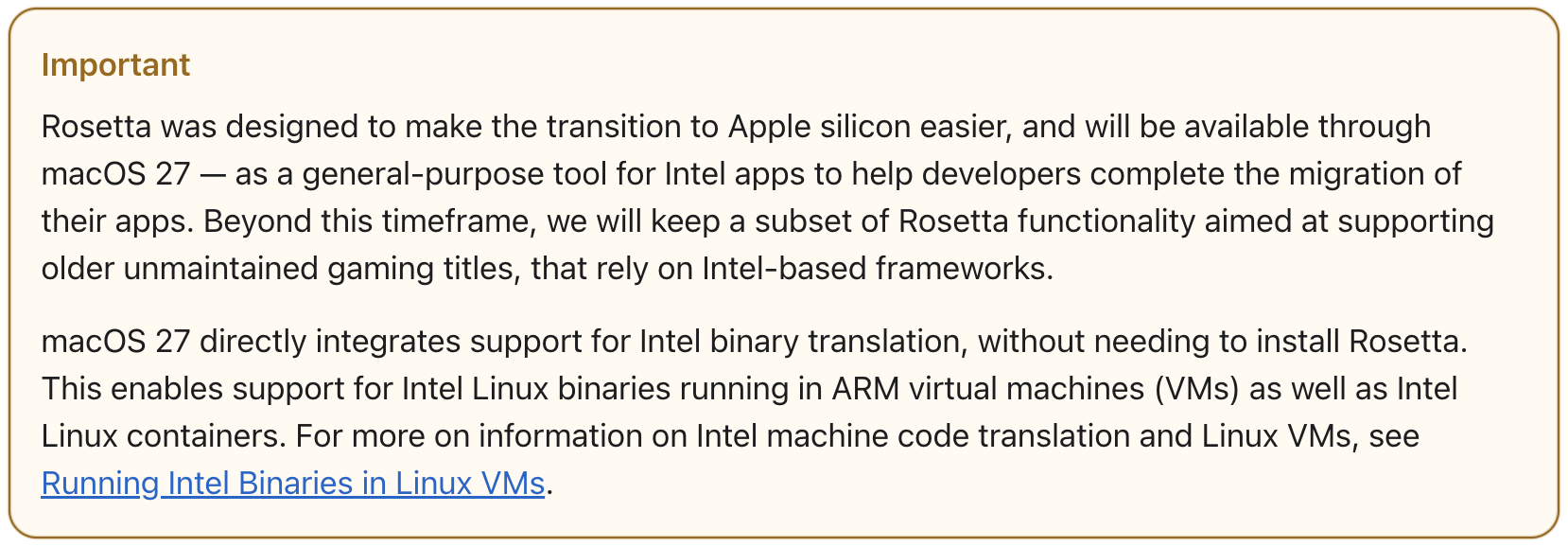
macOS 27 will also be the last version of macOS to include the full Rosetta 2 translation environment. After macOS 27, Apple will retain only limited Rosetta functionality to support older games. If you rely on Intel-based apps, now is the time to find native Apple silicon alternatives.
Here is the list of Macs that can run macOS 27:
| Mac | Chip and Model Years |
|---|---|
| MacBook Neo | A18 Pro (2026) |
| MacBook Air | M1, M2, M3, M4, M5 (2020 and later) |
| MacBook Pro | M1, M2, M3, M4, M5, plus Pro and Max variants (2020 and later) |
| iMac | M1, M3, M4 (2021 and later) |
| Mac mini | M1, M2, M2 Pro, M4, M4 Pro (2020 and later) |
| Mac Pro | M2 Ultra (2023) |
| Mac Studio | M1 Max, M1 Ultra, M2 Max, M2 Ultra, M3 Ultra, M4 Max (2022 and later) |
This means Apple has dropped support for the four remaining Intel-based Macs capable of running Tahoe:
- Mac Pro (2019)
- MacBook Pro 16-inch (2019)
- MacBook Pro 13-inch with four Thunderbolt 3 ports (2020)
- iMac 27-inch (2020)
iOS 27 Requirements
Impressively, iOS 27 maintains the same compatibility list as iOS 26, with the iPhone 11 from 2019 as the oldest supported model. Here are the compatible devices:
| iPhone | Introduced | Chip |
|---|---|---|
| iPhone 17/17 Pro/Pro Max/17e | 2025, 2026 | A19/A19 Pro |
| iPhone Air | 2025 | A19 Pro |
| iPhone 16/Plus/Pro/Pro Max/16e | 2024, 2025 | A18/A18 Pro |
| iPhone 15/Plus/Pro/Pro Max | 2023 | A16 Bionic/A17 Pro |
| iPhone 14/Plus/Pro/Pro Max | 2022 | A15 Bionic/A16 Bionic |
| iPhone 13/mini/Pro/Pro Max | 2021 | A15 Bionic |
| iPhone 12/mini/Pro/Pro Max | 2020 | A14 Bionic |
| iPhone 11/Pro/Pro Max | 2019 | A13 Bionic |
| iPhone SE (2nd–3rd generation) | 2020, 2022 | A13 Bionic/A15 Bionic |
iPadOS 27 Requirements
While the iPhone compatibility matrix remains the same, Apple dropped five iPad models from the list of those that can run iPadOS 27, leaving this complicated set:
| iPad | Introduced | Chip |
|---|---|---|
| iPad Pro (M4 and later) | 2024, 2025 | M4, M5 |
| iPad Pro 12.9-inch (4th–6th generation) | 2020, 2021, 2022 | A12Z Bionic, M1, M2 |
| iPad Pro 11-inch (2nd–4th generation) | 2020, 2021, 2022 | A12Z Bionic, M1, M2 |
| iPad Air 11-inch/13-inch (M2, M3, M4) | 2024, 2025, 2026 | M2, M3, M4 |
| iPad Air (4th–5th generation) | 2020, 2022 | A14 Bionic, M1 |
| iPad (A16) | 2025 | A16 |
| iPad (9th–10th generation) | 2021, 2022 | A13 Bionic, A14 Bionic |
| iPad mini (A17 Pro) | 2024 | A17 Pro |
| iPad mini (6th generation) | 2021 | A15 Bionic |
The models dropped from iPadOS 27 include:
- iPad Pro 12.9-inch (3rd generation, 2018) with A12X Bionic
- iPad Pro 11-inch (1st generation, 2018) with A12X Bionic
- iPad Air (3rd generation, 2019) with A12 Bionic
- iPad (8th generation, 2020) with A12 Bionic
- iPad mini (5th generation, 2019) with A12 Bionic
watchOS 27 Requirements
Where watchOS 26 maintained compatibility with everything supported by the previous watchOS 11, watchOS 27 is a major break, dropping support for five older Apple Watch models and making the Apple Watch Series 9 the oldest supported model. The current supported models are:
| Apple Watch | Introduced |
|---|---|
| Apple Watch Ultra 3 | 2025 |
| Apple Watch Ultra 2 | 2023 |
| Apple Watch Series 11 | 2025 |
| Apple Watch Series 10 | 2024 |
| Apple Watch Series 9 | 2023 |
| Apple Watch SE (3rd generation) | 2025 |
That means Apple has dropped support for:
- Apple Watch Series 6 (2020), 7 (2021), and 8 (2022)
- Apple Watch Ultra (1st generation, 2022)
- Apple Watch SE (2nd generation, 2022)
tvOS 27 Requirements
Although Apple doesn’t have a tvOS 27 page laying out compatible devices, 9to5Mac quoted a developer as saying that tvOS 27 drops support for the two oldest previously supported Apple TV models, leaving:
| Apple TV | Introduced | Chip |
|---|---|---|
| Apple TV 4K (3rd generation) | 2022 | A15 Bionic |
| Apple TV 4K (2nd generation) | 2021 | A12 Bionic |
That suggests that tvOS 27 won’t support the original Apple TV HD from 2015 (formerly known as the 4th-generation Apple TV) or the Apple TV 4K (1st generation) from 2017.
tvOS 26 also had an additional specific requirement that we suspect carries over: Apple Music Sing requires an Apple TV 4K (3rd generation) or later.
visionOS 27 Requirements
Although Apple replaced the original M2 Vision Pro with an M5 version in October 2025, visionOS 27 works on both (see “New M5 Chip Accelerates the MacBook Pro, iPad Pro, and Vision Pro,” 15 October 2025). The only difference is that the option to customize Siri’s voice expressivity is available only on the M5 version.
HomePod Software 27 Requirements
Apple provided no updates regarding HomePod compatibility at WWDC, but since the public betas of HomePod Software 27 support all existing HomePods, it’s a safe bet that this will continue.
