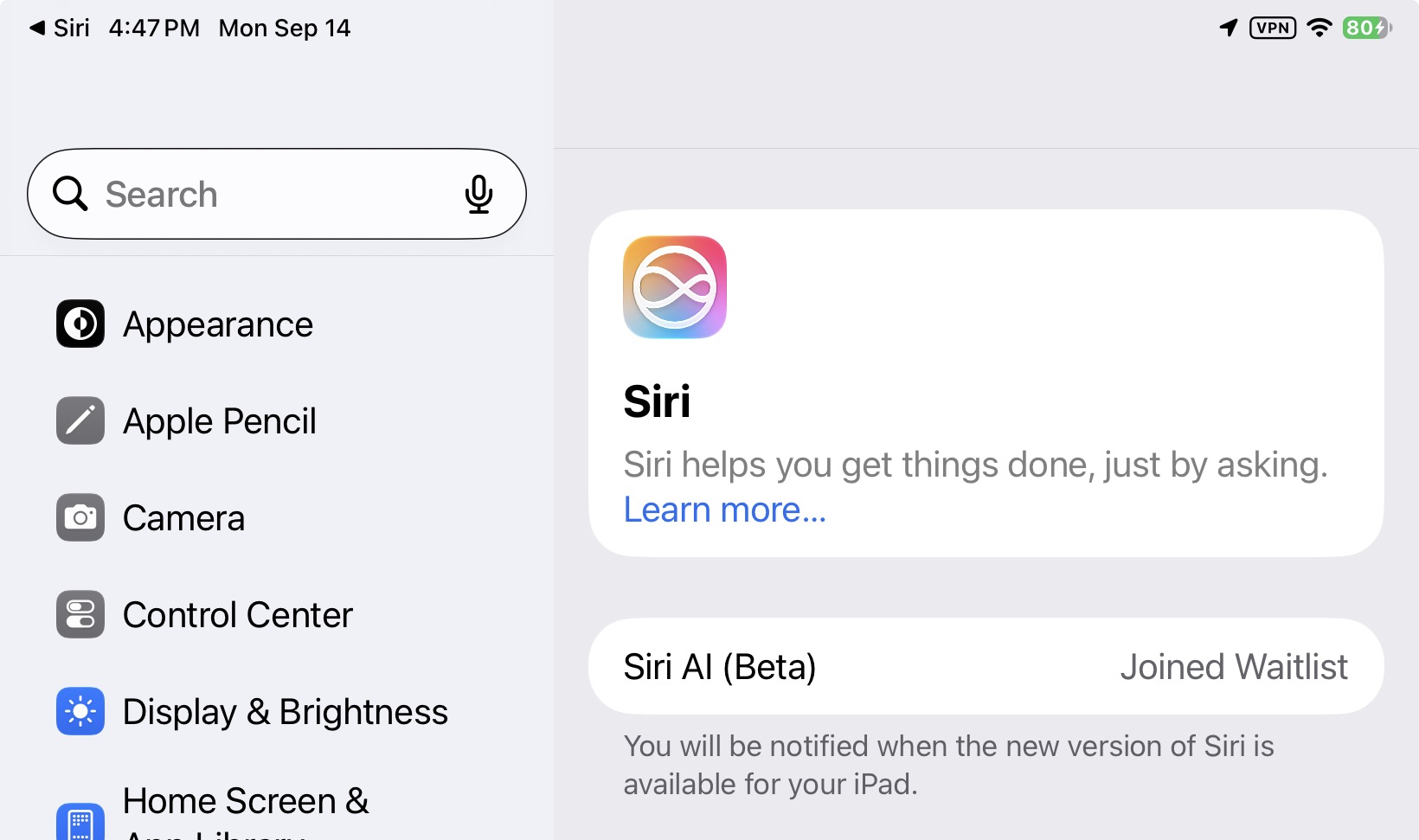
Apple has released the first versions of all its 2027 operating systems, focusing on the long-promised Siri AI and other Apple Intelligence features. Many of you are thinking about upgrading, while others are recoiling in horror. So who should upgrade immediately, and who should wait? Let’s consider a few broad categories of users.
Early adopters: You are probably well into the installation process on all of your devices by now. That’s fine. Although the betas have been stable in my testing, I’ve noticed a few quirks, from slow Siri AI performance to the disappearance of my login items in macOS 27 Golden Gate after installation. Regardless, it’s unlikely that anyone upgrading today will find themselves dead in the water.
Enthusiastic users: If you’re eager to try Siri AI on your iPhone or iPad but can’t tolerate major hiccups, update everything except macOS within a week or so. That short delay gives Apple time to fix any initial problems with overloaded download servers or show-stopping bugs. However, I suggest waiting longer before updating macOS so early adopters can report bugs that slipped past beta testing. If you rely on your Mac to get your work done, the stakes are higher, and more caution is warranted.
Cautious users: Those who see Apple devices—and particularly their Macs—as mission-critical tools should wait until at least OS 27.1, which will likely appear around the time the iPhone Duo ships on 23 October 2026. These updates will address the most prominent bugs that emerge between now and then. Even then, it’s safest to delay updating macOS. If you feel any trepidation about installing Golden Gate, wait until macOS 27.2 appears, likely in mid-December. The advantage of waiting for macOS 27.2 is that you can upgrade during the holiday break, when you’ll probably have more time to install carefully (after making at least two separate backups) and recover from any problems.
Reluctant upgraders: Even those with no interest in new features should upgrade eventually, at least by the last batch of releases before Apple’s Worldwide Developer Conference next June. After that, the only bugs likely to be fixed are security vulnerabilities, so there’s no benefit in waiting longer. Although you can delay macOS upgrades for up to two years because Apple still supports security updates for the last two versions, the longer you wait, the higher the risk of installation issues. You generally cannot delay iOS and iPadOS upgrades beyond a couple of point releases because Apple issues security updates only for the latest versions of those operating systems, along with older versions for obsolete devices that can’t upgrade. Anyone who can upgrade will be forced to do so.
I’ll be writing about features in these operating systems that capture my attention, just as many other Apple-focused publications, websites, and bloggers will. For now, though, these links should pique your interest. Apple hasn’t published feature lists in PDF format yet, nor has it created new release note pages to track updates for each platform. We hope they appear soon.
Yeah, I’ll have to go upgrade my desktop Mac to 26 sometime soon.
I’ve been avoiding it because I’m told that my existing installation of Photoshop Elements will break, and I don’t want to buy the new version, which needs to be upgraded every three years for reasons that only make sense to Adobe’s marketing department.
And no other photo-editing apps have plugin-integration with SilverFast, so if I ditch PSE, I’ll have to scan to files, then edit the files, and then delete them after I’m done with them (I typically scan to an editor buffer, then copy/paste the result into a database).
For macOS I’ll wait until it is clear that Intel apps work properly. I get frequent prompts that a future OS will not support a particular app and (ha ha) I should contact the developer for an updated version. Although Golden Gate is not that barrier it is a concern.
Well I downgraded my iPhone & iPads to 26 last week. My Mid-2011 iMac is still maxed out at 10.13.6 and my 2015 MBP is maxed out at 12.7.6 The Liquid Glass on the iDevices is the crap most say it is. And I’m still being nagged to sync items I either don’t USE or see no REASON to sync like Health and Maps.
Edit 1. Well a new iOS 26.7 update just popped up on my iPhone so I’m installing it. I’ll have to check the iPads to see if they are also getting 26.7
Edit 2. And yes, there is an iPadOS 26.7 just released today.
My preliminary assessment of iOS 27 on an iPhone 13 mini: it’s a strong improvement over iOS 26!
I’m one of those folks who reluctantly downgraded an iPhone 13 mini from iOS 18 to iOS 26 for security reasons. While I become somewhat accustomed to Liquid Glass after heavily tweaking the phone’s settings, probably a day has not gone by without me grumbling about one Liquid Glass annoyance or another, especially in Safari.
Anyway, based on positive comments I’ve seen from iOS 27 Beta users, today I upgraded my iPhone 13 mini to iOS 27, and I am pleased with it so far. I’m sure I would still prefer the iOS 18 interface, but iOS 27 with Liquid Glass effects minimize is a real usability improvement over iOS 26. My impression of overall performance is positive, too.
Maybe Apple has come to its senses.
I’ve been planning to stay with macOS Sequoia for as long as possible to signal my displeasure with Liquid Glass, but I might consider making the jump to Golden Gate sooner than expected. I’m going to install it in a virtual machine for now, but if it is as good as iOS 27 seems to be, I am optimistic.
I’ve been running the iOS 27 beta for three weeks on my 15 Pro, and it was fantastic. I didn’t do too much with Siri AI, but the few Siri questions I asked were handled well. More importantly, I think that iOS 27 is faster than iOS 26 on the same hardware. It’s not often we’ve said that about major iOS updates.
I guess I fall somewhere between “Cautious” and “Reluctant”. I’ll upgrade my main Mac (2023 MacBook Pro M2 Pro) from Sequoia to Tahoe now!
I’ll probably wait until about version 27.3 to install Golden Gate on my 2023 Mac mini M2, just to play with it. (I consider version x.3 of a MacOS release to still be “beta”!)
In my experience, version x.6 of any MacOS release is the sweet spot where most bugs are worked out (assuming the release actually has a “sweet spot”… Sadly, some don’t!) In my opinion, the forced annual major releases is one of the worst strategies Apple has ever employed! I think if they went to every other year, you’d see much more stability.
Feeling simultaneously bored and pugnacious today I updated all of my equipment to OS27: 2024 M4 Mini, iPhone 15 Pro Max, iPad Air 11". Apple Watch 8 to 26.6 (boohoo no 27), and even AirPods Pro 2 firmware.
I guess 2 days before an international trip to the U.S. maybe I shouldn’t upgrade my MBP M1 from 26.6.2 to 27?
I did just request upgrades for my iPhone 13 Pro (can’t use the Apple Intelligence features) and my iPad Pro 11-inch 3rd generation (which apparently can).
My 2024 MacBook Air is still on Sequoia 15.7.9, as is my mother’s 2021 iMac. I’ll update both of those to 15.8 in next few days, and wait a month or so before doing the move to Golden Gate, at least on my machine. I have just the one Intel-only app still installed, and frankly I’ll be glad to see the back of Adobe Digital Editions. But I suspect there are a lot more old apps lurking on mum’s iMac, brought over from her previous 2014 machine, so will need to audit those first and see what’s still required.
I’ve reluctantly concluded that Liquid Glass won’t be going away, but at least it seems like Apple have fixed some of the issues.
I’ll upgrade my 2022 iPhone SE to iOS 27 around the same time I do the MacBook Air — while I’m not entirely happy about needing to do that, it’s clear that I’ll have to in order to stay secure.
I fall into the “Reluctnat upgraders” category. Yesterday, 9/14, I tried to upgrade from Sequoia to ‘26’ and found that the Software Update route was only offering me 27.0.
I’ve dug through the last Take Control book and have downloaded the installer for 26.7.2 and plan to do a clean install on my M1 Studio since that machine (and several machines before it) have just been getting OS updates on top of each other for 20 years or so.
In a completely off topic, I am having fond memories of my old Macintosh PowerBook Duo 230 since they announced the iPhone Duo.
Updated iPhone and iPad. No problems during update process and both devices are running normally so far.
I keep my Macs one annual version behind whatever is current (so I moved from Sequoia to Tahoe right before the Golden Gate release date) because I don’t want to be a real-time macOS beta tester for Apple unless they compensate me in some way, ha.
I just recently moved from Sequoia to Tahoe (SuperDuper! did not have a non-beta version compaitible with Tahoe until recently). so getting used to it. Given that I use only third party software on my Macs, must insure all of them are compatible, especially some critical ones like SD and Thunderbird. I also do not plan on using SIRI, and at least for now and the future, AI. Finally, it has been proven many, many times thta the firts few releases of the Mac OS contain bugs. I will wait until at least V2 is released. Given how stable Tahoe is, have no compelling reason to move to Golden Gate.