folks, i’ve a long-standing annoying issue that maybe someone has already solved.
i sync tunes to my phone using a playlist that has specific rules about what can and can’t transfer. it selects by genre, rating (must be 5 stars), last played (mustn’t have been played in the previous 6 months) and a few other criteria.
note that i have my own curated library of tunes. don’t subscribe to streaming services, including apple’s, cuz they rip-off the artists.
playlist works a treat.
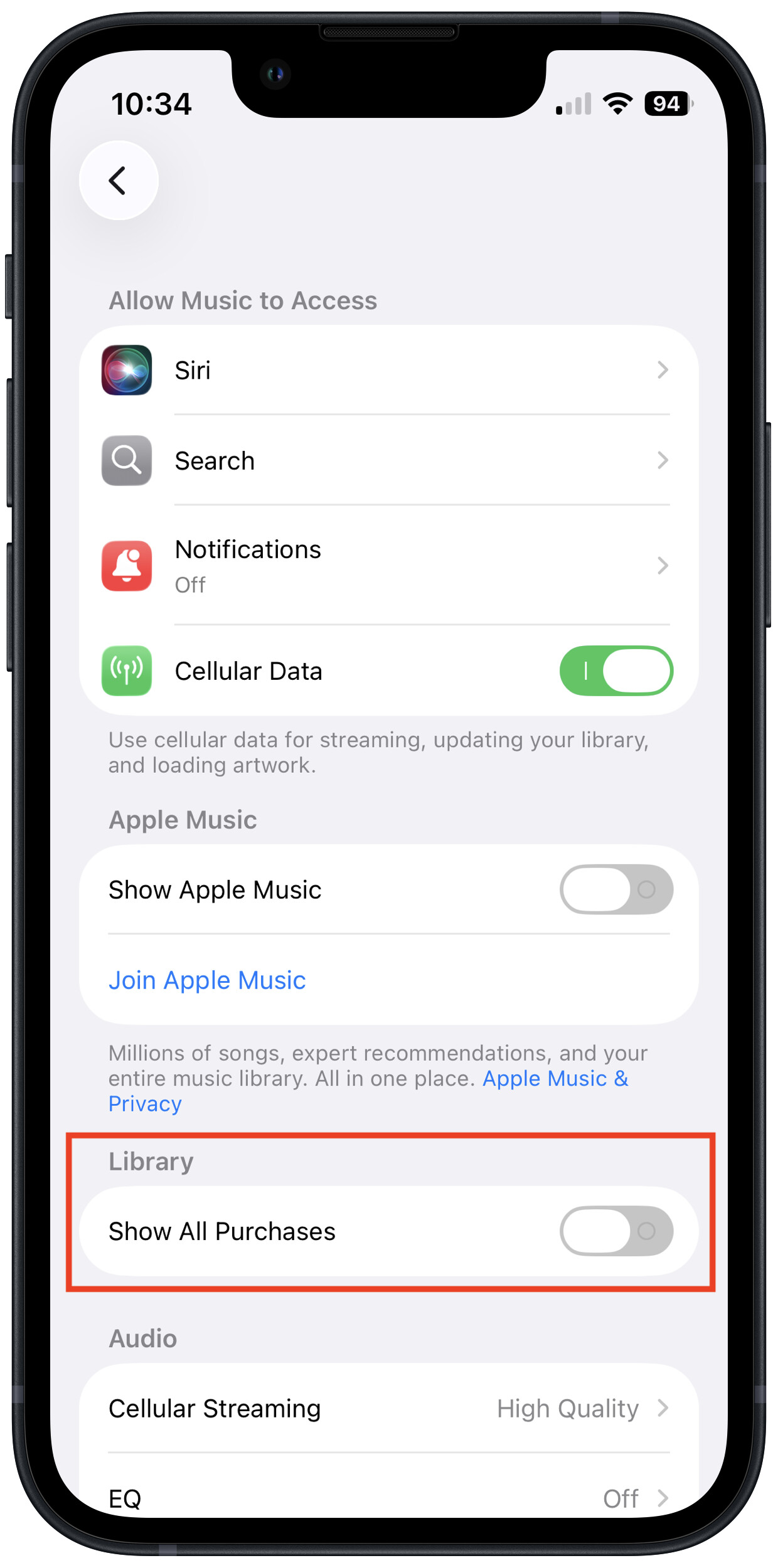
except for tracks that were “purchased” from apple itunes. those tracks appear on my phone whenever apple feels like it, including crap i never want to hear again. they then don’t show up in the “last played” column on the computer after syncing.
fairly certain if i delete those tracks from my library, they’d still show up on my phone. zombie tracks.
this has been frustrating me for years. entirely stopped buying tunes from apple because of it. resurfaced recently when the damned phone started playing the odious cover of “light my fire” by massive attack.
has anyone found a way to prevent apple from syncing whatever it wants to their phone?