I use Reminders heavily on both my MacBook Air M3 and on my iPhone 12 mini.
I have at least 50 lists, some nested in others. And I think I have over 1,000 reminders.
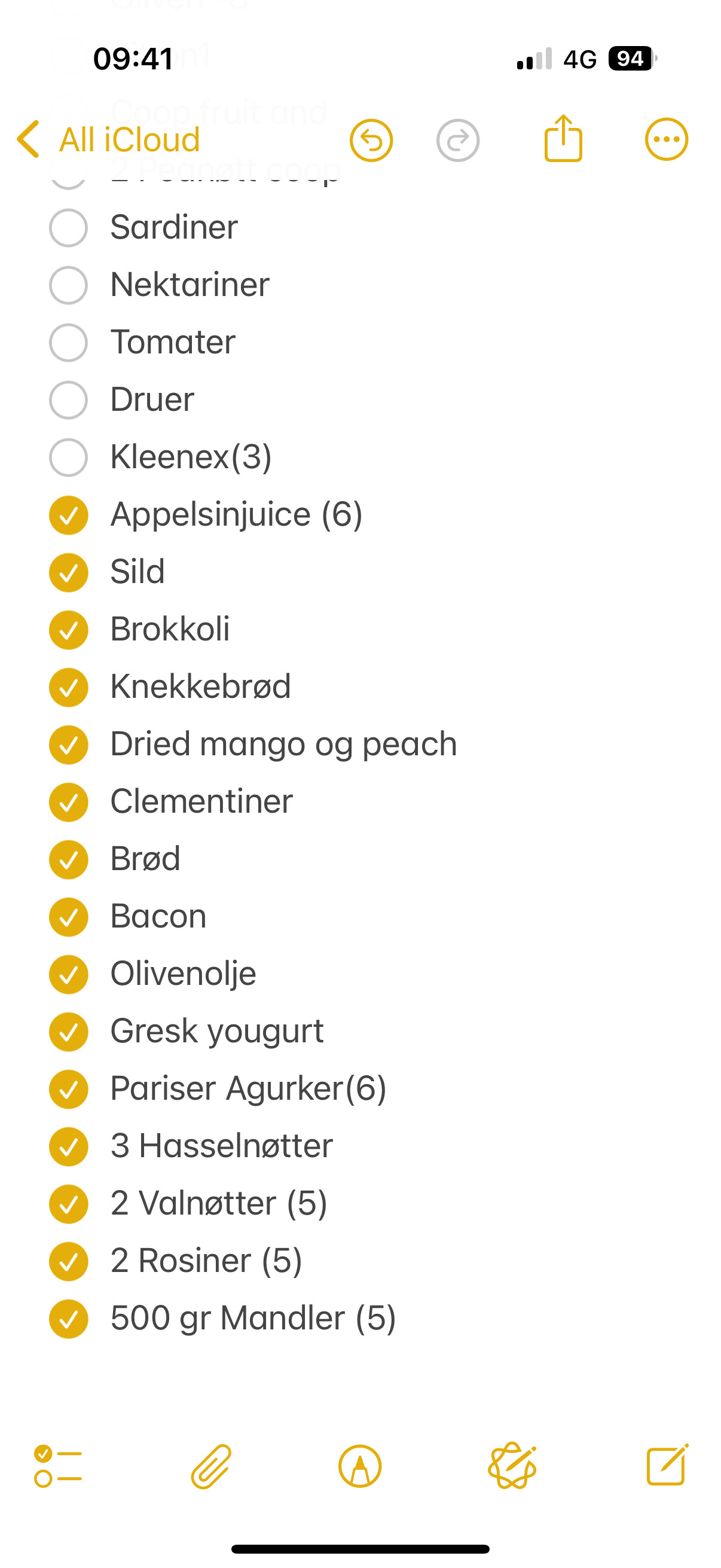
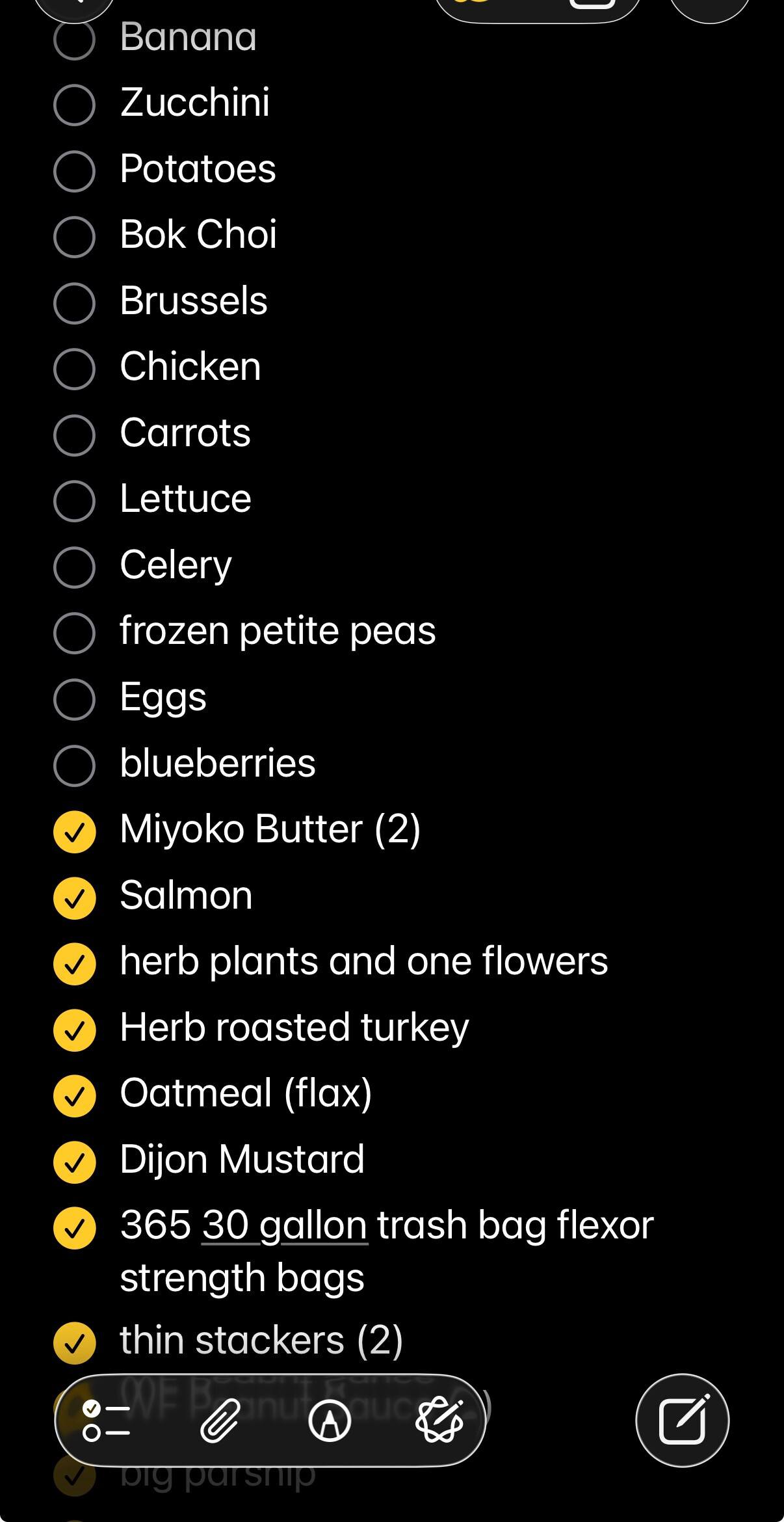
Among other things I use one Rerminders list for Groceries, which has over 600 items on it. Many of those items have notes on prices and other information, so I rarely delete any of them. I just mark them as Incomplete when I need them, and mark them as Complete when I buy them. So, for example, when I want to add “Aluminum Foil” to my groceries list, I use Search, typing maybe “Alu…”, and if things are working as they should the item appears in the search results and I mark it as Incomplete.
The problem is that Search is not working for many items. As of today, when I search for “Alu…” on my Mac, it finds “Aluminum Foil” quickly, but on my iPhone it finds nothing… even though I can find the item manually by scrolling through the list.
I have turned off Reminders in iCloud and then turned it back on more than once. That seems to have solved the problem on my Mac, but on my iPhone it only helped a little.
It seems like the oldest items are the ones that usually cannot be found, the ones that were created or modified least recently. If I mark one of those old hidden items as Incomplete, then I can find it, so apparently changing the mark incidentally updates some index. But why should it need to do that? Why are all items always in the index?
Back in April I called Apple Support and spent about 4 hours on the phone with an Apple support person. He was very nice and methodical, but I ran out of time and I’m not looking forward to another 4 hours phone call, so I have not (yet) called back.
I know that Reminders uses SQLite, which I use myself for some work I do, but exactly how SQLite is used is not obvious or documented anywhere that I know of. For the small number of Reminders I have, SQLite should be able to find any one of them with no index at all.
Do others see problems like this? Does anyone have a solution or ideas about it?
I think the problem you’ve got is that your ‘small’ number of Reminders is actually too big for the app to manage properly. I can only surmise that Apple has never tested it with over 1,000 items.
The only solution I can think of… is to rethink your use of Reminders. Maybe consolidate them somehow, or transfer some listes into Notes? Good luck!
Are you referring to before or after you tap the Search button on the keyboard? Until then I believe it’s just a quick filter and is not a full search. (I find this trips me up in Mail quite often.)
I also use the Reminders app as a “check list” app.
I never use it for actual reminders. When I need that, I add an event to my calendar or start a timer.
Unfortunately, Reminders is not designed as a generic check list app and doesn’t work well when used in that capacity. If someone else can think of a convenient free/open source app that could be used in this capacity (including being able to sync between my Mac and my phone), I’d love to hear about it.
I’m not sure what you mean by a “check list” app. I use Reminders lists for packing lists for trips and I find it works well for that, aside from this search bug. I mainly use my Mac for those lists just to avoid this bug, but I can see uncompleted iterms on either my Mac or my iPhone, for example.
I second this. My wife and I share our shopping list in Notes. In the morning on the day we go shopping, we look at the list. It is automatically sorted so that the last thing you bought/checked is last. The often bought items are found fast. You can search for other items.
Then I regularly go and buy most of the groceries a short way from home, while she travels to a place where there are a lot of shops to get some of the groceries and other things. As she or I check the items we buy, the list is updated for both of us.
The checked items go up above the non-checked, which is useful because sometimes I check the wrong item. The items are a bit close for my finger.
I don’t understand what you mean by Reminders not being a generic checklist app, but I’ll offer that I use Things with great success across several devices. But of course it’s not free.
I mean where I can provide a list of items and then check them off as I’m done with those items. Like a shopping list.
Apple’s Reminders app can sort-of be used like this, but it really wants to act as a pseudo-calendar, with dates and times attached to every item and pop-up alerts as those times arrive. Using it as I would like is pretty awkward.
Thanks for the tip. When was that added? I’ve been using Notes for quite some times, but I didn’t think you could use it for more than just plain text.
I keep our grocery list in Notes as well - check an item and it sorts to the bottom, uncheck it, and it goes up. I don’t have hundreds of items though, that might make it cumbersome, and require searching. I browse the list before going to the store, unchecking items I might otherwise forget, and check the list once I’m close to finishing the trip.