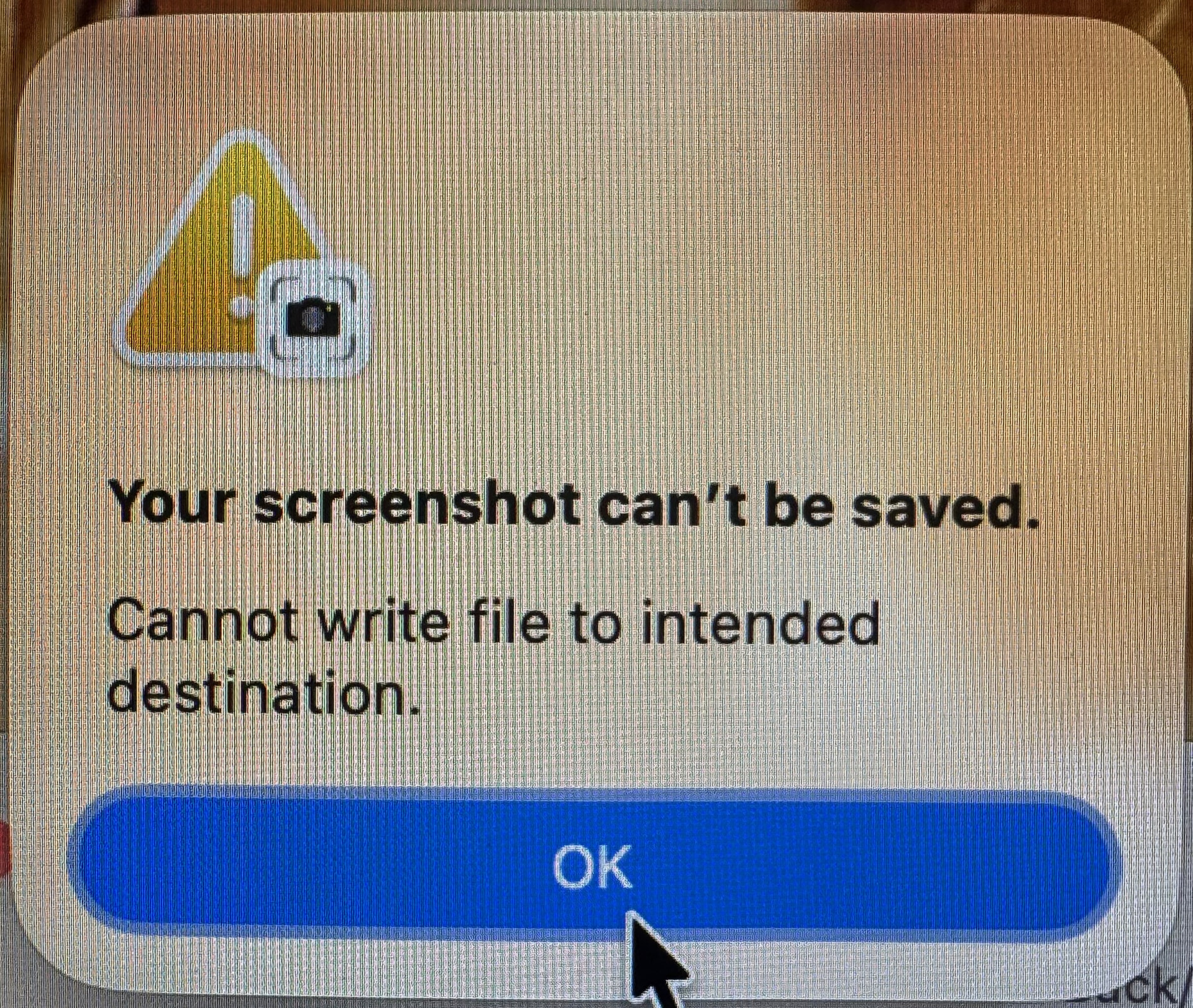
Last week I started getting errors when I took a screenshot. It told me that it was unable to save to the destination. I have never had that happen, but things get updated and they cause issues. I was also using Dropbox’s Settings to save it to Dropbox, so I turned that off. No change. I invoked a cmd-alt 5 function to bring up a Settings function and changed the location to a local disk. No help.
I looked at suggestions on the interweb and did not find anything useful, only that Apple hides their screenshot functions somewhere in System Settings. I ran Disk utility on everything in case it was a permissions thing, but I am not even sure if permissions are a thing as you used to be able to fix it with Disk Utility directly. I booted up in Safe mode, deleted All my apps in the login at startup, even went so far as to reinstall Tahoe, nothing worked.
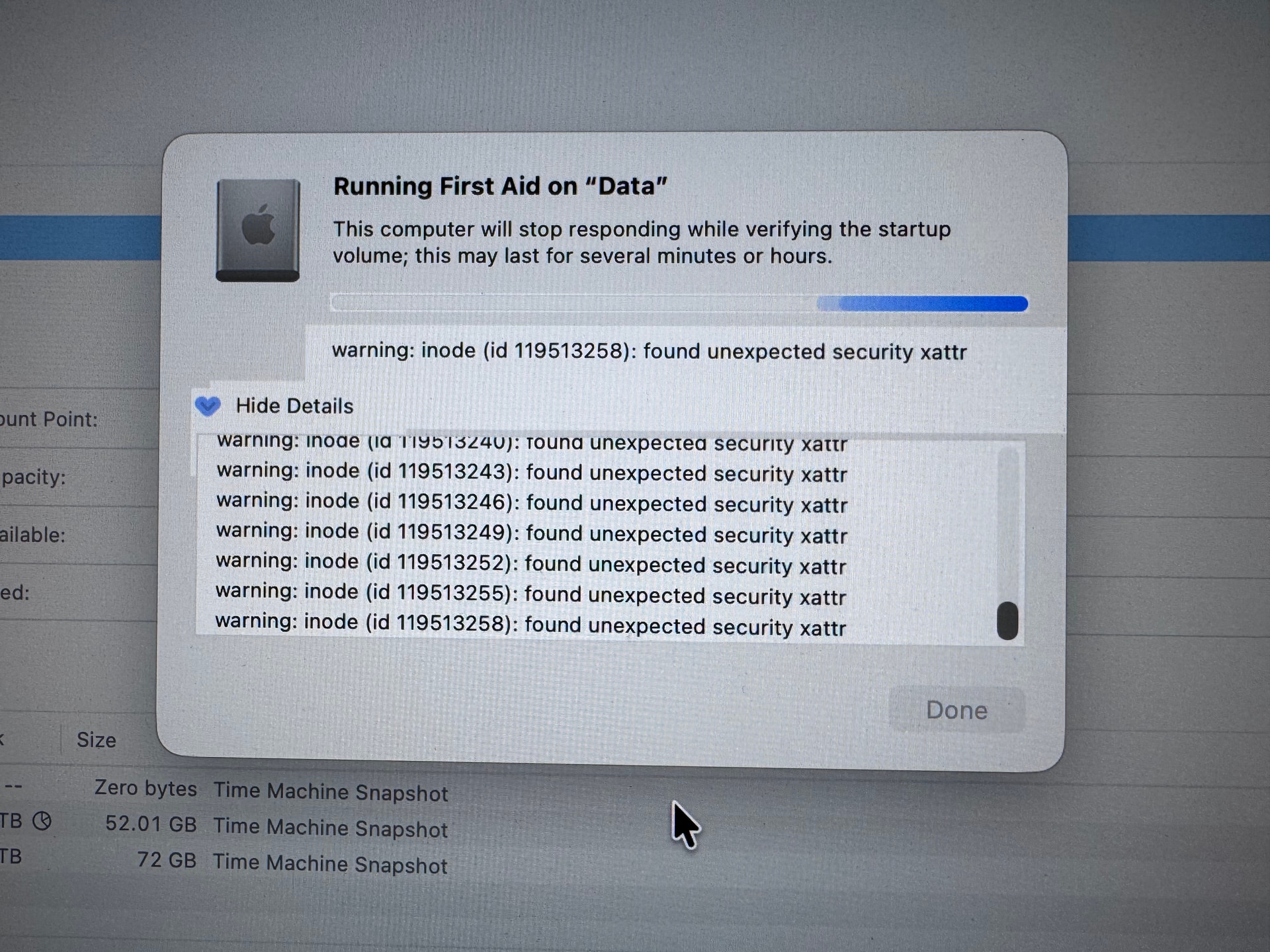
When I ran the DU on the internal drive, I got this somewhat concerning result from DU
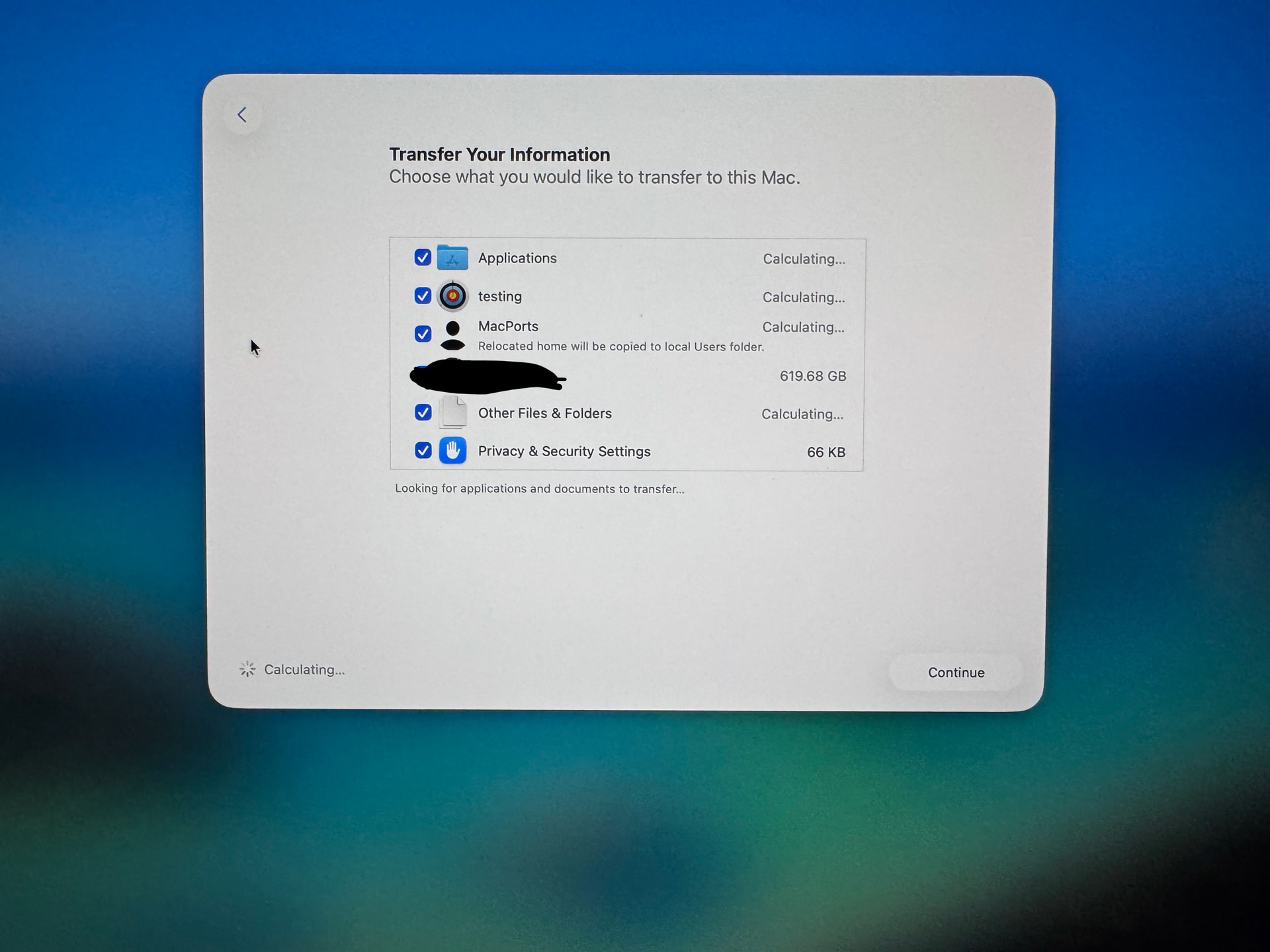
so I decided to start with a clean slate and wiped my internal drive, reinstalled Tahoe, and recovered with a very recent backup. When I was doing the recovery, I saw an odd thing that besides my account and a test account (which still had the permissions error when I tested it) I had something about MacPorts (which I have never seen before).
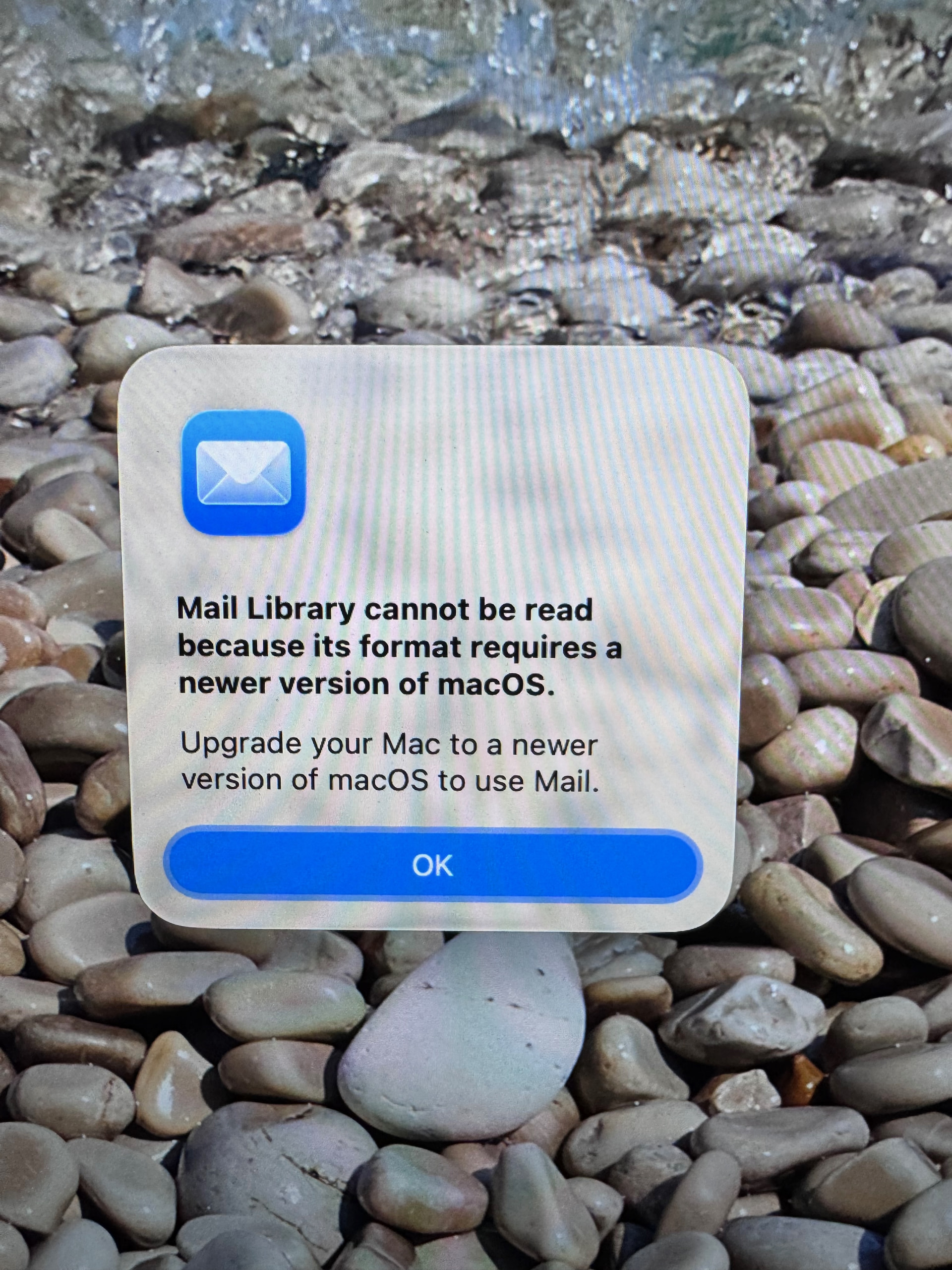
I decided to skip recovery of the test account and of MacPorts and the recovery continued and finished. Then I found out I was unable to get into my Mail account
So a correction. I was on Golden Gate when this all happened but just found out that my “Recovery” sent me back to 26.01 rather than 27, and now I am updating to 27.0.1. This explains the Mail error. And my Screenshots are now being saved to my disk. It seems that Apple’s default position is not to upgrade to the AI MacOS. Interesting.
MacPorts creates a (normally hidden) user and group named “macports”. The purpose is for privilege separation - so it can do certain actions at higher permission levels, but without needing to run it as root.
You can see these entries with the following commands:
dscl . -list /Users
dscl . -list /Groups
and look for a “macports” line in each command’s output.
You can all the ugly details for this account with these commands:
dscl . -read /Users/macports
dscl . -read /Groups/macports
This account is supposed to be hidden, but there’s a bug somewhere where the account becomes visible when restoring a system via Migration Assistant.
You can safely ignore it. If you want to delete the user and group, you can, but it might break MacPorts. But reinstalling MacPorts will re-create them, as their normal hidden selves.
I encountered this visibility bug when updating via Migration Assistant from Mojave to Sequoia. I deleted the accounts then reinstalled them via MacPorts – and they were once again hidden.
Edit/corrected to add:
If you have a MacPorts user on your system you – or someone with access to your computer – installed MacPorts. Its software is typically located in /opt/local/.
They’re functionally equivalent, but the three systems have different package management apps and they don’t all have identical sets of packages (but there is quite a lot of overlap).
Since my Recovery, I have noticed that most of my Apps say they were damaged and Apple will not launch. If I click on an app in my Dock (if I have it there) it opens fine.
And now the screenshot problem is back (worked yesterday)
I would recommend running Disk First Aid again. It’s possible your storage is failing at a hardware level, which could explain why the errors came back so quickly.