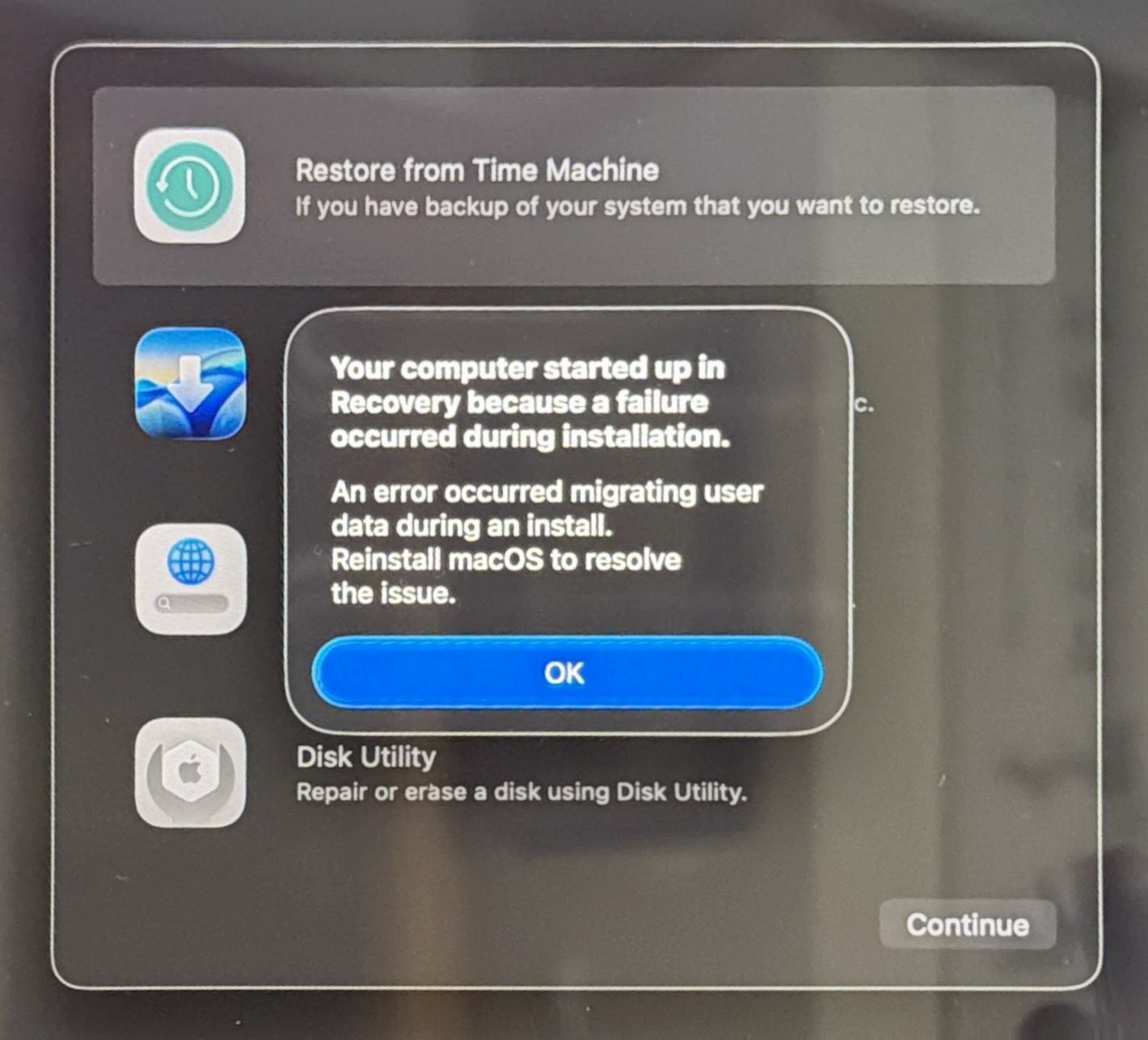
I reinstalled macOS 26.2 from this Recovery screen, and after several hours of downloading and installing, I got a login screen, as if the update had succeeded. However, after entering my username and password, the same Recovery screen appeared.
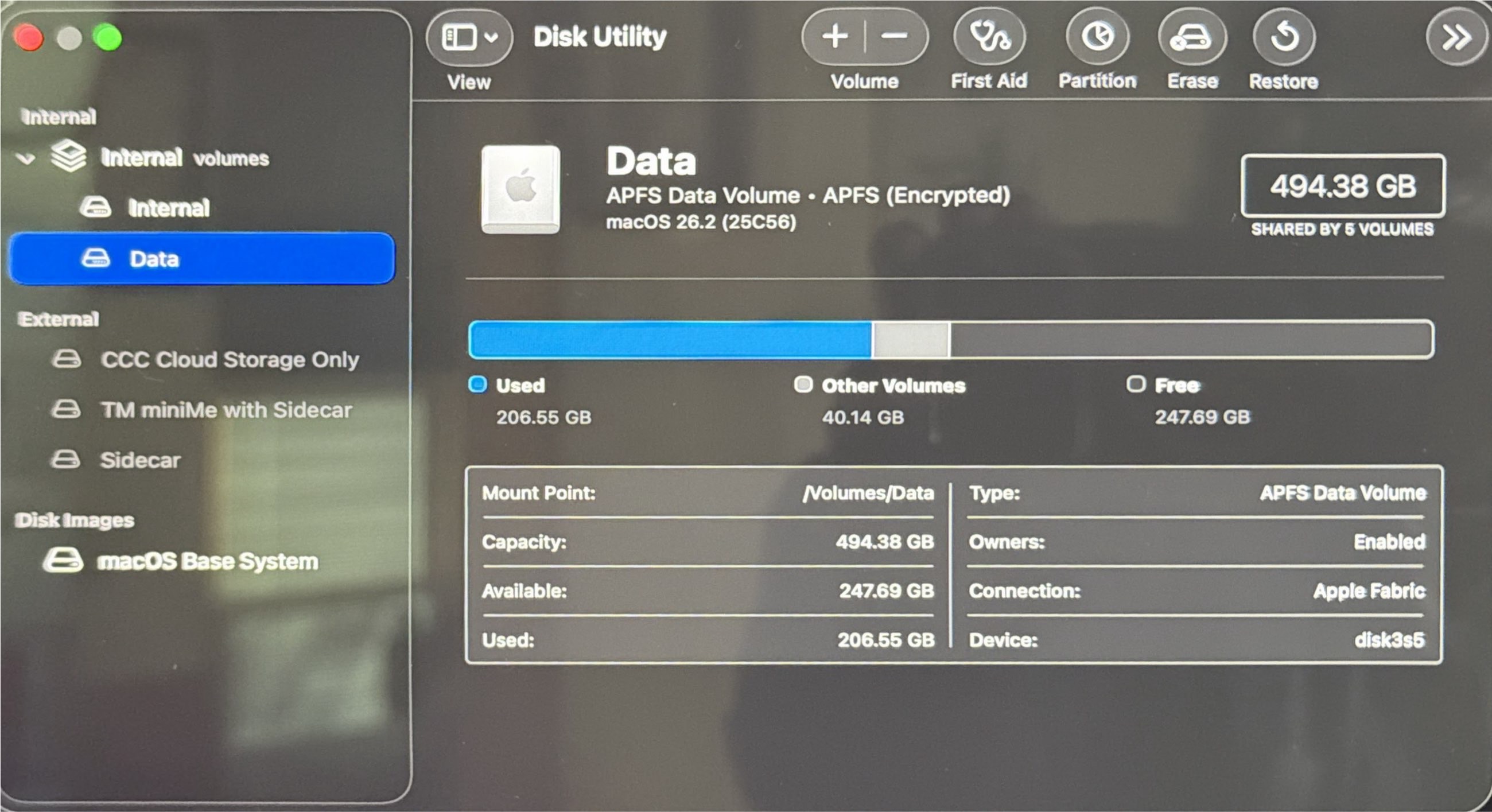
I ran Disk Utility on the internal Data drive (which contains the Home directories for all users):
Many/most/all of my 24 snapshots had many of the following types of errors:
1. “no inode reference for this doc-id”
2. xattr is missing for compressed file
I got what appear to be the same errors when I ran Disk Utility a second time.
Yes, I ran a Time Machine backup before launching this System Update.
It seems strange that the 26.1 → 26.2 update would involve migrating data. Migrating from where to where I wonder?
If you have a backup, I’d wipe the Macintosh HD disk and then reinstall macOS “clean”. If the installation completes and you get to Setup Assistant, then you know you have a good installation of macOS. Maybe skip the migration offer initially and create a new “dummy” account (I find a second utility account to be helpful for dealing with issues in the primary admin account). Then migrate data from your backup via Migration Assistant.
Just want to add that if you set up a “dummy” account for testing following a factory reset, it’s best to do another factory reset right after using the temporary account. Otherwise, a data migration can run into User ID problems.
If you KNOW that you have a good backup (check it to be sure), then I’d suggest using the “erase all content and settings” option in System Settings to restore it to “moment zero” (i.e., the moment you first pressed the power on button after taking it out of the packaging).
I tried this option once, just to see if it would work, and it does.
It doesn’t even take much time.
Then… I restored my data from a CarbonCopyCloner backup (I’ve never used time machine, don’t like it, don’t trust it, and don’t recommend it – my opinion only).
Again, BE SURE you have a backup – because once you use this option, anything and everything you’ve put onto the drive after moment zero will be GONE.
Just wondering, if you’ve never used Time Machine, what has led to you not liking it and not trusting it? I agree recommending TM isn’t a good idea if one hasn’t ever used it.
I shut down and powered off my Mac last night, powered it on this morning, and was able to log in as usual.
I also had problems with other devices (iPhone 17, Apple TV 4K 2G) after updating to OS 26, all of which were fixed by powering down and restarting. What surprise(s) will my MacBook Air M2 have in store for me when I update it later today?
Wow, you’re having bad luck with your Apple’s OS v26 upgrades. I never ran into those major problems. Just minor ones with previous major version (not minor versions).