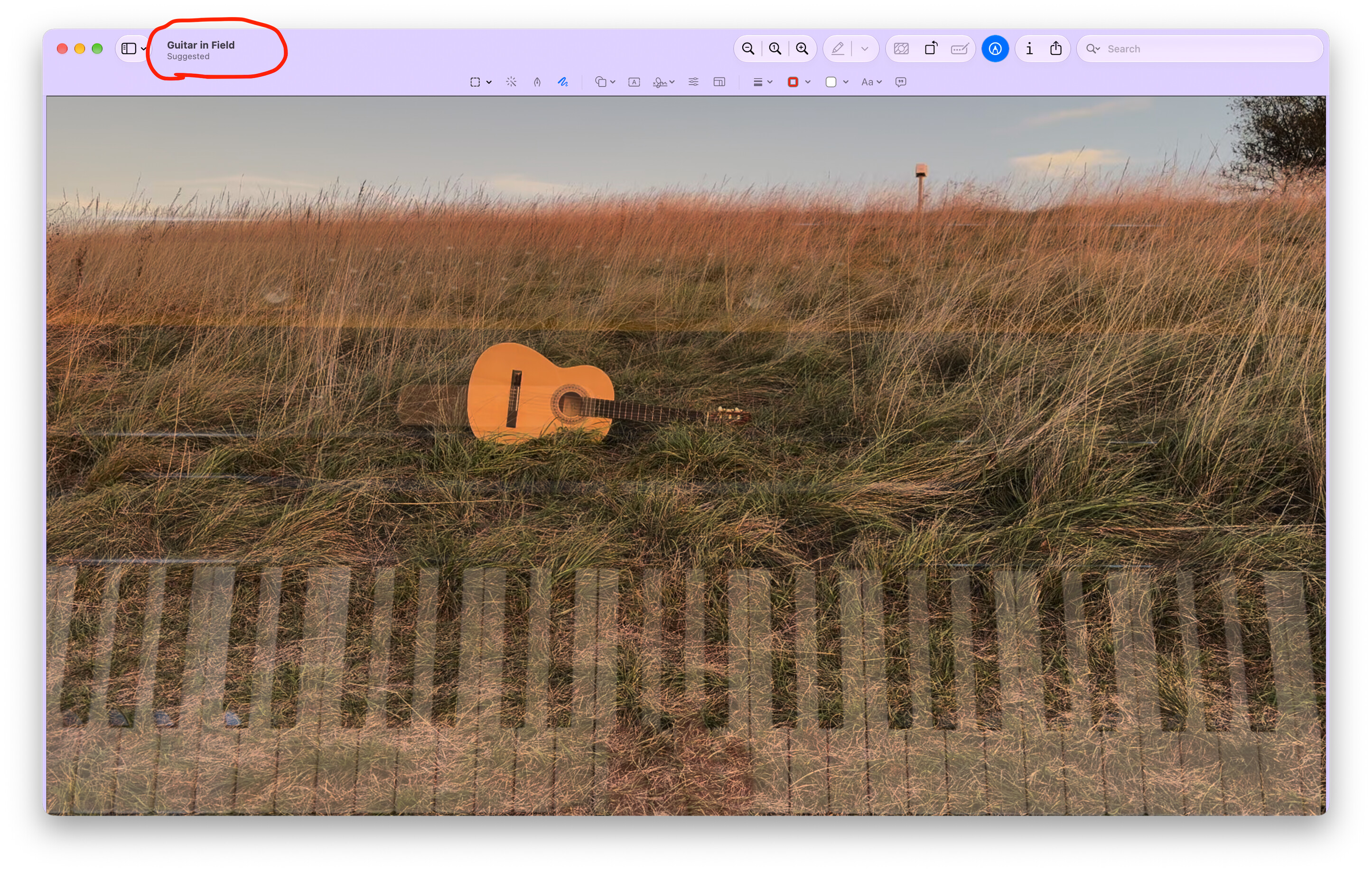
Again apologies if you already covered this, but it’s cool and useful :-)
I took a screenshot to clipboard, then pasted in in Preview, and this is what I got. It proposed a file name based on the content :-)
Pretty cool.
Again apologies if you already covered this, but it’s cool and useful :-)
I took a screenshot to clipboard, then pasted in in Preview, and this is what I got. It proposed a file name based on the content :-)
Pretty cool.
I was noticing this on my iPad when I was adding screenshots into a database and when I cleared the name, it suggested one that matched the item but also the pattern of the files in the folder I was using.
It’s the same with TextEdit and untitled files, they have suggested titles in the bar pretty quickly. Interesting to see image analysis being used too.
I am not seeing this. What is exact sequence? and is there a setting?
I usually do shift+cmd+4 and drag the cursor as required and thumbnail appears directly on Desktop. Opening in Preview does not change name.
Tried changing to “floating thumbnail” but still not happening.
Pasting from clipboard into Preview, gave the title “Untitled”.
Siri AI beta is enabled.
27.0.1 on M3 MBA.
Thanks
Same thing on renaming a folder in Finder.
Okay, now I’m trying to reproduce it, and can’t :-) It just says untitled. I’m running the same macOS version as you. Mac mini M2 2023. Looks like some more research is in order…