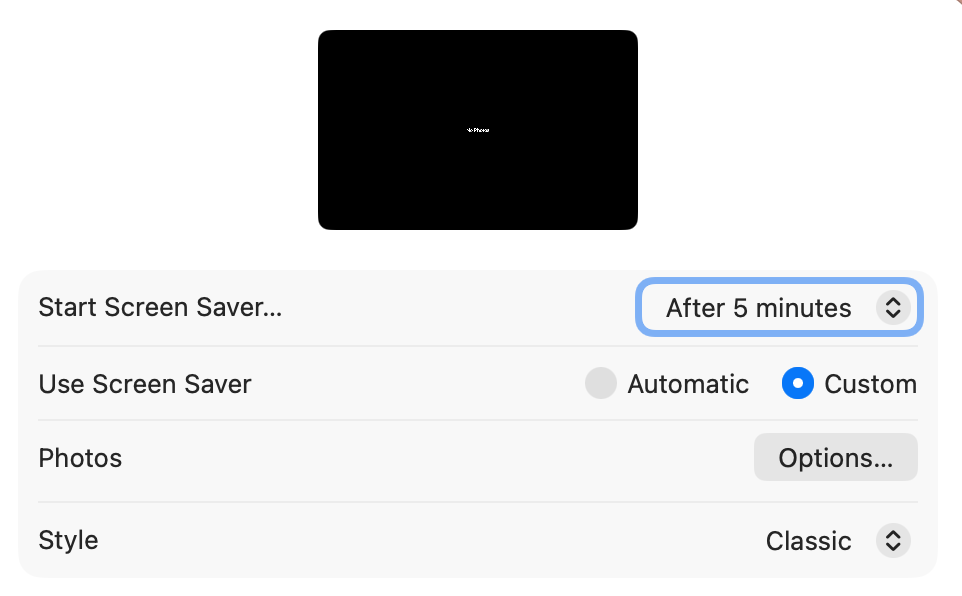
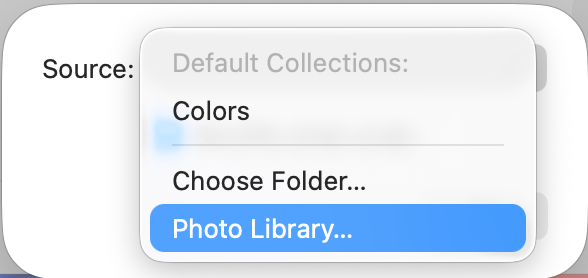
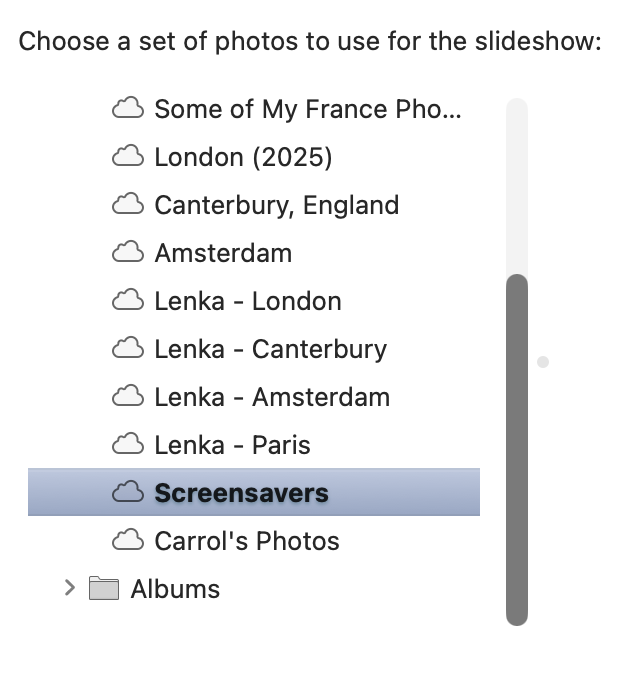
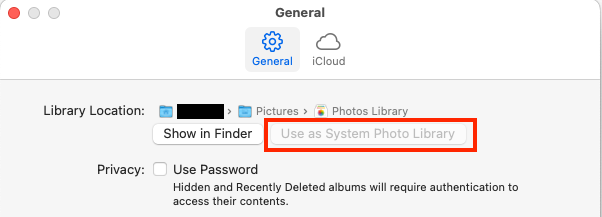
Hi friends! Yesterday I upgraded/updated to MacOS Tahoe (26.0.1), and most everything appears to be working as expected, save a few weird and random glitches. As a photographer, I have my screensaver set to show a collection of my images, but that feature isn’t working for me. When I go to: System Settings → Wallpaper → Screensaver → scroll to the bottom of the window and select “Other” → Photos → at the top of the window select Options under Photos → choose “Photo Library” as my Source → select my “Screensavers” (or any album), nothing populates.
If I go to the Photos App, all of the Shared Albums are there and populated with images. This same “Screensavers” album works on all of my AppleTVs running tvOS 26.0.1.
Anyone else experiencing this issue? Got a fix for it?
Also, give it some time. If you just upgraded macOS, it may take some time for the system to (re-)index the Photos database. The screen saver might not see anything until that finishes.