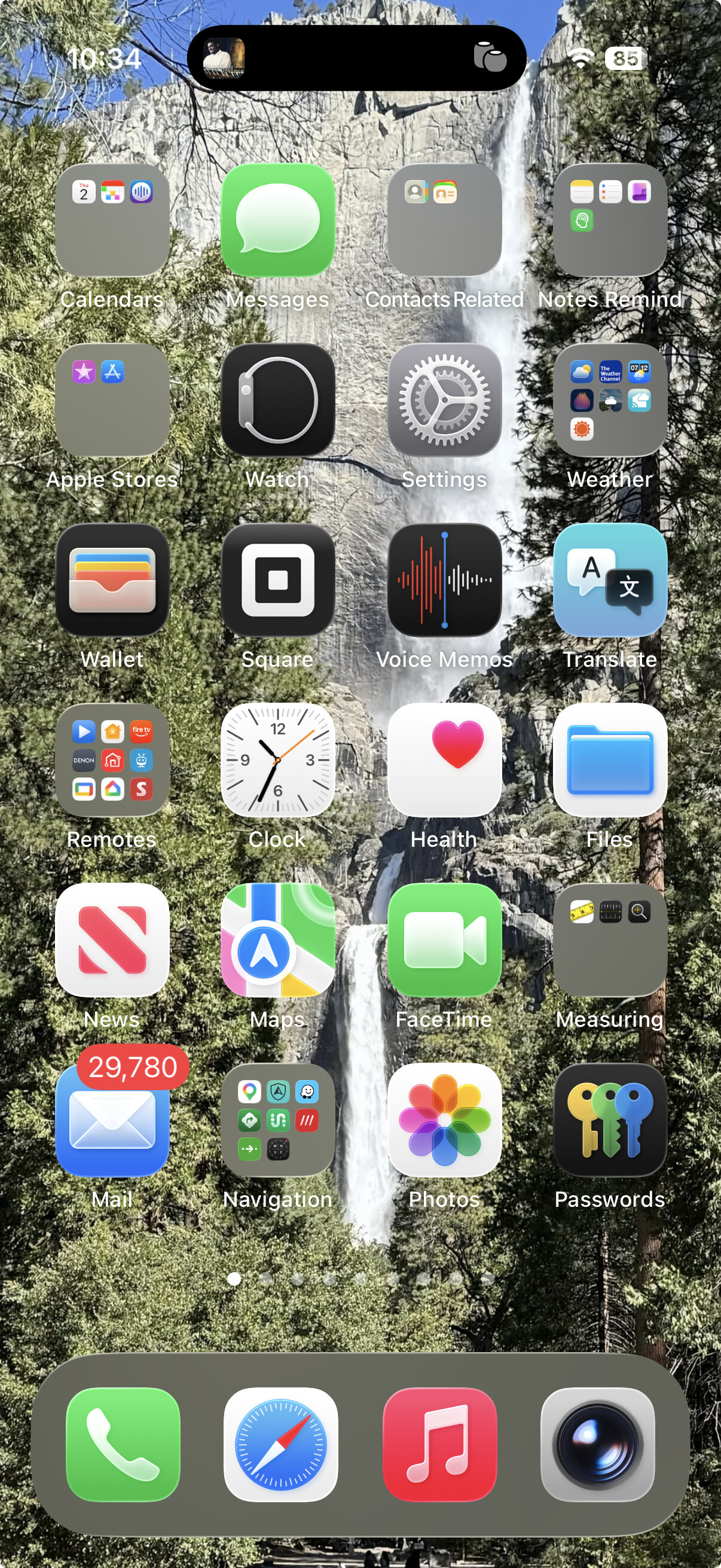
Have you tried the ‘Reduce Transperancy’ option? It’s right above the 'Reduce Contrast ’ option in Settings>Accessibility>Display 7 Text Size. The main thing it did was change folder transparency to a grey background, allowing one to see the icons, no matter what the wallpaper is. While not particularly useful to me (I usually use Spotlight, rather than searching for icons), it might make using Liquid Glass easier for you.
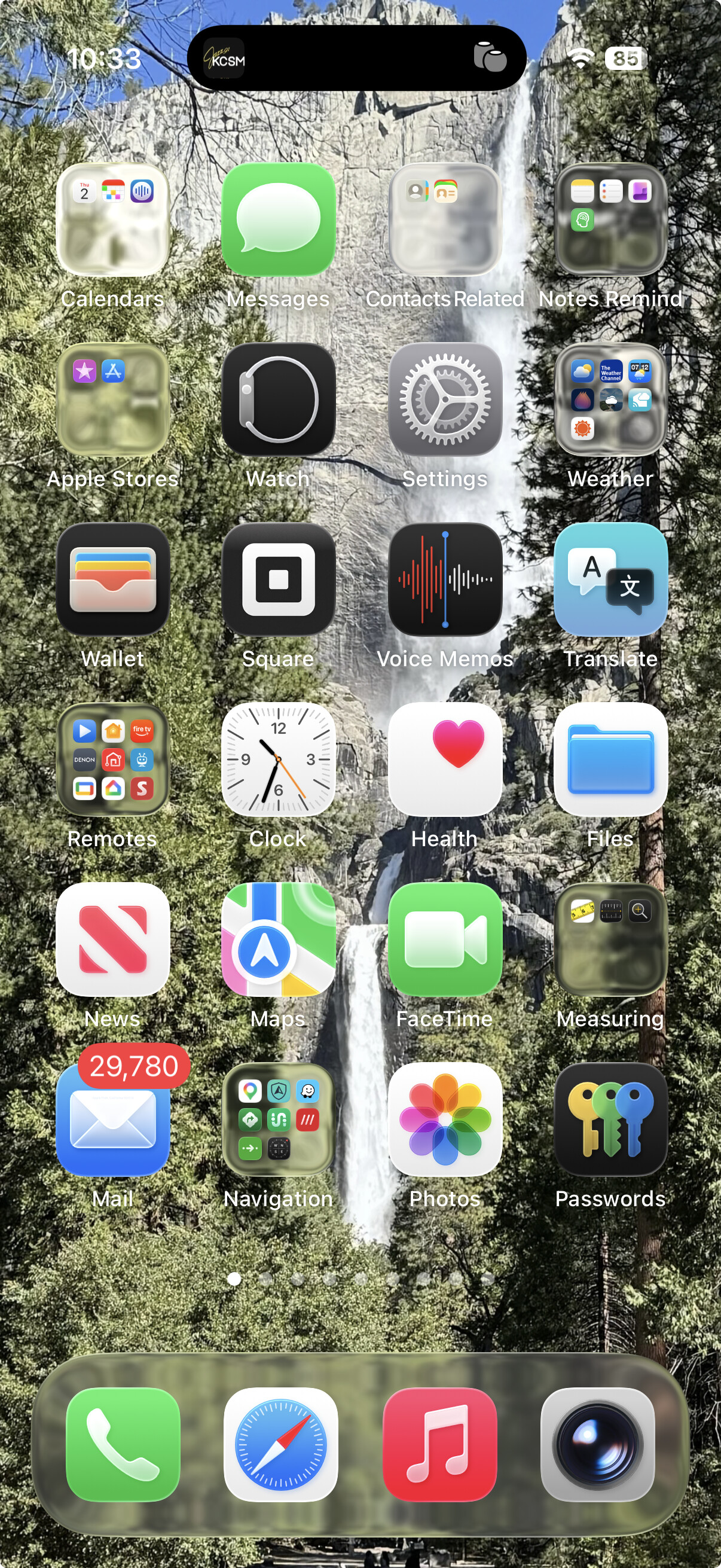
Default:
Reduce Transparency: