Wow, that’s succinct! I actually created my own cdf script just in bash like this:
cdf() {
  dest_dir=$(dirname "$1")
  cd "$dest_dir"
}
Wow, that’s succinct! I actually created my own cdf script just in bash like this:
cdf() {
dest_dir=$(dirname "$1")
cd "$dest_dir"
}
I find it infuriating that Word (and the rest of Microsoft Office) does that. I think I understand what they are trying to do: avoiding removing a file from OneDrive and then losing it, but there should at least be the option for us “daring enough” to enable it…
How does that work? What is the target to trigger that behavior?
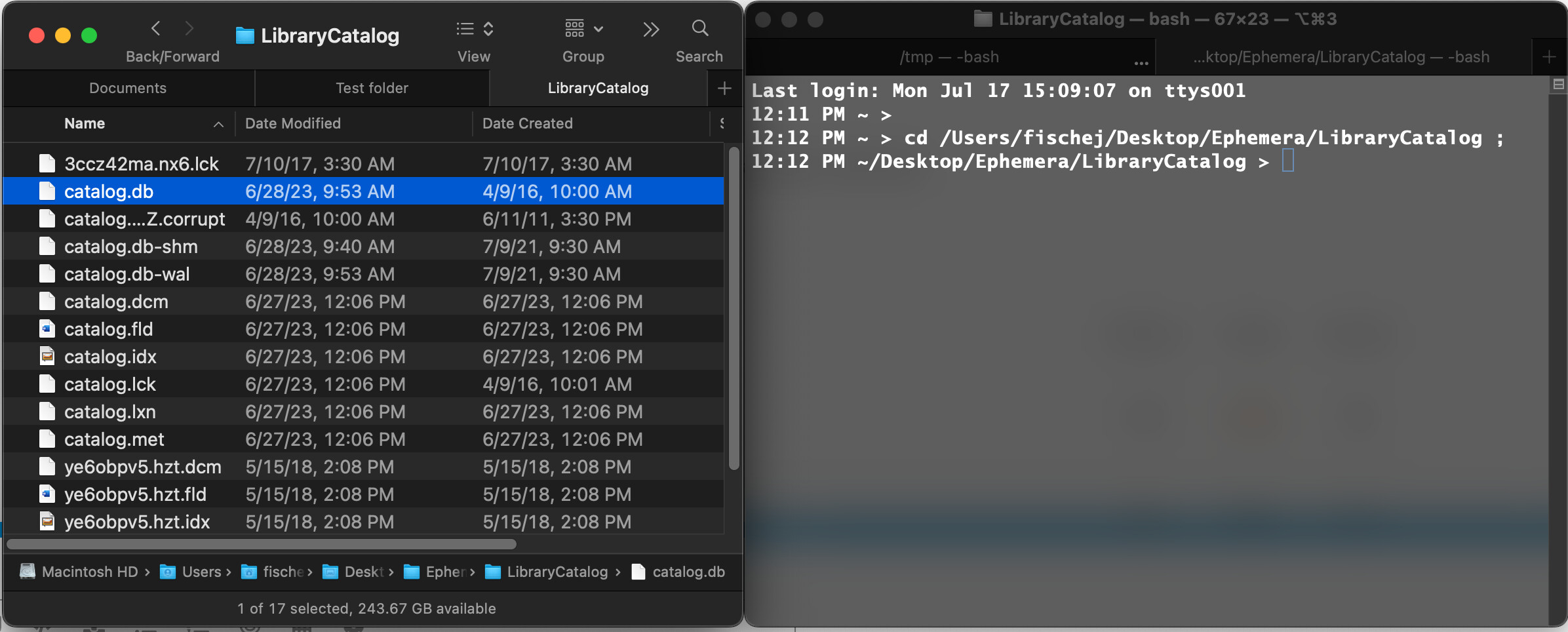
Here’s a screenshot of what I’m talking about. I command-dragged the proxy icon for the file ‘catalog.db’ from the Finder window on the left to the Terminal window on the right, which shows the results of the operation:
I use it often enough I turned on the setting that makes the proxy icon always visible.
Sorry, where is that setting?
I was one who never used Proxy Icons because I never knew about them.
Note that I know about them (and BTW thanks for the screenshot) I’m going to use these all the time
Just discovered another neat trick upon clicking a proxy icon for Finder folders, at least
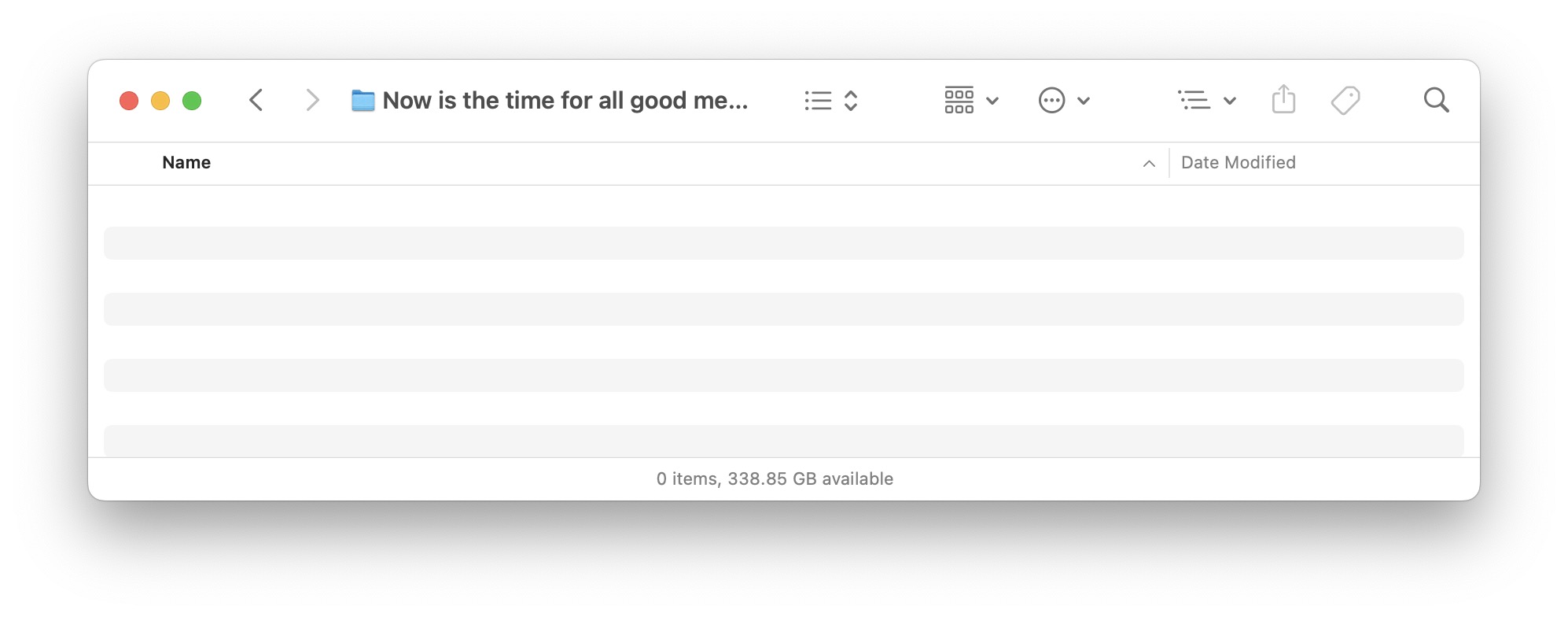
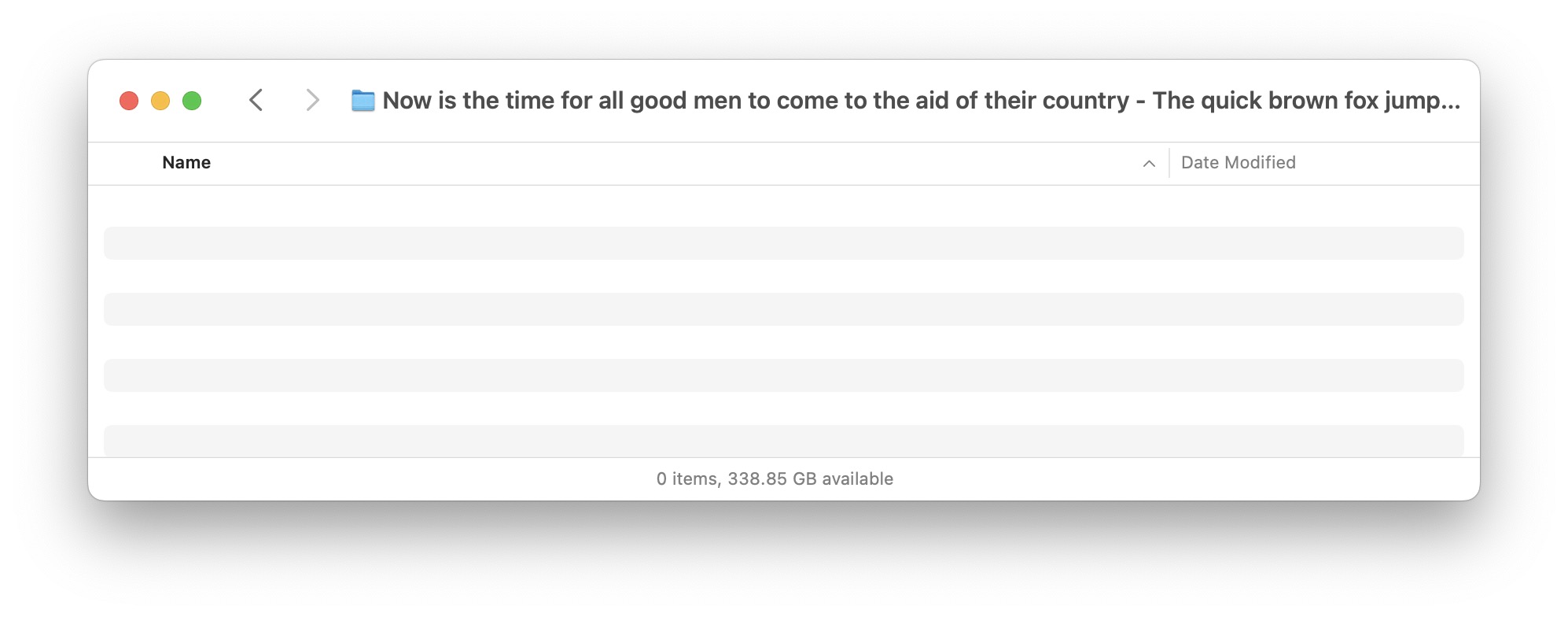
If a folder name is long, in normal view, it may be truncated to permit the display of title bar icons. However, when clicking the proxy icon (or the name), some or all of the title bar icons disappear and more of the name is displayed - depending on the overall width of the folder