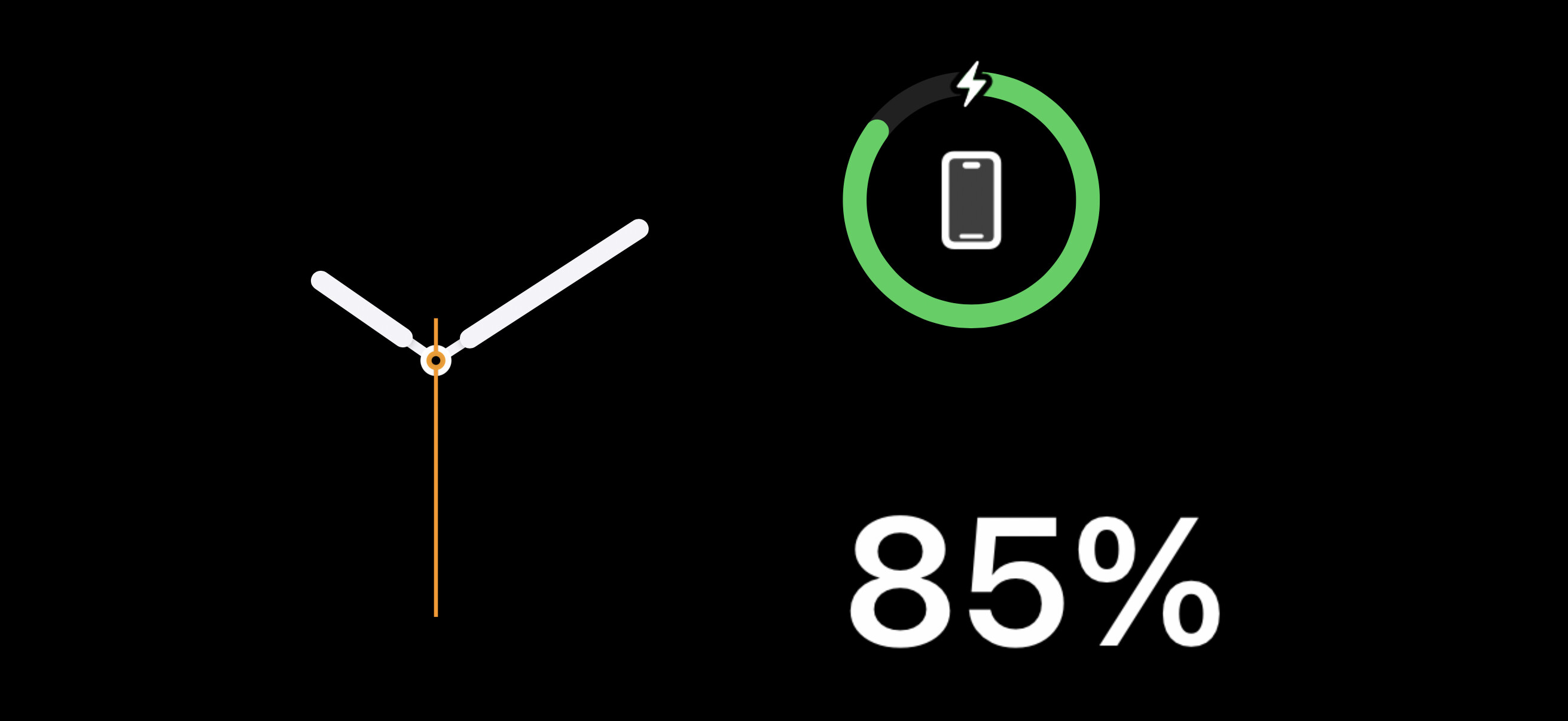
This very recently started, phone in standby mode.. Yeah I know about them being widgets, I used to have a calendar for the left side. NOW I can change it to my calendar display, but the next time I go into standby mode, I get this symbol. No it’s not some minimalist clock, it very much is a statc, useless image. Very annoying, anyone know what is up?
If you long-press the left side, you should get a widget-customization screen. You should be able to delete any widgets you don’t want from the stack and add ones you don’t want.
I assume you will want to delete all but the specific calendar format you want to look at, so there’s no chance something else will appear there. Or at least delete that useless clock-like image (maybe adding a clock widget that you do like).
You can do the same for the right-side widget stack.
As for what’s happening on your device, I wonder if maybe you were using a widget that no longer exists (deleted an app? upgraded something? some corruption?) and this is a placeholder icon. Again, I would suggest editing the widget stack, remove that widget and maybe add something else to replace it.
And just in case you (or anyone else reading this) is unclear about what I’m describing, this video from MacRumors may be helpful:
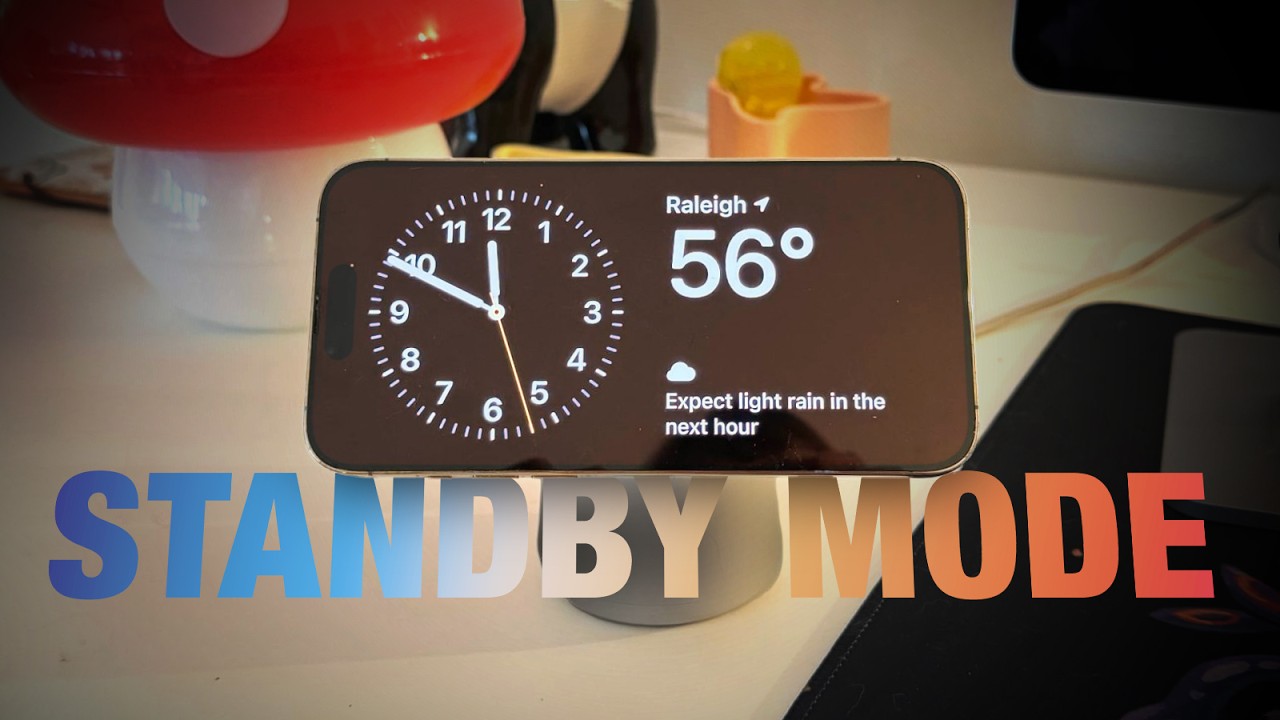
Ah, I did not know that by default one may get multiple widgets that can rotate, like an automatic “stack” feature of stacked widgets… I fixed that by deleting the few others that somehow ended up in there. I HAD thought that it showed several as being the only ones that work in that standby mode not that it was a stack thing.. NOW I know there is a stack thing going on, thanks for leading me there.
Still, there was nothing at all about the static nonworking clock image I posted above, the stack did have a standard analog clock face, like with numbers and second ticks. BTW, the video looked familiar, when I opened it, it was set for 10 seconds remaining… google knows all !
Now a larger issue seems to have cropped up. I put it in standby and my calendar month had no numbers just dashes. I swiped the right side and except for the battery level as above, none of the other ones was getting data from the phone itself. When I did the long press on the left and just confirmed that was the only one I wanted, boom, data came in on both sides. Here is the screen shots… the first one was just after I put it in standby, the second was after I did the long press, then hit done. This seems repeatable.

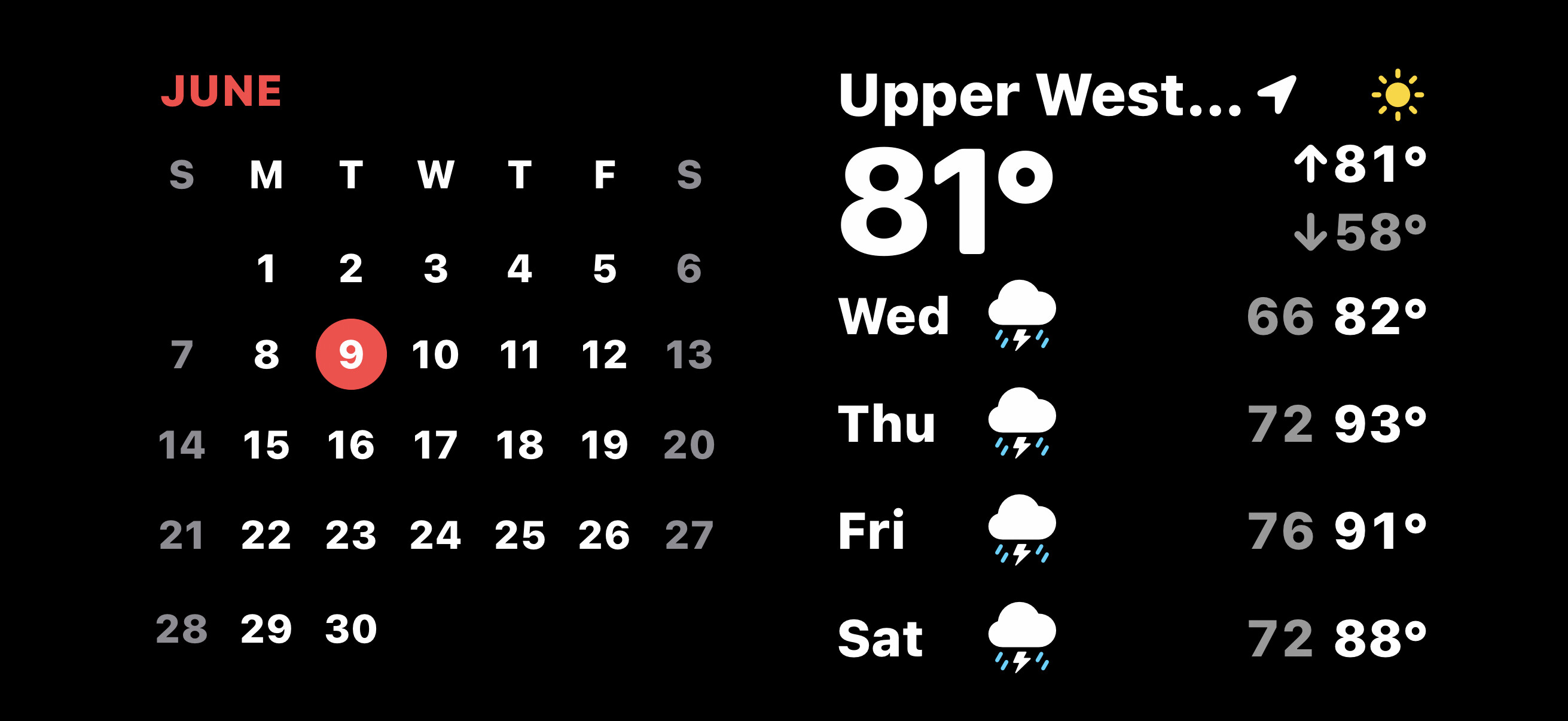
I wonder if this could be a permissions thing.
For example, if you go to Settings → Apps → Weather → Location, you’ll see options for when to allow location access:
- Never
- Ask Next Time Or When I Share
- While Using the App
- While Using the App or Widgets
- Always
It probably can’t read your location from the standby screen (which it needs since you’re presenting weather for your current location) unless you have it configured for one of the last two options.
I wouldn’t expect this to affect the Calendar, but maybe those dashes are just a temporary thing while waiting for other content (like the weather forecast) to load.
If you haven’t already done so, go to the settings for the various app-widgets and make sure they all have permission to get their data when the phone is locked.
Hmmm, just checked and it was set to “when using app.” I set it to Always. But that seems to be totally meaningless now…
Sorry to bug you so much. but I am now done with this “feature.” Now when I put it on the charger, it comes up with a picture from my library, full screen (but cropped). If I try a long press I get to choose another image from my library. Seems like it’s permanently that way, no choice of other widgets. I even tried a full reset, but it’s noow stick on some photo app with no choice to get rid of ot or choose any other widgets.
I think it’s time to simply turn this malfunctioning “feature” off.
I assume you already tried to swipe-left or -right? That should switch the standby screen between the left/right widgets, a photo album, or a full-screen clock.
Damn, I’m an idiot… had no idea there was a horizontal wtpe. At least I got my 2 widgets working correctly. Except now I seem to again have blank like the image above. Weather and calendar month are both blank. Uness I do the long press on one widget and just click done… and now it goes back to working. Oh wait, it took a few minutes, but now all blank where 2 mins ago I had displays.
Latest update… I generally do not magsafe charge my phone on the charger that can prop it up for StandBy mode. So I put it on and get the right side working (charge level, one of several) but my calendar widget lists no data (it’s the only one). The right side works but JUST for one widget, all the other ones are blank of data.
Long press the calendar, see it, hit done and NOW it’s populating. Also all the blank ones on the right side are. Do I have to do this every time?
I look away for maybe 5 mins, look back and the calendar is blank again.
Doesn’t surprise me all that much as I see a lot of things like this over the course of many OS “updates.” I have zero faith they actually know what the hell they are doing these days.