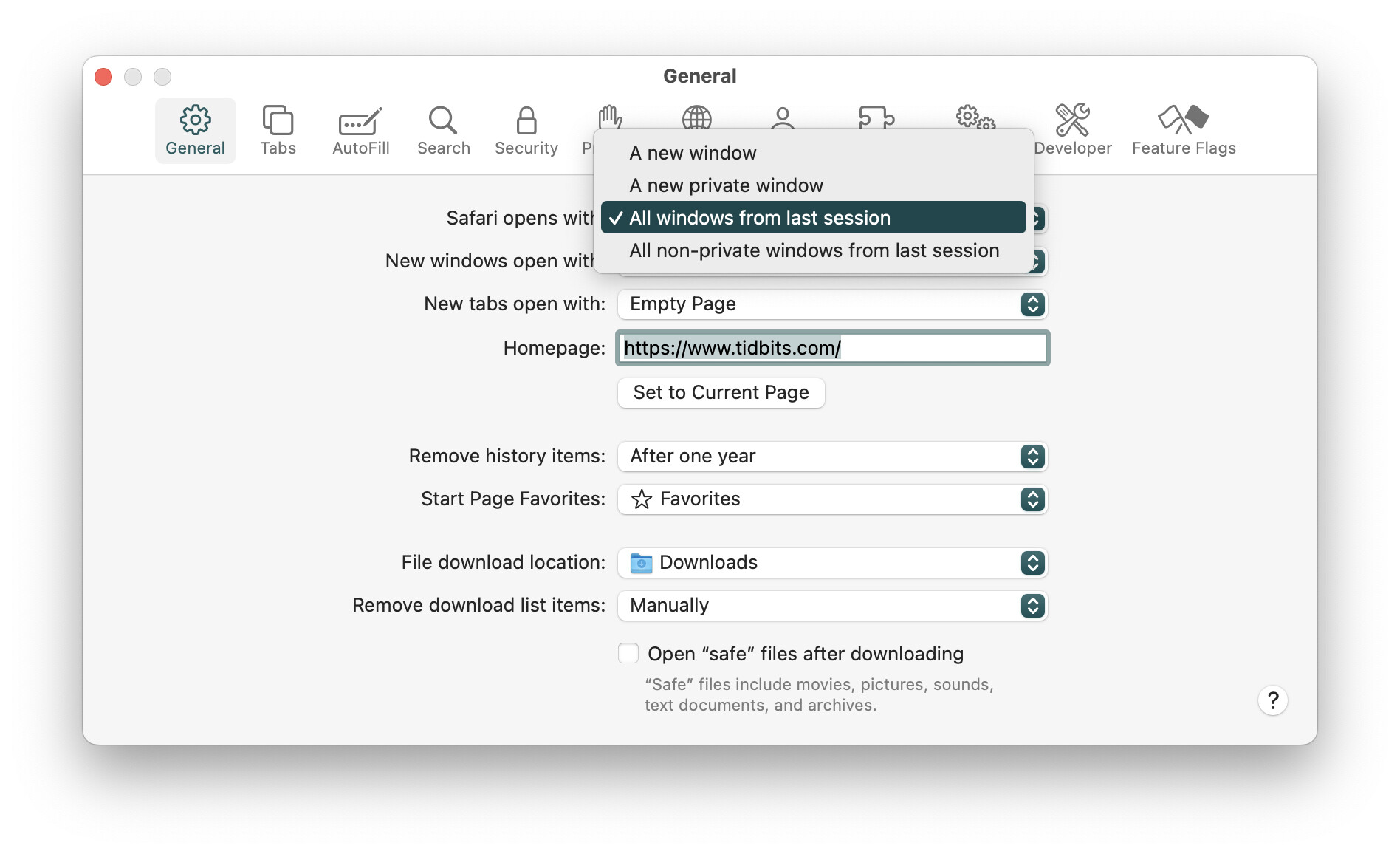
For lack of a better place, another Sequoia idiosyncrasy. Since I backed out Tahoe to Sequoia, Safari settings now look like this:
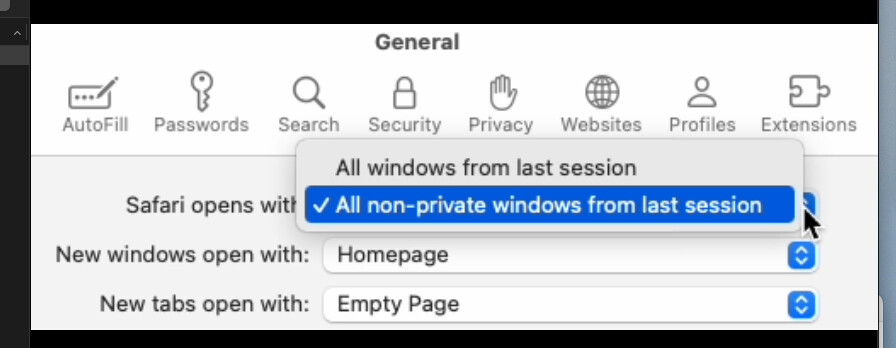
It no longer has the other two options for “Safari opens with”
An annoyance, but…???
For lack of a better place, another Sequoia idiosyncrasy. Since I backed out Tahoe to Sequoia, Safari settings now look like this:
It no longer has the other two options for “Safari opens with”
An annoyance, but…???
Man, I have to say that your experiences in backing Tahoe out to Sequoia suggest that downgrading like this has the potential for a bag of hurt.
By far the worst back out I’ve had (and I confess I’ve done ahem, several).
What do I do with the above? In early times, I’d delete Safari and reinstall. Delete Safari, right. My best guess at this point, is to try yet another Sequoia re-install. Or live with it if nothing worse pops up.
Maybe I should just really read up and refresh myself on the process. I might have missed something.
This seems to be normal in Sequoia.
In System Settings ▸ Desktop & Dock, if you have the “Close windows when quitting…” option toggled on, you get options for either restoring or not restoring windows.
This makes some sense, since with the system-level setting toggled off, it’s going to restore windows no matter what.
Yes, that makes sense, and in spite of ALWAYS having had the option ON, it didn’t get restored this time. EUREKA, I cried.
Thanks!