I ran SetShot afterward too and got this, which is either expected (version and build numbers changing) and two that seem “wrong” in that Desktop and Documents folder syncing wasn’t off before the upgrade. Have to look into that. I actually did run it earlier in the day, but because it didn’t find any changes, I deleted that snapshot.
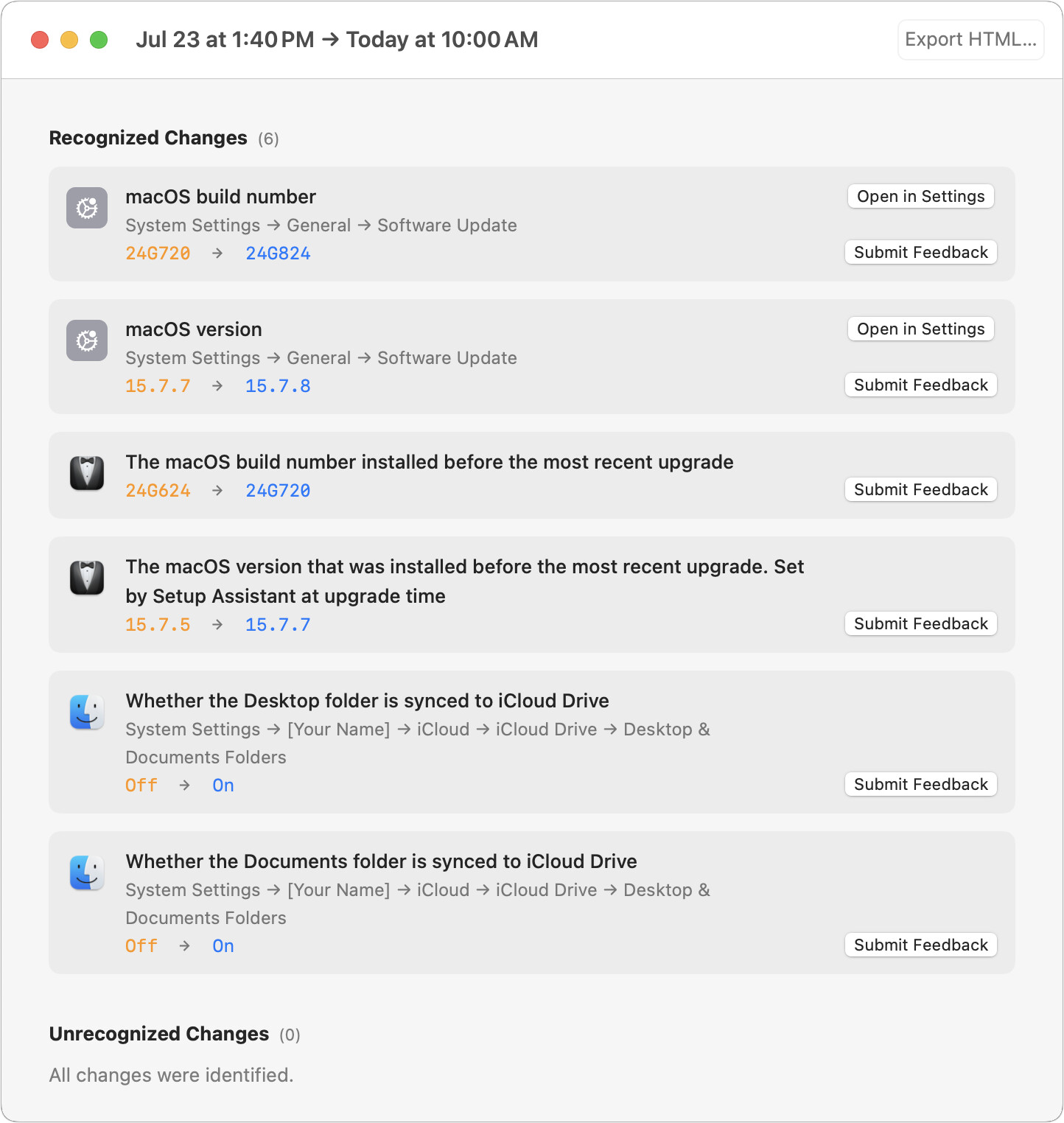
Oh, thanks for the reminder! I was just about to kick off the update, and that mental note I had made to run SetShot first was about to be forgotten.
[Edited to add: And I also can report that the update to 26.6 went smoothly, and SetShot detected no unexpected changes.]
1 Like
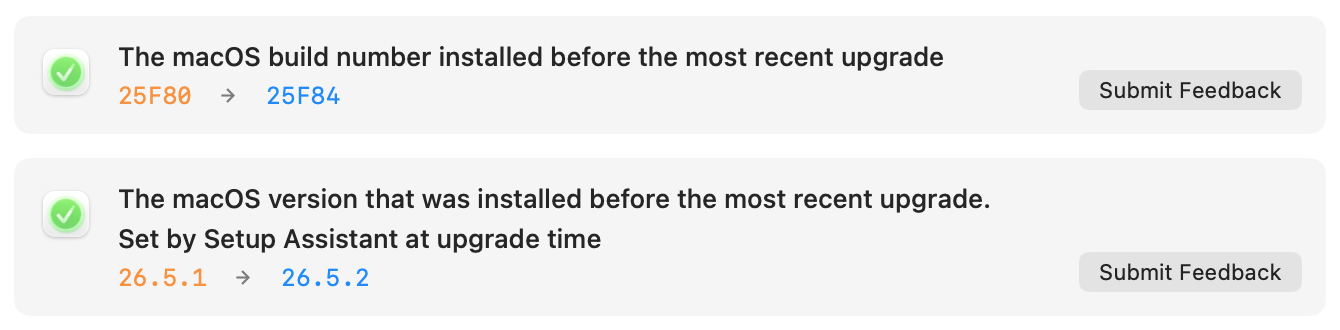
Interestingly, the icons for the macOS build number and version changes are different at my end:
The one unexpected change I see is that “Whether the QUIC/HTTP/3 transport protocol is enabled for network connections” changed from On to Off. According to SetShot, this option is not exposed in the System Settings UI, and I have no idea what it even does. Easy to ignore, then. And glad to see that there is nothing else that makes me suspicious. 
It looks like @ace was on Sequoia, while yours is on Tahoe. I think internationalization might also be a source of build differences.
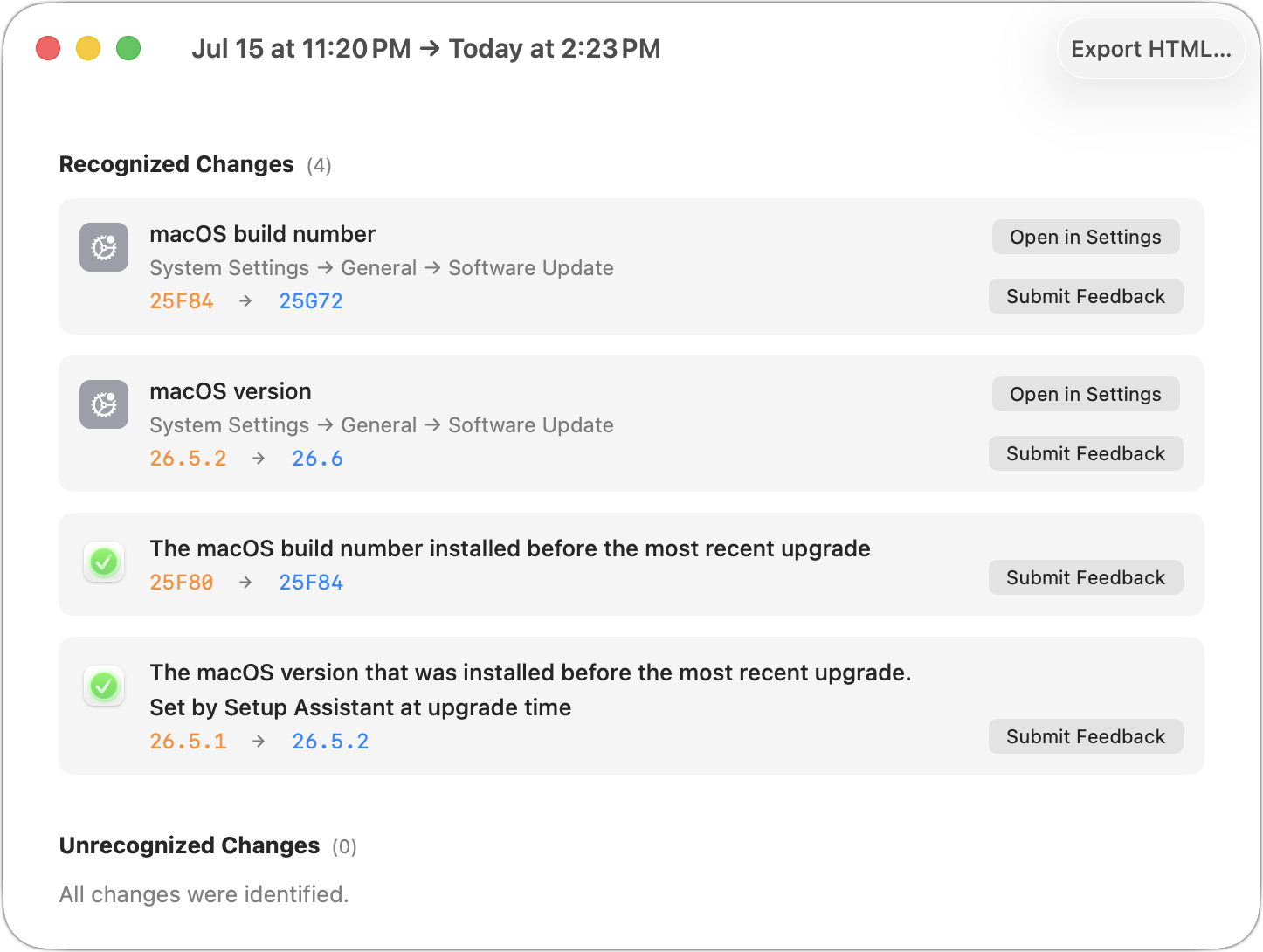
Hmm, if you’re running 1.0b24, that’s odd. This is what I get in Tahoe:
With “Whether the QUIC/HTTP/3 transport protocol is enabled for network connections” I’m wondering if I should just categorize it as noise, since here’s no UI, or leave it because there could be other defaults write settings that might be worth tracking.
I don’t know what it is, but SetShot reports it flipping from true to false and back again on pretty much a daily basis on my machine.
I don’t see it daily but I have seen it, and don’t have any idea what I do to flip it. It seems to turn off when I do some networky thing (like curl) in a terminal and magically turn back on on its own, but I haven’t really tried to make it happen, so that could be completely unrelated.
I’ve set that one to noise, so on the next launch, when SetShot picks up v124 of the knowledge base, it will stop appearing.
1 Like
You’re absolutely right. I had missed that numerical detail in Adam’s screenshot (15.7.7 vs. 26.6 as the update destination). Just another data point of how Apple’s icon design has degraded quite dramatically over the last few OS releases, alas. 
1 Like
As @josehill had correctly pointed out, I had missed the earlier macOS release number in your earlier forum post. The icons shown by SetShot for the Tahoe update are identical at your and my end.
Maybe list both types of settings in dedicated sections and/or add a toggle for showing/hiding the CLI-only kind? 
On the two iPads I just downgraded to 26.6, my battery life has been drastically cut. Before I could use them all day and still have 25 - 30% of battery left; now I’m down to 15% or lower. I hope 26.6.1 fixes this.
If this is soon after the upgrade, there is always some increased battery use as there is processing going on in the background. Wait a few more days and see if your battery life improves after that.
1 Like