Not for me.
I’m getting a 503 (gateway timeout) from bunny.net, which I’m guessing is their CDN.
Same here.
Nisus.com opens very slowly most of the time, but sometimes not at all. Moving within Nisus.com also is very slow or not at all.
M4 MacMini, MacOS 26.6, using Safari 26.6
I get a This Connection Is Not Secure alert from Safari.
What I got from Firefox is:
We could not establish a connection to nisus.com
A timeout occured while waiting for nisus.com origin server to respond. The server hosting the website might be unavailable.
What can I do?
If you are a visitor, please try again in a few minutes. If you are the administrator, please check your origin server status.
It finally loaded for me once or twice, but was insanely slow when it did respond. I should probably write something in TidBITS, but I don’t have much concrete to recommend.
1 Like
I had the same experience. I left a tab open to nisus.com for a few hours and was surprised to find that it had responded.
Could be CDN problems. You go to the site, which redirects your browser to CDN servers. The servers don’t respond for some reason (server failure, host-site contract ended, etc.), and after trying and failing on all the backup servers, it finally goes to the original server, which responds.
Given the fact that modern web pages load content from dozens of URLs (pages, frames, scripts, images, etc.), if the timeout is something like five minutes, it could take a few hours to finish loading all of the content. Assuming, of course, your browser doesn’t give up first.
Since this has been going on for quite some time, I’d assume that the CDN servers haven’t failed. But Nisus’s contract may have ended, and nobody changed the redirection back to the mothership server.
It still looks like bad news for Nisus users.
I just keep it open to a blank document right from my computer startup. It then takes a few seconds with the spinning ball before the document becomes useable. Also open the previous documents is applicable. This is on my iMac 14” running the latest OSX
Back on July 6, barely a month ago, Jeab wrote:
“Interesting news from whois: Today, on the day before the expiry date, the nisus.com registry was updated, and is now valid until 2031-07-07.”
I can neither confirm nor deny this. I do know that the Lewak family has not given up on Nisus Writer Pro.
1 Like
FWIW, I just tried the site again (11:20pm Eastern time, August 7, 2026) and it just came up. So whatever the network/CDN issue was, they seem to have fixed it. At least at this time.
A day later (10:15pm, August 8), the site still comes up, but it took about 30s. Probably just DNS delays.
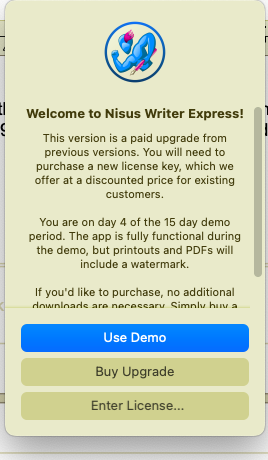
I just opened Nisus on my 2017 MacBookAir and had and was surprised to be told that I was on the 4th day of a 15 day trial below.
What was weird was that I had registered Nisus Writer Express for the laptop a long time ago, and the demonstration version seems to think it was a new trial that had been opened 4 days ago (when I did use it). Has anybody else seen this?
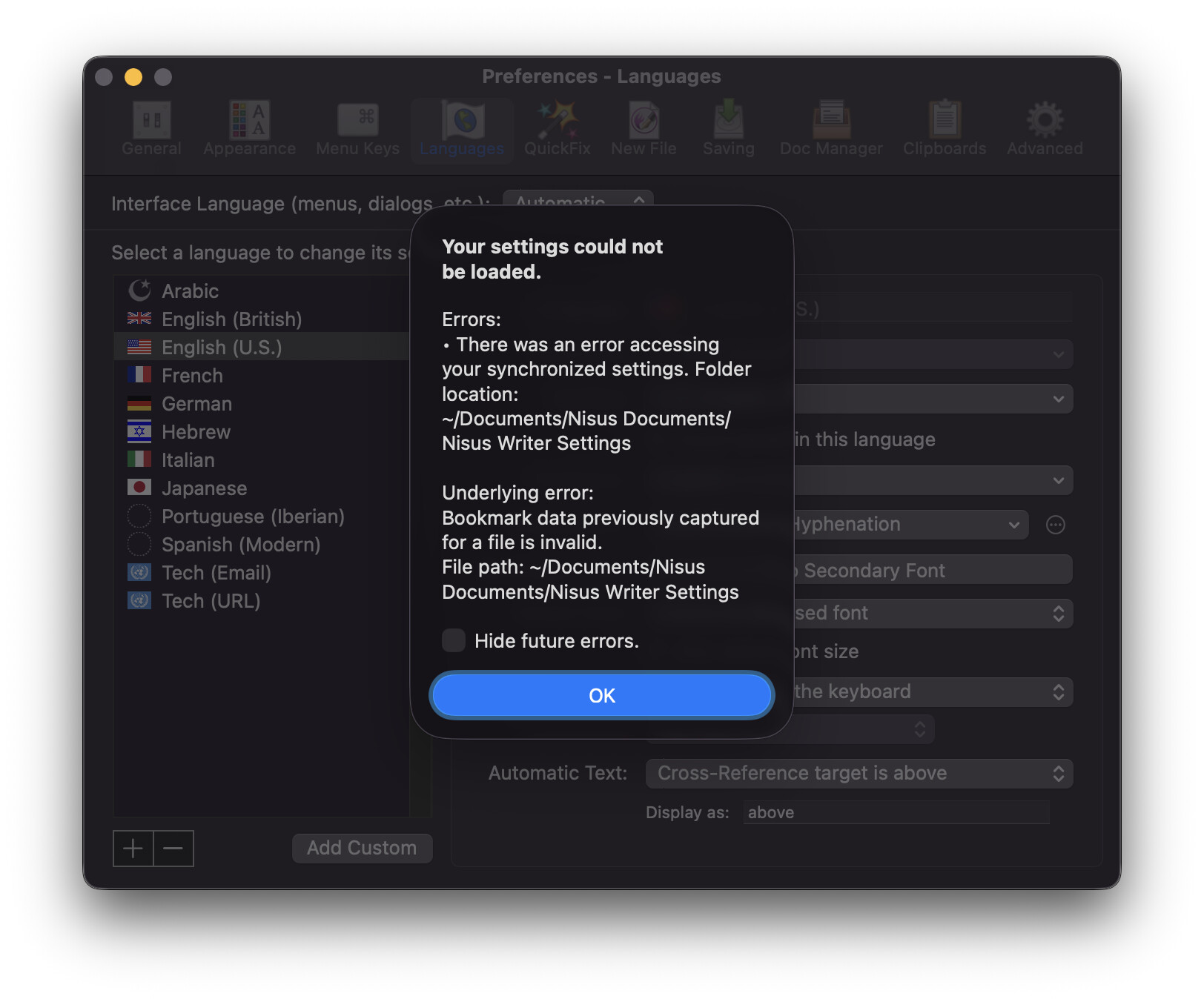
And today, nothing. The previous two tests were from a hotel room in New Jersey (I was on the road, visiting relatives). This last one today is from home.
I noticed, however, that my home has IPv6 support and the hotel didn’t.
If I check the addresses for nisus.com:
$ host nisus.com
nisus.com has address 185.93.1.249
nisus.com has IPv6 address 2400:52e0:1a00::1235:1
nisus.com mail is handled by 0 mx2.mailchannels.net.
nisus.com mail is handled by 0 mx1.mailchannels.net.
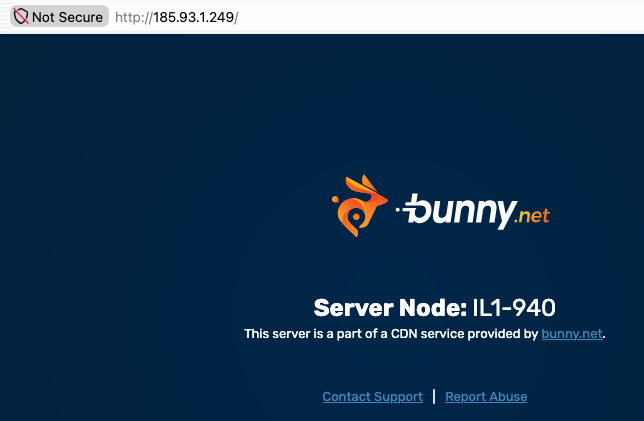
If I point a web browser at the IPv4 address: http://185.93.1.249/, I see a notice from bunny.net that this is a CDN node:
But if I point my browser at the IPv6 address: http://[2400:52e0:1a00::1235:1]/, I see a different error:
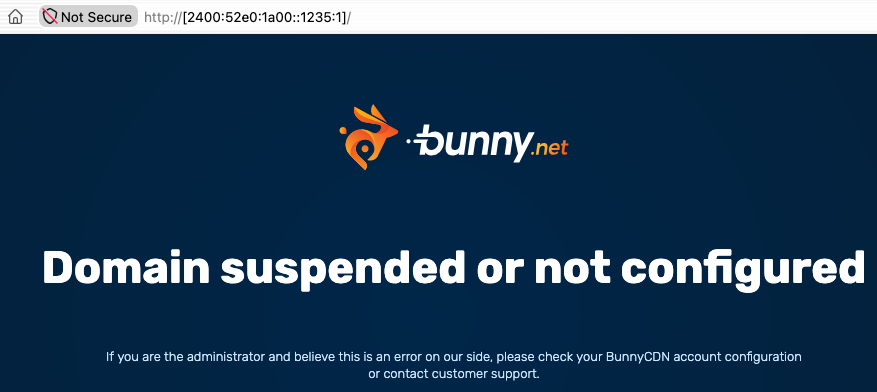
So it appears that Nisus still has configuration problems with their web site or CDN service.
BTW, @ace, Discourse can’t handle an IPv6 numeric-address URL, probably because the syntax involves square brackets. This probably isn’t a bug that needs fixing, but it surprised me to see it.
1 Like
When I click on the Nisus app in my Applications file – which is labelled Nisus Writer Pro.app in the Finder – it opens an rtf named About Nisus Writer Pro, which in turn a opens a file Nisus Writer Pro.app that links to a page that eventually fails to reach anything and says “ERROR 504
Gateway Timeout
We could not establish a connection to nisus.com”
However, if I try to open a rtf file already in my files, Nisus can open that file and “Nisus Writer pro.rtf” will open that file and can edit it and save the changes.
Something weird seems to be going on, but I can’t tell what.
Hi - The current Nisus File Converter module is Intel code and will not run on the next release of macOS. This may or may not cause Nisus to not work. If the source code were available, I could probably replace the Intel sections of Nisus and build an mSeries compliant application. Those using Nisus may wish to buy an old MacMini to remotely run it from their current computer. There should not be objectionable amounts of lag.
While I understand why Apple wants developers to move on to current hardware, I truly wish that Apple would license macOS emulation packages which would allow people to run applications going as far back as 1984. I purchased an SE/30 around 1990, and it ran applications which I would still like to use on occasion.
4 Likes
The Nisus File Converter is simply the document converter from Libre Office.
1 Like
Here’s the right way to sunset apps! I received this email from Charlie Monroe Software, the developer of Downie (bold face added by me):
I’ve decided to discontinue three of my smaller apps: Eon Timer, Rottenwood and Regextor.
The reason is simply time. Between Downie, Permute and the new apps, I haven’t been able to give these three the attention they deserve — and I’d rather be upfront about that than let them quietly fade while you wait for updates that never come.
WHAT THIS MEANS FOR YOU
Nothing stops working today. All three apps will keep receiving fixes for major issues for the next year, so you have plenty of time — but there won’t be new features, and I’d encourage you to start looking for an alternative that suits you.
ARE YOU A DEVELOPER?
If you’d like to take one of these projects over and give it the care it deserves, I’d love to hear from you — please get in touch. If no one comes forward, I plan to eventually open-source them so they live on either way.
4 Likes
Sorry, but no. Tried EagleFiler twice, it is not good (enough) for large mail archives.
My 2 new alternative options are:
- msgvault with the new WebUI. It is quite technical, but it can import large mail archives, even sync with the actual Apple Mail repository. And I can use the msgvault MCP server in combination with Claude to search through 200k mails. But it is quite technical to set it up properly.
- Another solution is “MBOX Viewer” - it can work with large mbox Mail archives, I tested it with roughly 50k mail archives. It will even run on an iPhone and on an iPad: MBOX Viewer‑App – App Store
And I am still using Nisus InfoClick as long as I can - it works on macOS 27 so far, but not sure how long this will last. I would pay for a new version instantly!