Originally published at: https://tidbits.com/2026/05/25/bbedit-16-searches-for-text-in-images-adds-shortcuts-actions-and-more/
Some apps are never done. Bare Bones Software’s BBEdit first appeared in 1992, and it would be fair to ask—after 34 years of updates and 15 major versions—what new features could possibly be added to one of the most foundational of apps: a text editor. Happily, Rich Siegel and the team at Bare Bones continue to find new areas to explore within the text editing space, and BBEdit users continue to suggest new capabilities. Thus, we now have BBEdit 16, with a grab bag of improvements.
- Search for Text in Images: BBEdit is known for its searching prowess, but version 16 extends that in an unexpected direction: images. Thanks to Apple’s VisionKit, which enables apps to perform optical character recognition on the text within images, BBEdit can now find text within images on disk. To use this feature, open the Multi-File Search window, click Other to select a folder containing images, click Options to enable “Search for text in image files,” then run the search. When you select an image result, a preview of the found image appears, with the line containing the search string highlighted.

- Expanded Shortcuts support: BBEdit’s text transformation capabilities are so useful that longtime users often want them in other apps as well. BBEdit 16 introduces a comprehensive set of text transformation actions in Shortcuts that let you work with document text, replace all, process lines, and a slew of additional capabilities (in Transform Text) taken from BBEdit’s Text menu.

- W3C HTML checker service: When you’re working on HTML documents, BBEdit’s syntax checking now relies on the W3C’s official HTML validator, which is the canonical reference. This feature does require BBEdit to send your HTML files securely to the W3C, but Bare Bones never sees your data, and the W3C doesn’t retain any submitted data. However, if you’re still concerned, Bare Bones provides instructions for running the checker locally.
- Notebook filtering: A new search field appears at the bottom of the sidebar in the Notes window. Use it to search for text in the notes’ names or content, and filter the list in the sidebar to matching items.
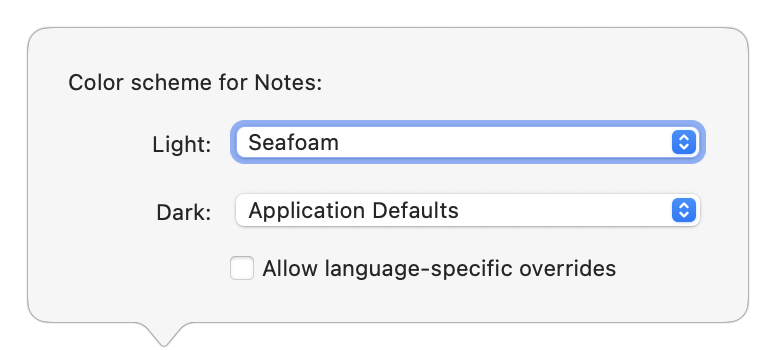
- Project-specific color schemes: If you juggle multiple projects and want to distinguish them at a glance, BBEdit 16 now offers per-project color schemes. Separate color schemes are also available for instaprojects (the temporary projects BBEdit creates when you open a folder) and notebooks; click the little gear icon at the bottom of the Notes sidebar to access them.
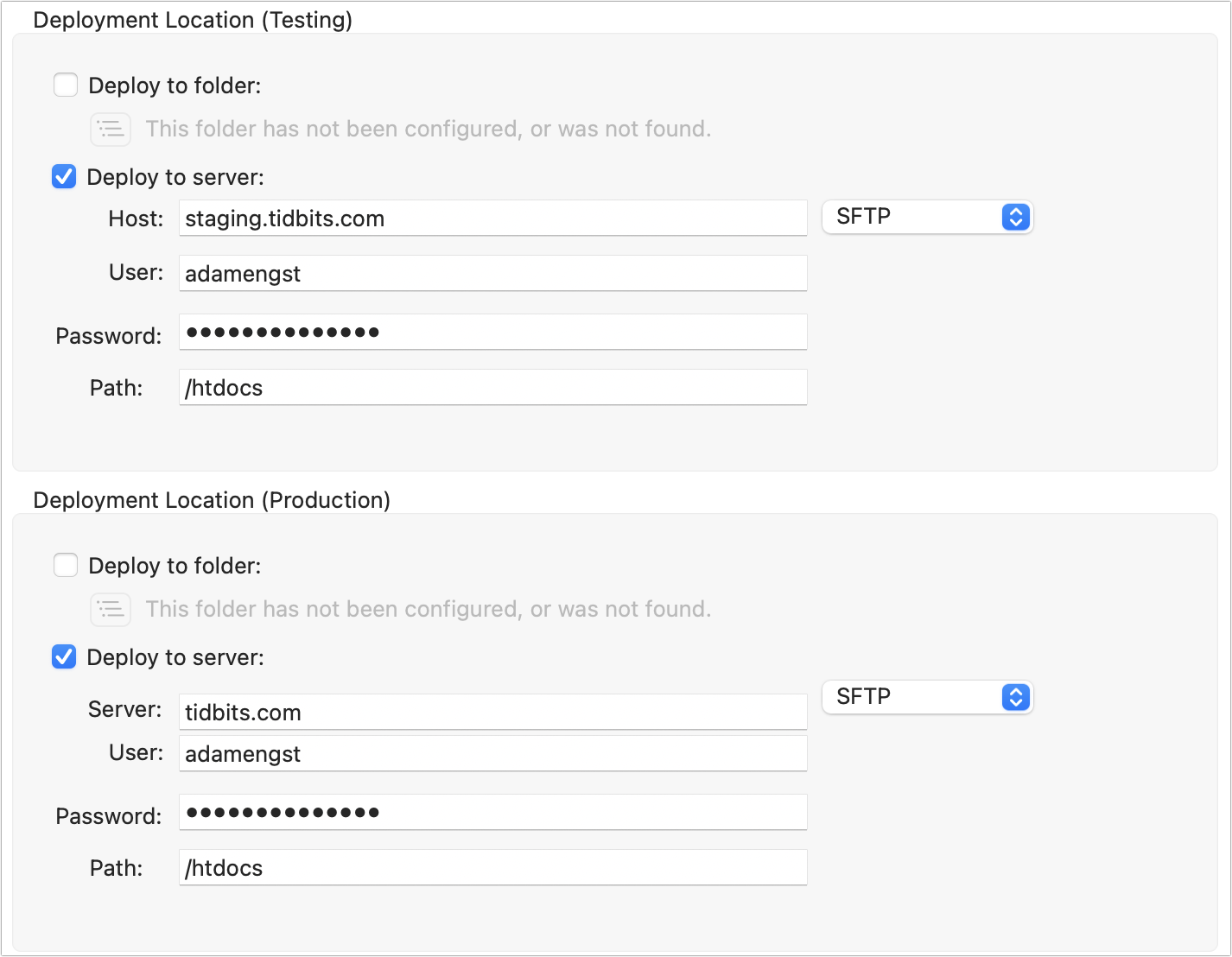
- Website projects now support staging sites: Many professional web development setups feature two servers: a staging server for testing new pages and code, and a production server that users access. To make it easier to deploy to one location and then the other without changing the configuration, BBEdit 16 now offers two separate deployment locations in a website project’s settings. There’s no functional difference between them—they simply have different names.
- vi keyboard emulation: Answering a long-standing request, BBEdit 16 now offers vi keyboard emulation for those people whose fingers are hard-coded to navigation and editing commands for the vi command-line editor. Turn it on in BBEdit > Settings > Keyboard. Note that
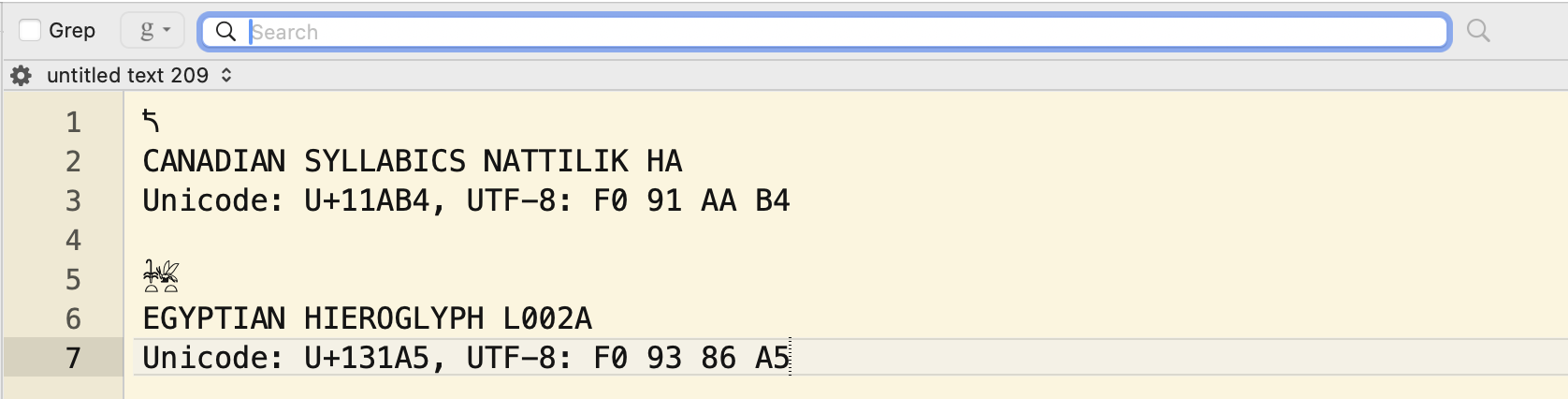
:qwill close the active document rather than quitting BBEdit. (vi is highly modal, which has led to the editor-wars insult of “vi has two modes: beep repeatedly and break everything.”) Rich Siegel drily noted that he’s never touching this feature again, other than to fix bugs. - More changes: As is always the case with BBEdit, there are many more small tweaks and enhancements, such as vastly improved SFTP performance, streamed responses in AI Chat Worksheets for more fluid interaction, support for the standard macOS sharing mechanics, a View > Gather Untitled Documents command that collects all untitled documents across multiple windows, a View > Move to Window command that lets you move a document to a specific window even if you can’t see it to drag, Import and Export buttons in BBEdit > Setup > Patterns for sharing searches, and display of Unicode code point names in Window > Palettes > Character Inspector.
BBEdit 16 requires macOS 14 Sonoma or later. The upgrade to BBEdit 16 is free for anyone who purchased BBEdit 15 on or after 1 November 2025, $29.99 for other BBEdit 15 owners, and $39.99 for owners of earlier versions. New copies of BBEdit cost $59.99. Those subscribing to BBEdit through the Mac App Store gain access to all the new features upon installing the update.
Bare Bones continues to make the basic feature set of BBEdit 16 available in Free Mode to everyone, with a 30-day trial of the more advanced features. Those who have been using BBEdit in Free Mode get a fresh 30-day evaluation period to test the new features, after which it will return to Free Mode. Frankly, if you ever work with text files, it’s worth having BBEdit on your Mac because its Free Mode provides all the features most people will ever need.