Shamino
April 30, 2026, 1:33pm
1
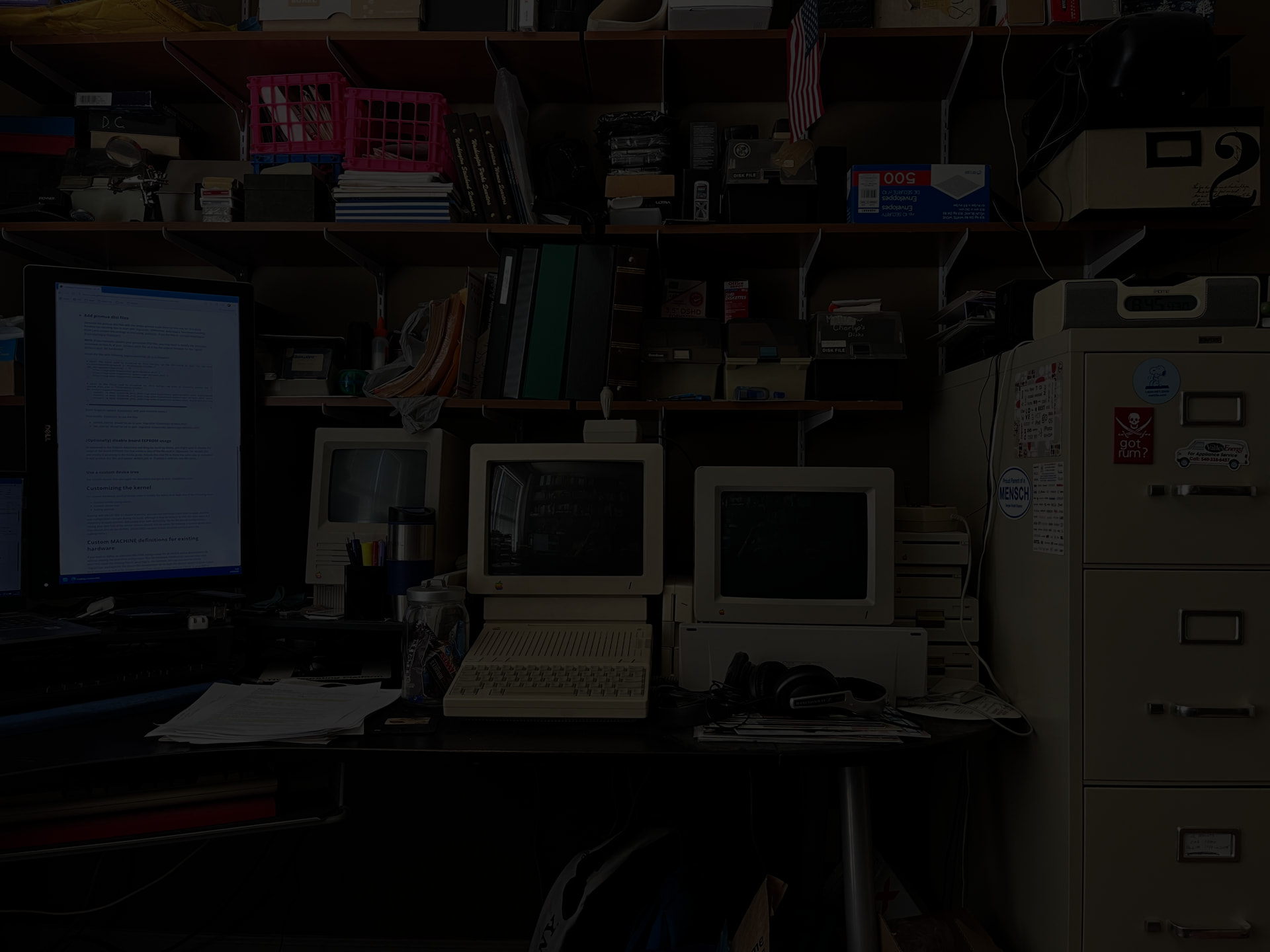
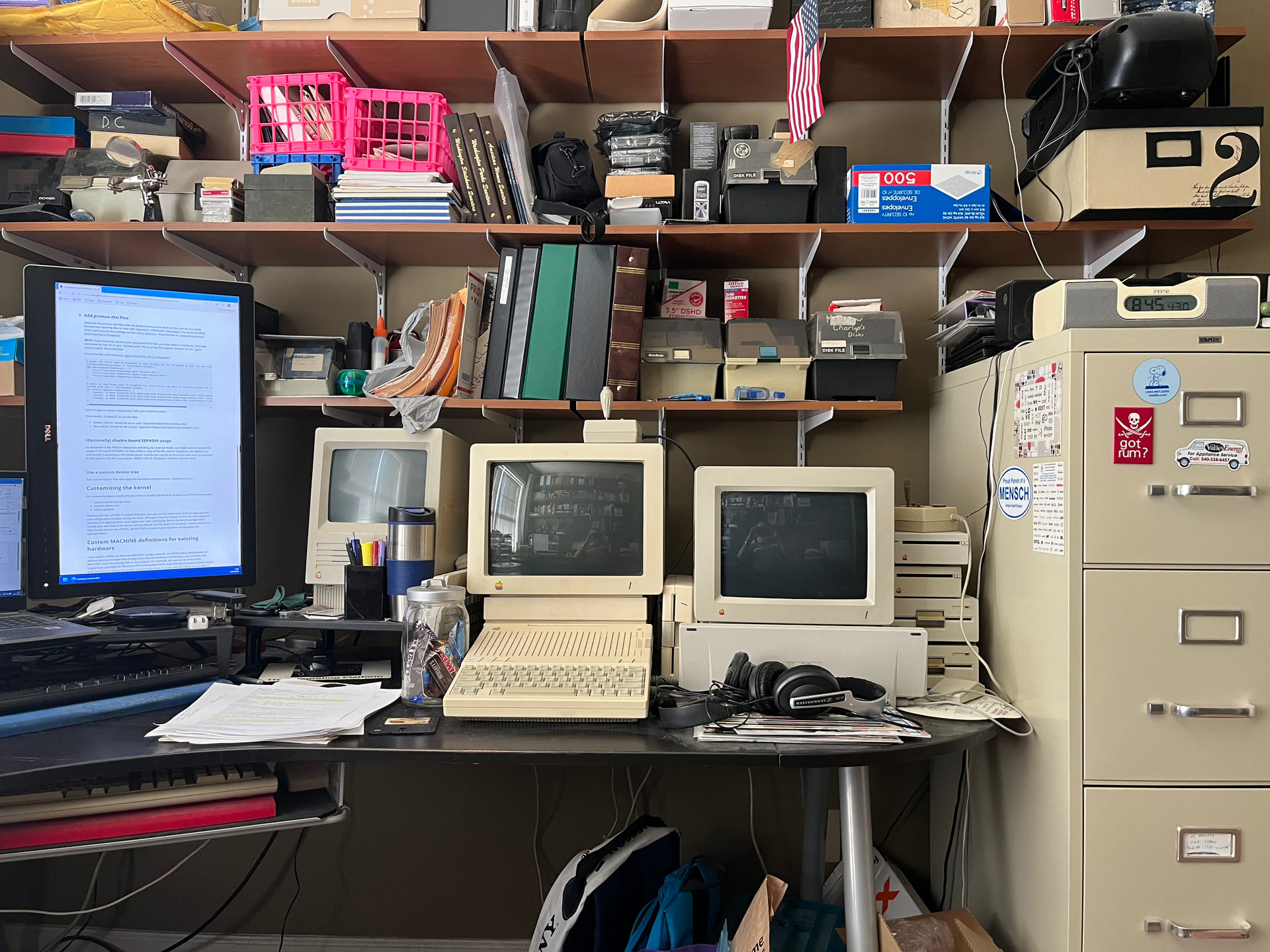
If I take a picture on my iPhone, generating an HEIC image, I can’t drag/drop it directly into Discourse. The format isn’t supported.
If I open it in Preview and copy/paste the image into Discourse, I get a very dark image (it looks fine in Preview):
If I open it in Photoshop Elements and copy/paste it from there, it looks good (I assume PSE is doing some color-space conversion):
I assume this is a bug in Discourse. I don’t know if it is something that can be fixed without the upstream Discourse developers making changes.
ace
April 30, 2026, 8:42pm
2
Well, huh! I will admit, HEIC mostly just irks me. I always drag out of Photos to the desktop to get a JPEG and then drag that into other apps.
Will_B
April 30, 2026, 8:51pm
3
IRK!
(Pretty well describes it… ;~}
However, if you drag and drop a *.HEIC into a Safari window, it does seem to display properly.
ace
May 6, 2026, 2:21pm
4
Probably the thing to do is to investigate what’s going on with the clipboard and what Discourse (or the browser—perhaps it’s different per browser?) is taking off.
1 Like
Shamino
May 6, 2026, 3:03pm
5
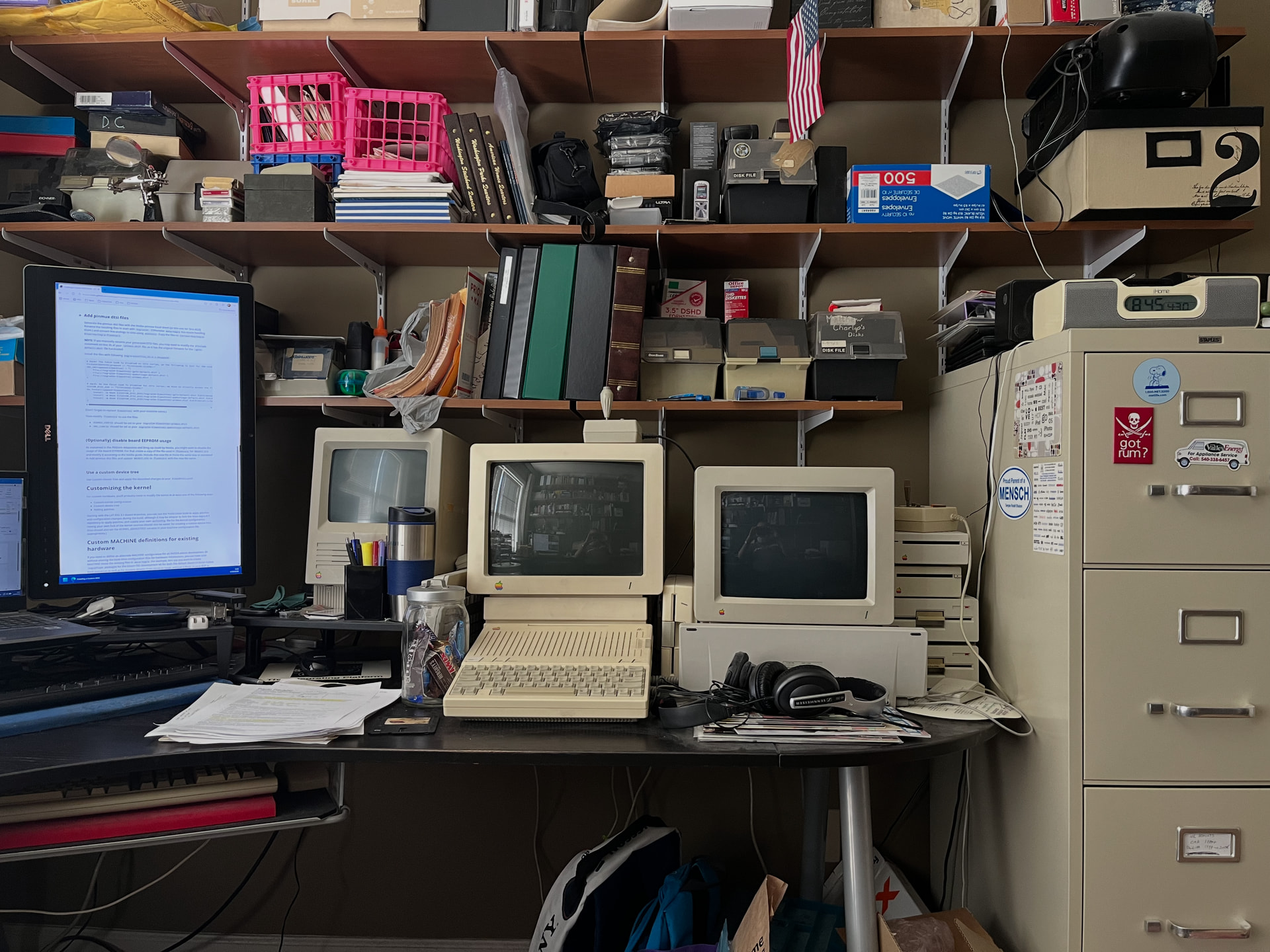
Trying it again from Safari…
Yeah, that worked. So it’s (maybe) a Firefox bug.
1 Like