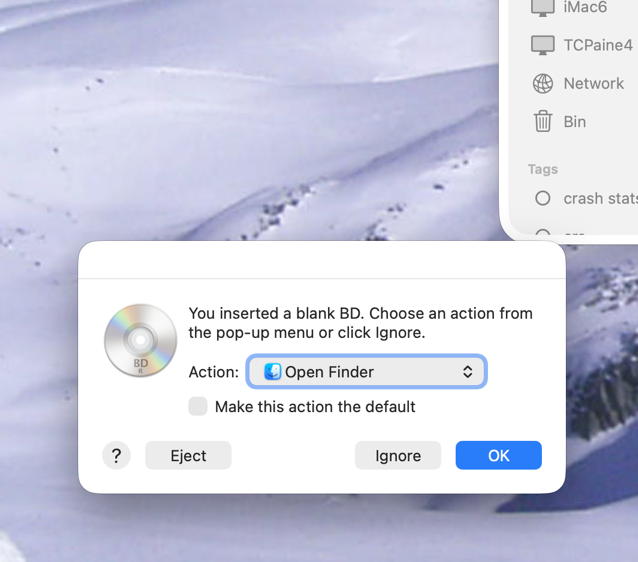
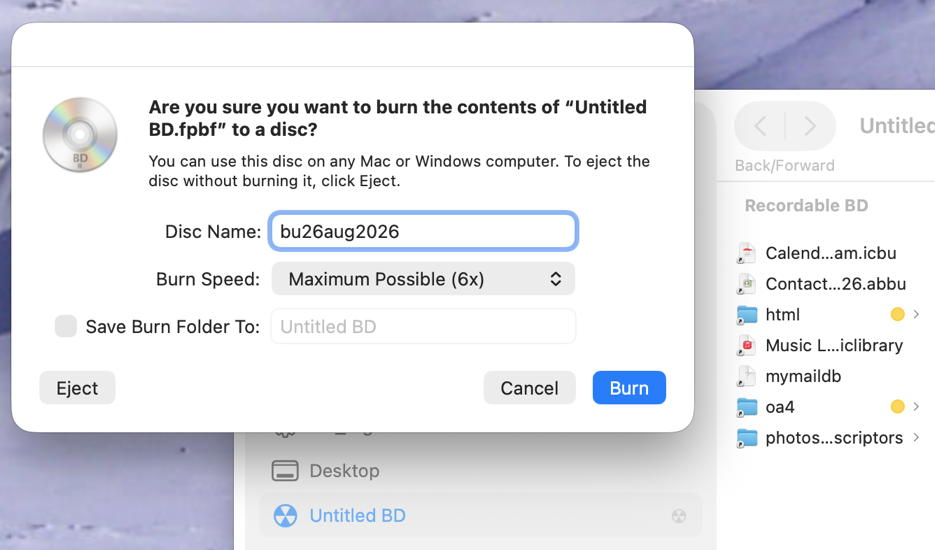
macOS should be able to burn a Blu-Ray data disc directly from the Finder, just like you might to a CD or DVD.
Special software is only required if you want to burn a Blu-Ray video disc.
Retrospect did (probably still does) have support for backups to optical media of all kinds. Unfortunately, it uses a proprietary format. The discs are treated like tapes - an unformatted stream of raw data that only makes sense in conjunction with a Retrospect catalog file (which can be rebuilt from the data). Trying to access the media with any software other than Retrospect is an act of futility.
If you want to make backups to Blu-Ray media and you are backing up less than 50 GB (the capacity of a 2-layer disc), then just insert the disc, drag/drop the files to it, then click “Burn”.
If you have more than one disc worth of data, either manually segment it into chunks of 50 GB or less, or look for a backup/archive app designed for optical media. Retrospect is one (relatively expensive) option. I assume there are others.
Incremental and versioned backups, compression, encryption, scheduling and multi-disc restoration.
This is a commercial app. Costs $30.
May not support current versions of macOS. The manual says it requires macOS 10.10 or higher. The publisher’s last news article about this product is from 2023 and says it is compatible with macOS 14 (Sonoma).
I recommend downloading the trial and/or asking them about support for newer versions of macOS.
Roxio Toast 20 Pro
Full featured disc burning and authoring
Data discs, disc copying, cataloging, and authoring
Commercial app. $60 ($100 MSRP) for “Titanium” or $80 ($150 MSRP) for “Pro”
Titanium can burn a Blu-Ray disc, but Pro is required for Blu-Ray authoring (if you want to make video discs)
Command-line tools
e.g., hdiutil, cdrecord and others
Best for technical or scripted workflows
No user friendly backup catalog or restore workflow
Bluray disks …
I hadn’t tried backing up my Mailsteward archive to Bluray since acquiring an M5 Macbook Air so thought it was a good time to try it out.
Yes - it still works with the new laptop and Tahoe. When I insert a blank disk I get the message to confirm opening it in Finder. Then I just drag the archive files to the disk window and select the burn icon. It takes many minutes and, sometimes, the “verification” step fails but the files all seem to be there and readable.
Can confirm. I’ve been burning backups on Blu Ray data discs via the Finder for at least 6 years: erasable BD-RE for the weekly backups (cycle through 8 discs to keep ~2 months of data), and BD-R discs for quarterly archives. (I use tar to create compressed backup files, and then burn the tar files to the the BD disks.)
Can do this at least through Sequoia; and I haven’t heard anything about this capability disappearing from Tahoe or Golden Gate.
I’ve been using the Verbatim 50GB Blu Ray discs for at least 4 years.
Its too bad that packet-writing to optical discs never really caught on. Adaptec called it DirectCD, Veritas had Drive Letter Access, Windows called it Mount Ranier and later Live CD. MacOS had no name for it.
Using a packet-writing driver let you use a CD-RW or DVD-RW like a floppy disk or USB flash drive. Just drag files to it or make changes as needed. You could read the disc later on other machines without closing the session.
I think the current state of packet-writing to disc is…
Windows 10/11 lets you format a DVD or Blu-ray “Like a USB drive”
macOS can read closed sessions using UDF 1.5-2.6, but can’t write.
It is a feature whose need came and went very quickly.
Packet writing was always very slow, and a CD (700 MB) or DVD (4.7 or 8GB) is really small by today’s standards.
According to today’s MicroCenter prices, basic USB 2 drives cost between $7 for a 32 GB drive and $40 for 256 GB (and higher prices for larger capacities and/or higher performance). It is likely that one of these drives would easily outperform packet writing to a rewritable optical disc.
I think you’d be better off buying a 10-pack of thumb drives than packet-writing a CD/DVD.