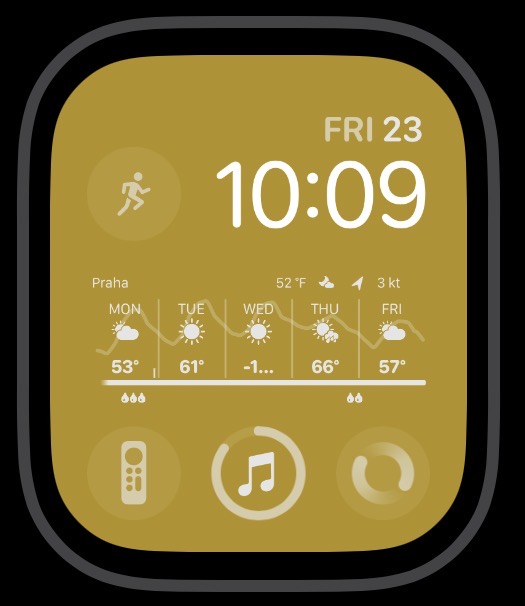
I was checking out the new Exactograph watch face now available, when the thought occurred to me which faces the crew here all use. I have a couple on regular rotation myself and wondered what faces and complications y’all might use.
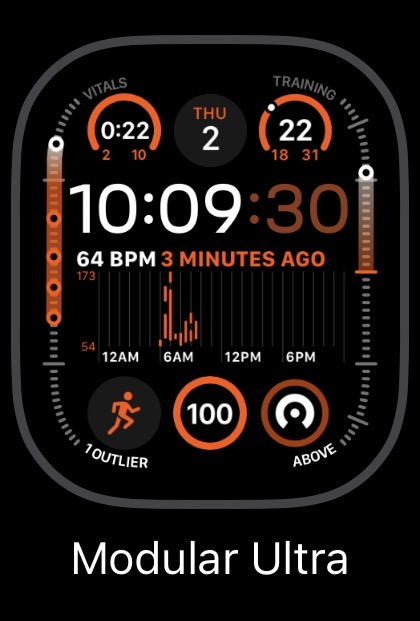
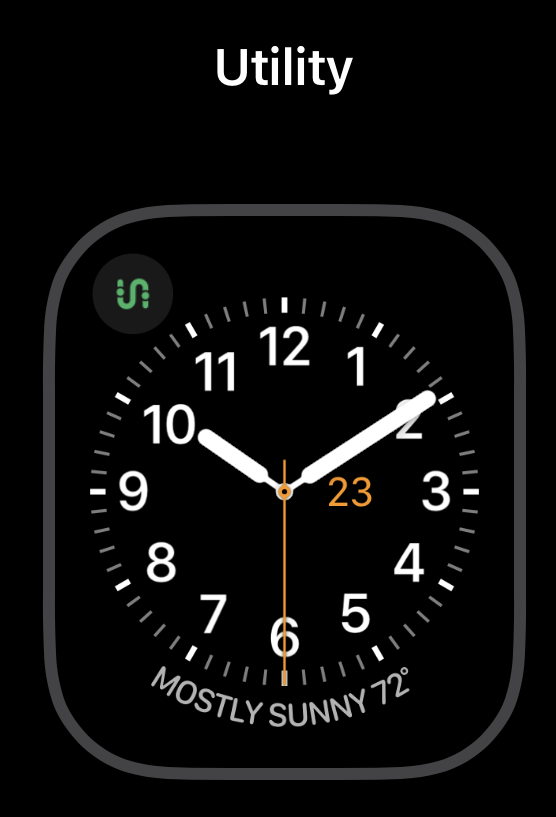
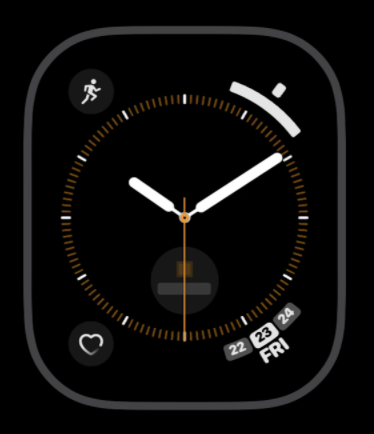
That’s battery top left, calendar bottom-left, fitness bottom center, stock temperature weather complication (I’ve used third-party apps before for this but they never update as often as the stock complication does.)
I do workouts every morning, so I have a focus called “Morning” that is scheduled to turn on at 6:30 am and stays on until 11 am. It uses this face.
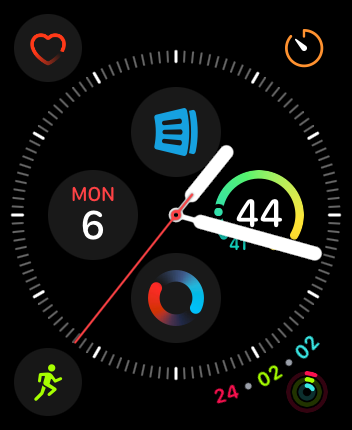
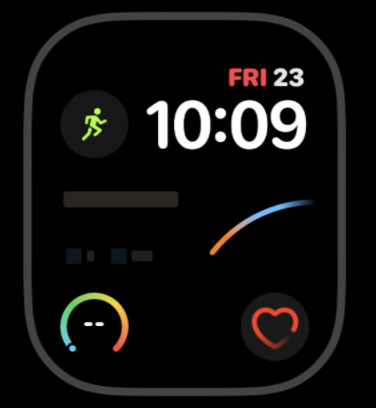
That’s the complication for the app Intervals Pro top-left, the workout app I use for my outdoor runs. The calendar complication top-center. The temperature complication top-right. The heart rate complication in the center. The stock workout complication bottom-left, the battery complication bottom-center, and the complication for my podcast app Castro bottom-right. (I tend to listen to podcasts while I workout.) I have the battery complication where it is because watchOS 26 tries to be helpful these days and suggests the workout app sometimes, covering the complication, and that’s one I never need to tap.
When the workout starts, by the way, it automatically switches the phone and watch to the Fitness focus, and the fitness focus is also set to use this watch face, in case I start a workout outside the normal morning hours. This has all the complications I need for my workouts.
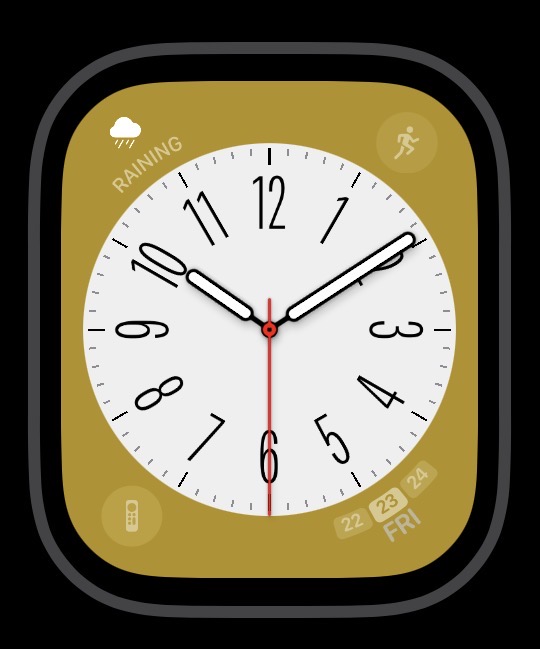
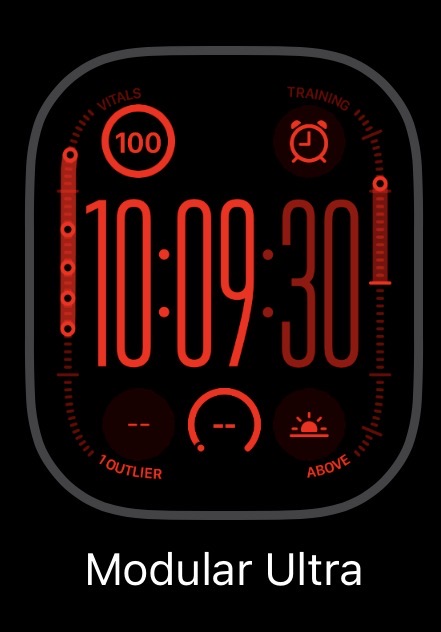
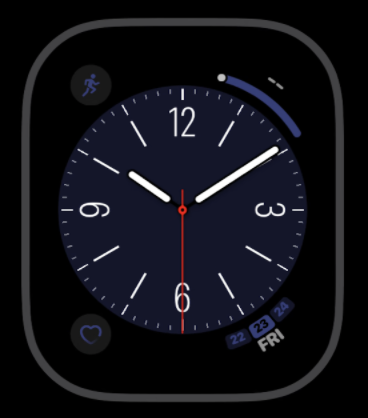
I use the sleep schedule on my phone and watch, and when sleep focus starts it automatically switches to this watch face:
Battery top-left (so I can see if I need to charge my watch before bedtime), the alarm top-right (so I can set an alarm if I need one), the rain complication from the stock weather app bottom-left (so I’ll know if I’ll get rained on when I go out for the morning workout), temperature bottom-center, and sunrise time bottom right.
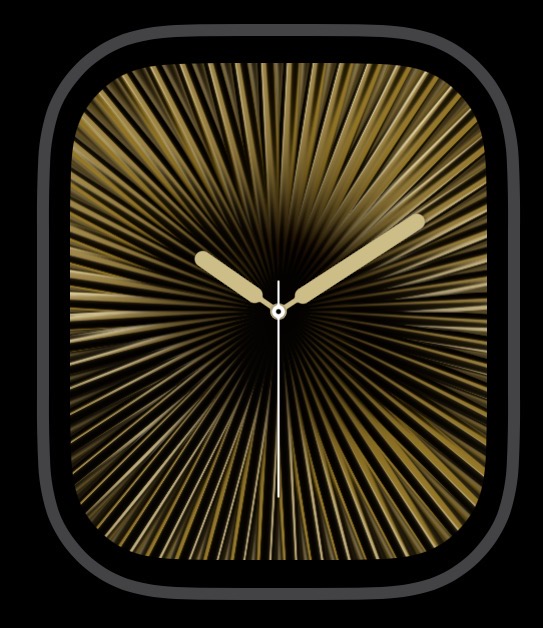
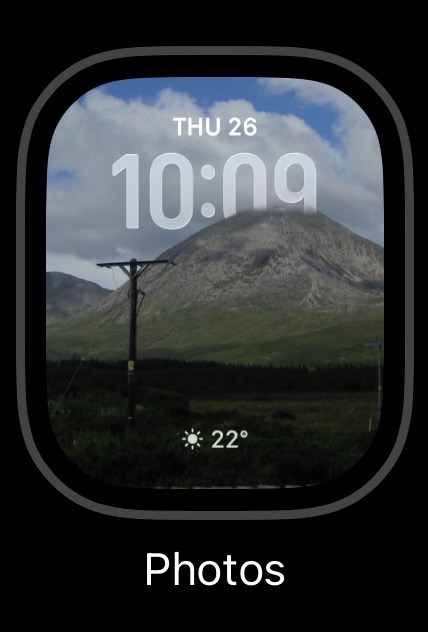
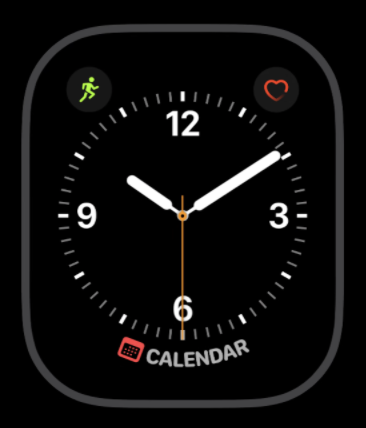
When I go to the beach, because it’s usually so bright out I want something that I can easily see, so I switch to this one.
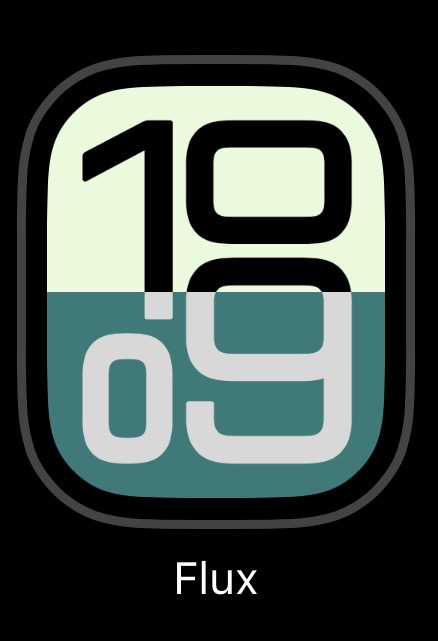
I don’t change much, the blue one is used 99% of the time. In the last major software update Apple removed my former favourite (basic chronograph) - somewhat annoying.
The others I use on a whim, the Lumy one when on photo trips.
Although I don’t usually wear a watch at all, when I do it’s a classic digital or simple analog but my most favorite is an analog with 24-hour display, that is, one time around in 24 hours.
Is such a face available on AW’s?
Oh, actually I also have a Mickey Mouse analog watch which is also a fave from ages ago but its movement burns thru battery quickly so I can’t use it much. Also there was a small square ipod with the same Mickey face in clock mode too, handy with a third-party wriststrap, but I digress from the OP’s Topic, sorry.
I still haven’t found a face that makes me happy. I want digital seconds, preferably as part of a single display (e.g. “12:18:32” rather than “12:18” with a separate seconds indicator somewhere else on the face), and I want something relatively simple without many complications. I use Astronomy, which doesn’t bother me too much but also doesn’t have the digital seconds I want.
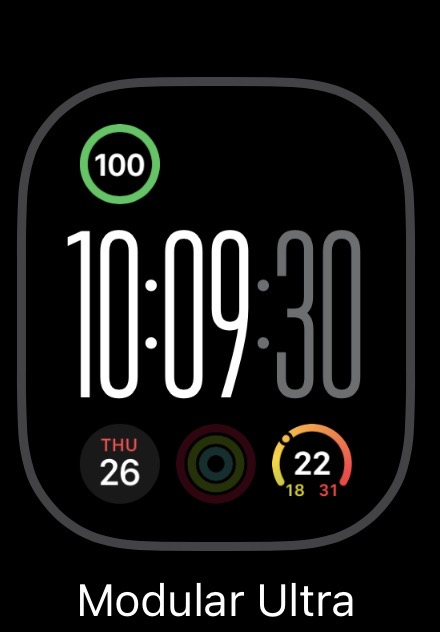
The Modular Ultra on the Ultra 3 is the best at this - it is as simple as can be, and the Ultra 3’s AOD display supports digital seconds in dim mode (on Ultra and Ultra 2, which don’t support 1 second updates in dim mode like the Ultra 3, Series 10, and Series 11, digital seconds disappear when the watch goes dim.)
For any other watch, the only face with digital seconds in Activity Digital. Like Modular Ultra, you can turn any complications off, but Activity Digital does show the fitness rings and totals for the fitness rings below the time, so it’s not quite simple.
This is part of what I like about the 24 hour face, it’s analog, like the physical world, and it goes ‘round once a day, like the itself (2x12 hours is unnatural! ). And it makes me think/concentrate, so used as I am to seeing the 12-hour dial. Active observation can be health enhancing!
I’ve used 24 hour display on watches and computers etc probably at least since I started my military experience in the late 80s. Again, not wanting to derail the topic, but here’s the page on faces in watchOS26: Apple Watch faces and their features - Apple Support and it looks like you’re right!
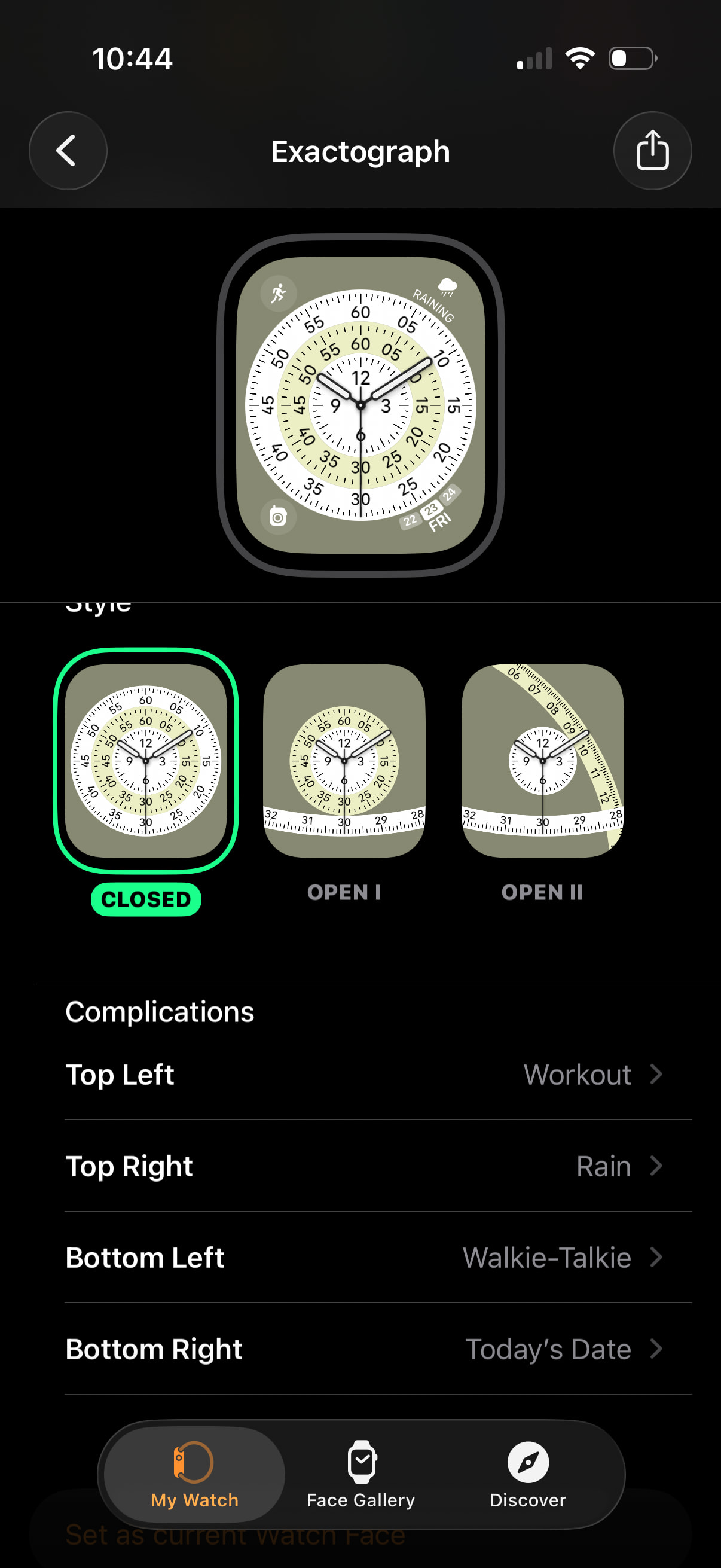
The only reference to 24 hours that caught my attention is in GMT, an additional ring with tiny type around the edge. Mickey Mouse it there though! If I was a watch face developer I’d make this face, if nothing else than it’s the spirit of thinking otherwise… :-)
Some will note the presence of weather on my faces… Ireland being a bit typical at the moment… I noted that few of the faces above included weather related complications, mostly you know what you are facing into I suspect. A check on the date and quick access to remote and my workouts are my other issues.
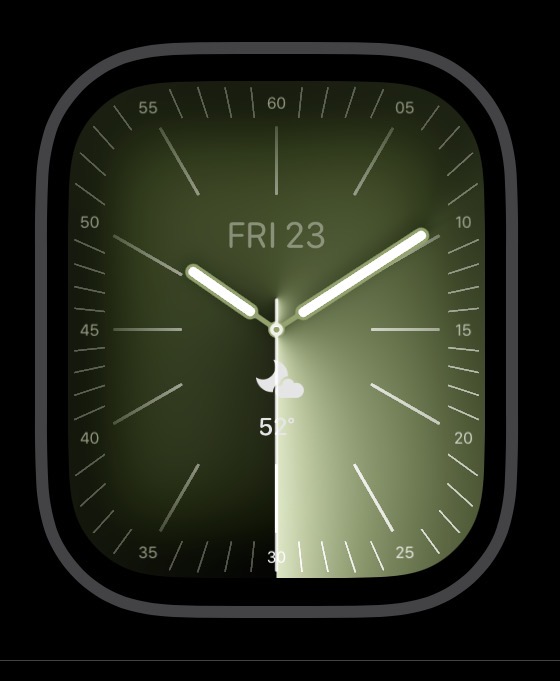
If going out socially I use this. The color Chartreuse features heavily on mine, chiming with the band I bought with it. I have moved however to a cheap metal band since then but the color still predominates.
Many many years ago, I wrote a little analog clock app (for OS/2) that was configurable in a variety of ways, including the number of hours per day. When set to 24, it would display what you describe - midnight on top, noon on the bottom. Setting it to other strange numbers (like decimal time) could really confuse viewers.
But nature is in the eye of the beholder.
For example, in the ancient world, it was common for an “hour” to be 1/12 of the daylight hours, with the “zero” point being dawn and the “12 hour” point being dusk. Makes perfect sense if you have sundials and not clocks.
I think you could easily argue that noon (that is, when the sun is highest in the sky) is a special time and should have an explicit representation in timekeeping. Hence a “natural” reason to divide the day into AM and PM. Of course, with time-zones, noon isn’t necessarily 12:00, and when schemes like Daylight Savings are active, it never is, but those systems were created for other purposes.
Sadly, it doesn’t appear that Apple allows third-party developers to develop new faces. I skimmed through the WatchKit documentation and didn’t see anything about developing faces. (If someone here knows otherwise, please let us know.)
I found an article where a developer developed WatchOS apps that display time (not the same as an actual face), and talked about some of the interesting issues involved in watch face design. (He referenced a tweet containing a hack that lets full-screen watch apps hide the time. Those tweets no longer exist, so maybe the hack no longer works.)
But even if the hack does work, it may not be a permitted approach. Until January 25, 2024, the App Store review guidelines said:
But from the next day (January 26, 2024) to the present, that paragraph changed to:
So maybe there’s no longer a rule against an app that appears to be a watch face? Or maybe it’s now a secret rule that you won’t know about until you violate it? I don’t know.
Of course, if you have Xcode, you can build your own and use it on your own watch. The App Store guidelines don’t apply until you try to distribute your app. Of course, you can’t distribute it very far without the App Store, so this option is only good if you want to keep it all to yourself.
 itself (2x12 hours is unnatural!
  ). And it makes me think/concentrate, so used as I am to seeing the 12-hour dial. Active observation can be health enhancing!