So updating my phone to 26.0.1 has given me some issues. Before I started the process I saw I had something like 6-7G free but it complained about needing a bit more space. I pruned of a bunch of my music files and did the update. Then re-copied the files I had deleted back in. Hmmm, sure looks like 26 sucked up all that extra space. At one point I saw the size for the OS as 20G along with 8-9G of “system data.” Uh, there are still a ton of 64G phones out there, how can they be thinking it’s OK take take up cose to 50% of the storage for the OS? AND I can not go back either.
So I pruned some more files, eventually getting to close to 2G free. Thought I was all set. Few days later and boom, I am getting out of space messages. Understand I use my phone VERY little, 95% of my use is to play my ripped music when I am out and about. So I didn’t really do anything to suck up that almost 2G. Looking again, I now see Messages has gone to the top of my list of stuff on my phone, and it says almost 3 gigs taken! In previous looks at that list, I NEVER saw Messages taking up so much. No clue what happened. Yeah I did look at what it claims in can “delete” various attachments, looking through the list I see a LOT of videos being duplicated.
Damn, seems I have to select each one individually. BUT, thinking that ALL my Messages history is in the cloud it seem logical I can delete all those big attachment and gain back something like 2.5G. Would I regret doing this? Would they all still be in my history and only when I tried to play/look at any attachment might they be downloaded to that phone?
Are you able to update it with a computer? I was able to do my first 18.x update that way but once 26 came out, I can only do 18.x updates directly from the phone (which requires the space). Before doing it, make sure 26 works the same way, where it downloads to the computer instead of the phone.
I had over 10gb in music alone and thought that would be the safest thing for me to delete.
I also removed email accounts (since they are IMAP) but that wasn’t as big as the music.
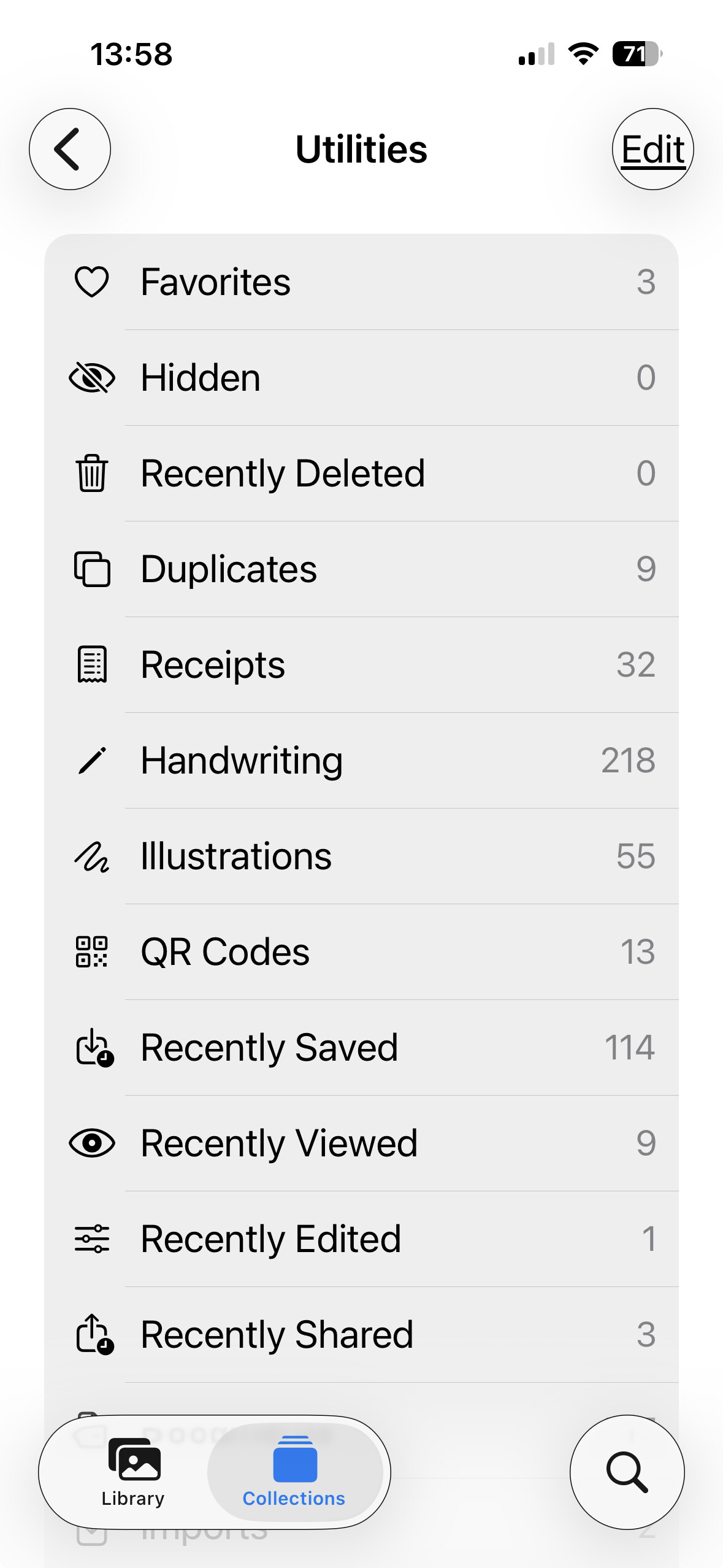
Under the Photos collection called “Utilities,” there will be one called “Duplicates.” If, in fact, Photos thinks you have any duplicates—and I think this works on macOS and iOS—you can choose to have only exact duplicates removed or matching photos but at different resolutions merged into only a single, high-resolution one. At any rate, in my wife’s collection, I found there were over 8,000 duplicates. Letting Photos remove them saved a lot of space. Admittedly, Apple makes getting rid of that “system space” difficult. I have heard, and at least once have taken the approach of doing a complete factory reinstall on an iOS device and then loading all the apps again (that is, not from backup). That resets the growth of the system files, which seem to be mostly log files and such that would only be useful to Apple.
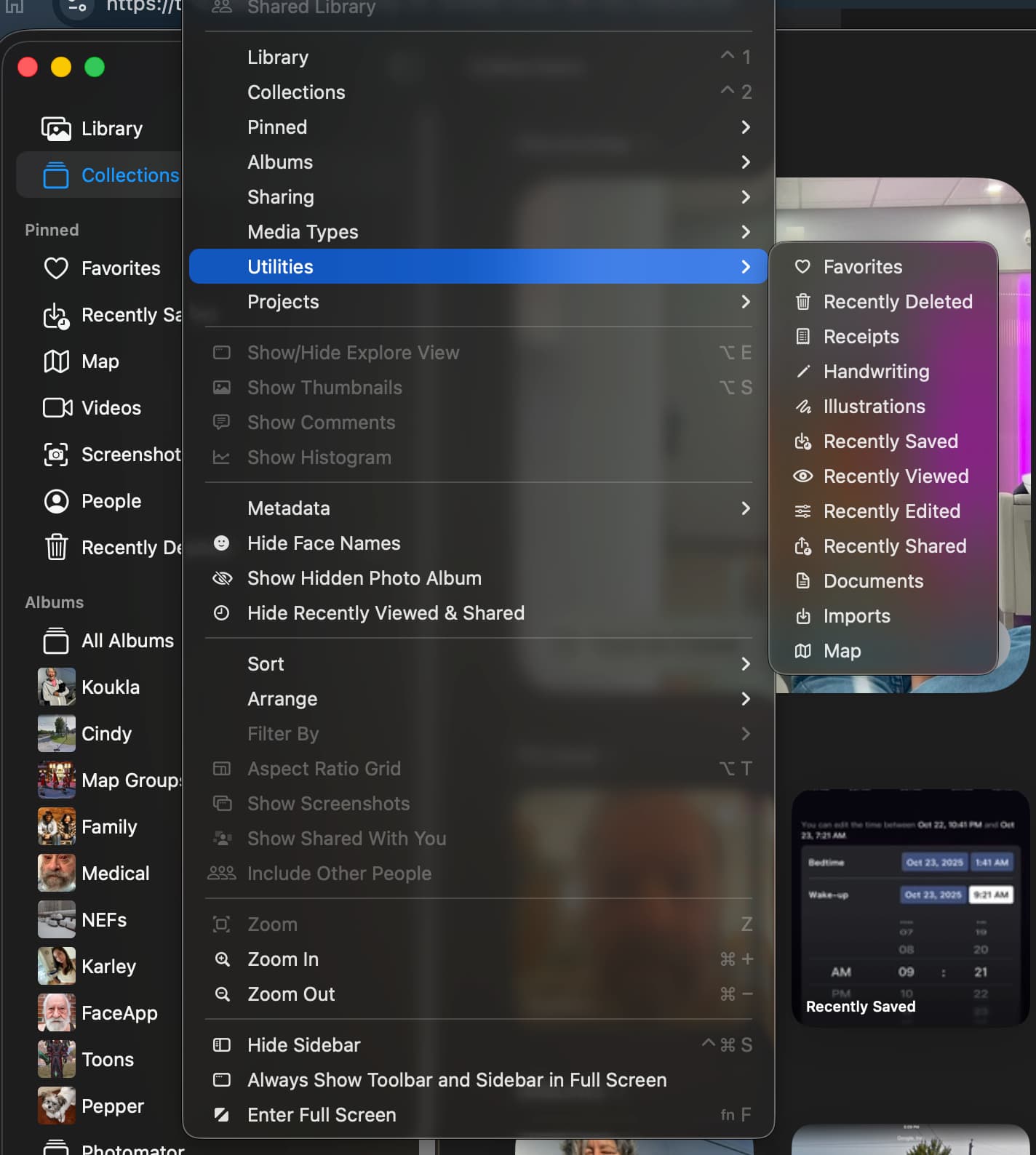
I highlighted the left side entry called “Collections.” There is not such thing there. I even manually made sure I had 2 of the same photo in there. See:
And exactly what does finding duplicate photos have to do with my question? BTW, Photos on my phone takes up about 730 MBs. The question was about attachments to Messages on my phone!
I have 15GB devoted to photos on my phone. The full collection in iCloud (just photos (and such) is 400GB.
A photo attached to a message is easily saved to Photos, and voila! a duplicate. The duplicate menu won’t show appear until Photos or whoever the processing (done in the background AFAICT) and concludes that you have a duplicate ( or similar ) similar photo. It’s pretty good at finding these but the third-party tools, compute on demand and will surface duplicates immediately. Apple will not.
Can we get to my original question… can I delete iPhone Message attachments without permanently losing them while they stay in the cloud? I send about 1-2 messages per year on my phone. I do about two thirds to three quarters on my desktop and the rest on my iPad.
However, I did find the Duplicate function in Library mode on my desktop. Kinda pointless exercise as I have zero duplicate photos. I’m talking about in Messages, not necessarily in my photo llibrary.
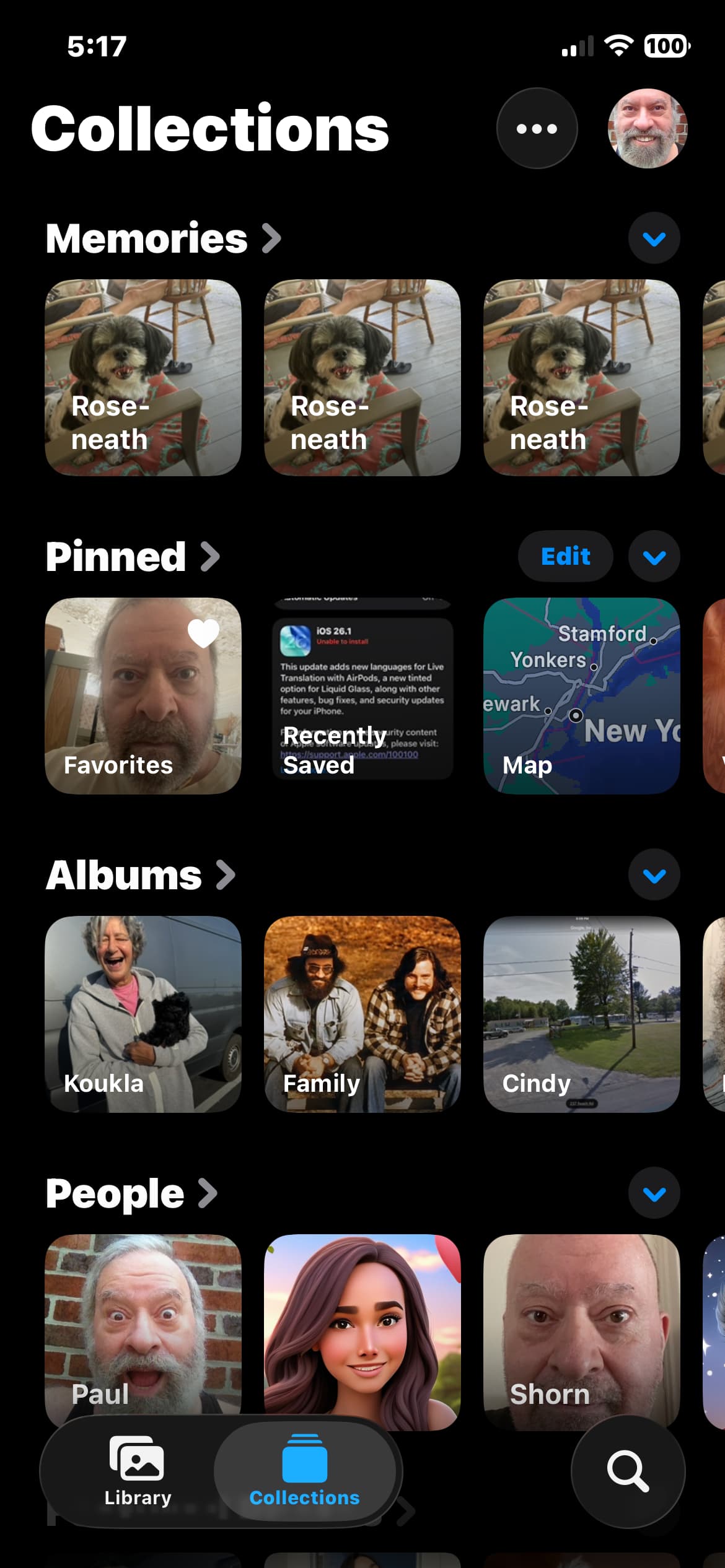
You asked about the phone in your original post, so that’s what I looked at. You need to scroll way down from where your photo is to get to the Utilities part with Duplicates.