So I thought this was worth a separate thread… Per my comment here:
my ScanSnap S1300 finally is incompatible with the latest macOS. But the hardware is working fine. So the options I’m trying to weigh are:
Pay ~$120 for third party ExactScan Pro software, which works fine with this scanner, or
Pay $280 to buy the modern equivalent, the iX1300. This would obviously include working software.
Given that my scanner is probably 17 years old, and the current model has WiFi, and a cool U-turn scanning feature, is it worth dumping money into software to support a device that might die soon? Or should I feel lucky it’s lasted this long and spend more to get a complete solution that has a new lease on life?
Righto. I also have S1300 and am using it with VueScan. Got the one time purchase for around $75 I think. A bit slower and takes some time to learn the options and how it works, but it works.
I have a truly ancient ScanSnap FI-5110EOXM. I’ve used VueScan with it, but am currently using ExactScan https://exactscan.com/. I find it faster and simpler to use and I can trigger a scan with the button on the scanner, just like I could with the original software. The S1300 is listed as a supported model.
I think I had the latest version and it didn’t work with my S1300 (I deinstalled it hoping reinstalling it would fix things; but I can’t find an installer for it). I’m surprised your older S510M still works; good for you!
Yes, and it even starts scanning without even pressing the button! And the Exactscan UI is much nicer than VueScan. The one draw of VueScan to me is the lifetime free updates. ExactScan updates are free for 2 years; the developer tells me the average update interval for customers is 7 years, and they have upgrade pricing.
Thank you, everyone, for your input! I notice that no one touched the tough question about whether I should just solve the problem by buying a new scanner Obviously, it’s my money to part with, so I’m probably stuck with this choice
Would be nice if selling the old scanner could help pay for the new one, but it’s going to be a tougher sell now that I have to tell buyers they need to buy 3rd party software to work it. Makes the appeal much weaker.
Personally, I find the UI of VueScan even more offensive than Liquid Glass. My ScanSnap replacement strategy is going to be to move to a Canon or Epson. As much as I’ve loved my ScanSnap for about 20 years, they have become increasingly Mac unfriendly.
It’s an idiosyncratic question, with an answer depending on personal values and situations. It does seem that a lot of people really like those old S1300 models.
When it comes to tech, I dislike discarding devices that work well but no longer are well supported on the software side. In my environment, I have several scanners optimized for different tasks (receipts/invoices, photos, general purpose flatbed) that all scan to the same network folder, and I have several computers that all have access that folder. I find it very convenient.
Perhaps you have an environment where you could set up something similar, perhaps using a dedicated Mac or Windows machine or a VM running an older OS that is able to run the old version of the ScanSnap software.
As you say, though, your scanner is 17 years old, so it is hard to justify spending the money for new software when it is not too much more for a new, more capable, fully warranted model. I’d probably go that route.
Scanner values are anchored in my mind by what I remember them costing 20-30 years ago. I suspect that is true for many of us old-timers. I have to remind myself that scanners have become commodified. A $300 scanner today often is superior to a $1,000 scanner from years ago, at least for some purposes, even though an older model likely is sturdier than most of today’s models.
Coincidentally, I recently bought an iX 1300 for my niece, but she tells me she hasn’t used it yet. I look forward to hearing what she thinks. (I found it for ~US$270 just before the holidays.)
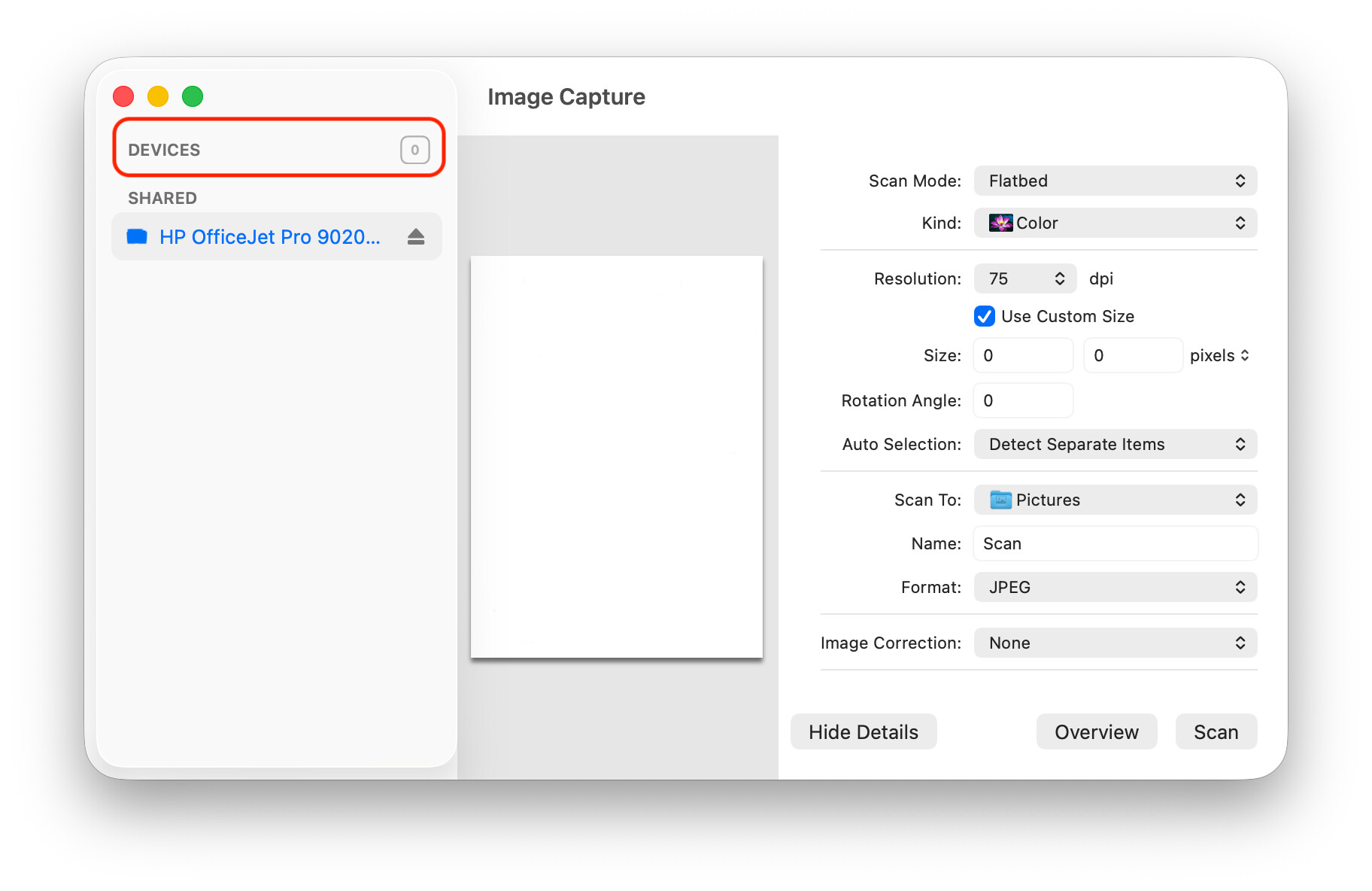
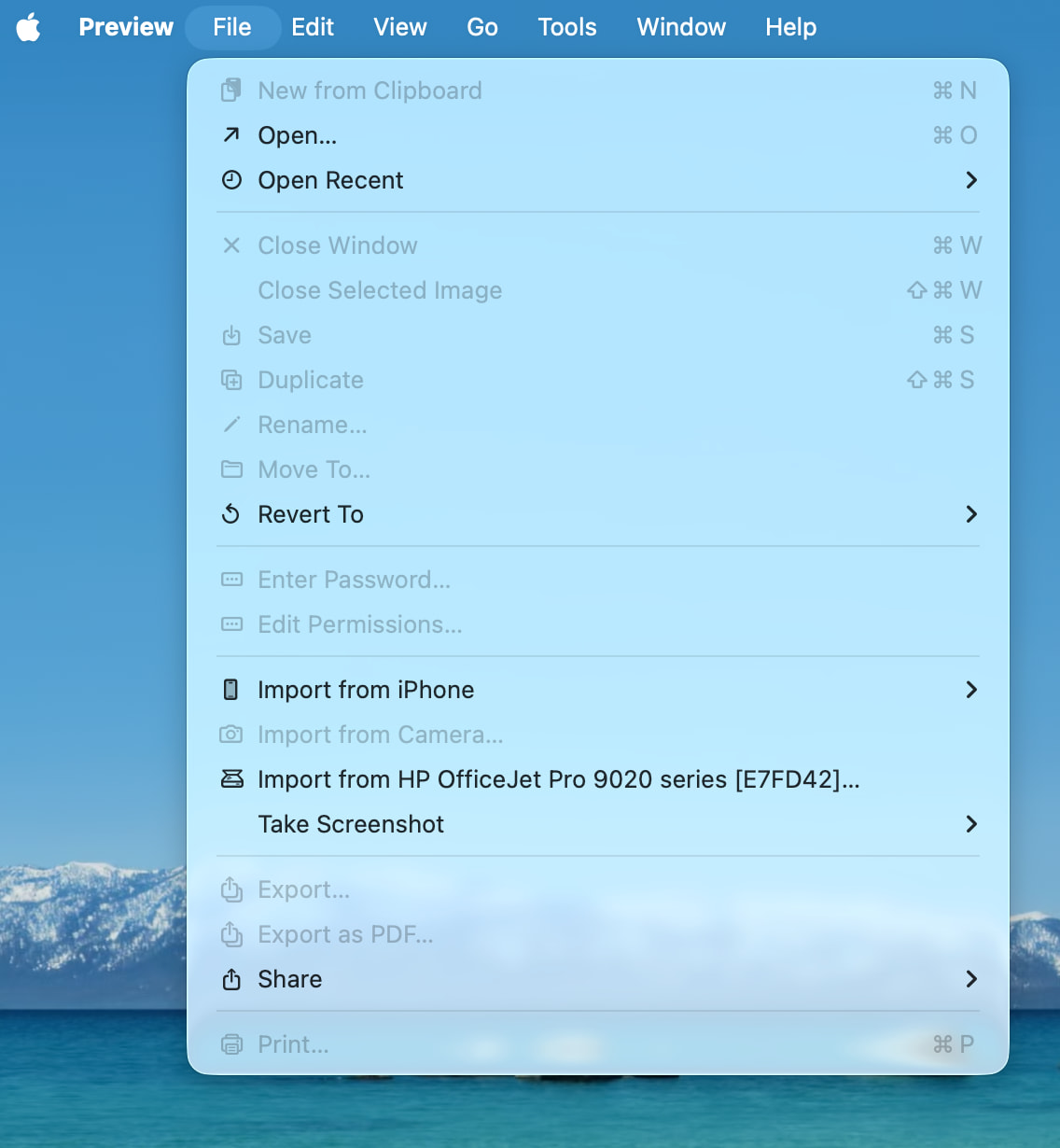
It might have been covered in another thread but it is worth trying the Image Capture app that comes with macOS. I have an Officejet printer/scanner and much prefer using Image Capture to the HP software.
Of course this is not much help if the driver for your scanner is not available or crashes.
Agree that the UI is no great shakes but I also use it to scan negative film and I’ve found that the quality of the captures at its highest settings exceeds other software. Not a typical concern with a ScanSnap though.
I have a ScanSnap S1300 too, but it doesn’t seem worthwhile to spend much on such old hardware. Wirecutter likes a Brother scanner, but for the minimal scanning I do nowadays, I just use the scanning capabilities in the iPhone’s Files app. (or “Siri, scan a document.”)
“I want a new scanner.” This makes the key consideration: “Do I have better uses for the money that goes to the price difference between the software purchase and the scanner purchase?”
“Productivity”. Will the new scanner save you time? How much do you value your time? Will the value of the time saved outweigh the additional cost of a new scanner?
“Business analyst thinking”. How much longer do you think the old scanner will keep working? Divide the cost of the software by the estimated remaining life to estimate a cost per year. Is this an acceptable number to you? Say the old scanner dies 12 months from now. How would the cost per year feel to you then?
“Risk management”. Do you think the new scanner will have increased in price when you decide or need to buy it? By how much?
(That HP printer is something else on my network). And I’m pretty sure when I checked this was before I deinstalled the ScanSnap software (in an attempt to fix what I thought might be a corrupt installation).
As far as I know, Fujitsu never released an ICA driver for the S1300, which would be needed for the Apple Image Capture app and Apple Preview.
I don’t want to send you on a wild goose chase, but I wonder if AirSANE and/or the NAPS2 + SANE Project might get you what you need without spending anything except time to figure them out.
I haven’t tried any of them myself, but they may be worth investigating if you are reasonably technical.
I’m not crazy about the UI either, but I don’t find it worse than Silverfast, the other software I’ve used for scanning film. It also allowed me to scan some family stuff on my old Epson 1650 flatbed. Even with my not-wonderful film scanning skills, I feel I got better shadow detail from slides and negs using Vuescan. I have a 2012 MBP running Mojave and older Scansnap software for my yearly ScanSnap sessions.
 Obviously, it’s my money to part with, so I’m probably stuck with this choice