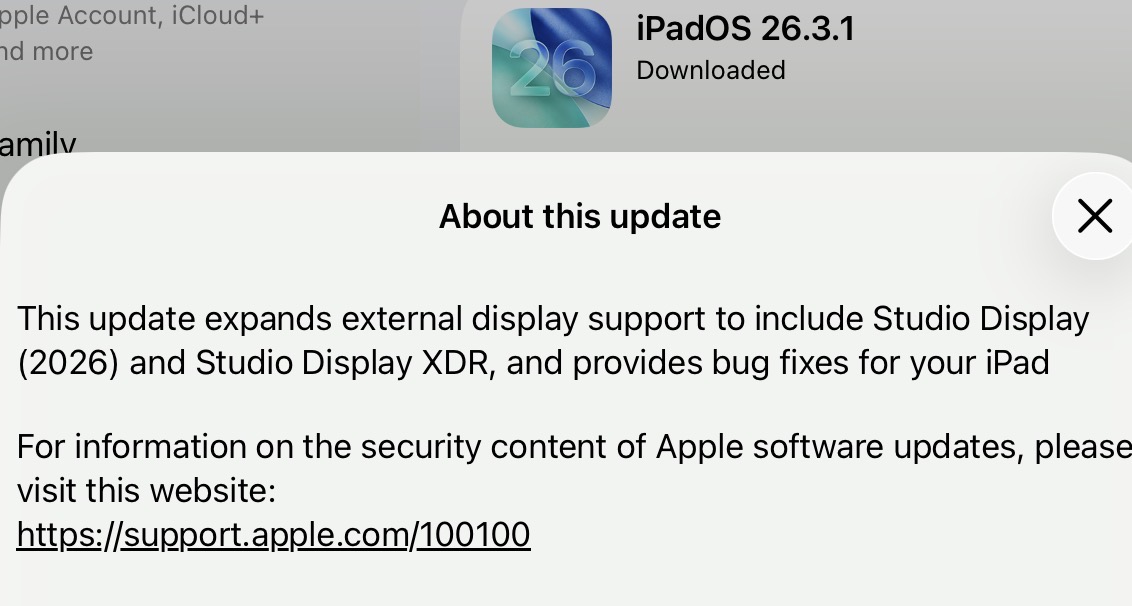
visionOS 26.3.1, the remaining operating system that received an update, “fixes a flicker issue that can occur when watching sports with MultiView in the Apple TV app.”
Obviously, if you’ve ordered a new Studio Display or Studio Display XDR, you should install these updates before you attempt to connect the display. And if you have a Vision Pro, you may as well install visionOS 26.3.1.
Otherwise, given that there are no security fixes and Apple hasn’t explained what bugs were fixed, I can’t see any urgency to installing these updates. It’s probably worth doing the next time it seems convenient, but I doubt anyone would suffer if they just waited until OS 26.4.
Does anyone else have a clue what might have changed in this release?
I installed it (on my iPhone 13 mini) and it installed without incident.
The Apple security releases page also mentions iOS 18.7.6 (for iPhone XS and XR models) and macOS 26.3.1. All released today. None referencing any published CVE entries.
One report that I saw said that macOS 26.3.1 changes the names of the what used to be the called the Performance cores in the M5 processor family to the newly-named “Super Cores”.
It’s also apparently required to be used with the new Studio Display models.
I’m not sure how the core names are relevant to iOS and iPadOS - while there is an M5 iPad Pro, I’m not sure that this info is exposed anywhere in the mobile OSes (though maybe it is?), though I guess an iPad could be connected to a Studio Display.
The IOS and Ipad updates are probably to suppport the the iPhone 17e and iPad Air released this week. The Mac update supports the new Macs and displays.
I did find an apparent bug fix in the Mac update related to screensavers:
In MacOS 26.3, moving screensavers would stop moving after some time (maybe an hour or so). That has apparently been fixed in 26.3.1, which was released primarily to support the new displays. That fix probably could have waited, but my guess is it was an easy correction for a bug introduced in 26.3, so they decided to slip it in here.
My guess is that this series of updates is skippable if you won’t be dealing with any of the new hardware introduced this week. You’ll be able to catch up with the 26.4 release.
FWIW, my Windows iTunes updated to version 12.13.10.3 today. I can’t find any specific documentation for it online at the moment, but the Windows Apple Software Update app indicated that it included support for new hardware.
The Apple update notes that I saw said it was to support connection to the Apple Studio plus some bug fixes (Apple acknowledging bugs?). Seemed trivial for my purposes but went ahead with the iPhone update anyway - so far no issues.
Long time Tidbits subscriber | Mac user with Mac IT background making my first post.
I have reported Mac OS core apps problems [TextEdit, Music, Preview] to Apple but they still make no repairs. Maybe they read comments here. I hope so.
They fired the developer for MacOS 26 correct? Revert MacOS to MacOS15 please, so that your core applications work. Then you can add your neat bells and whistles to the interface.