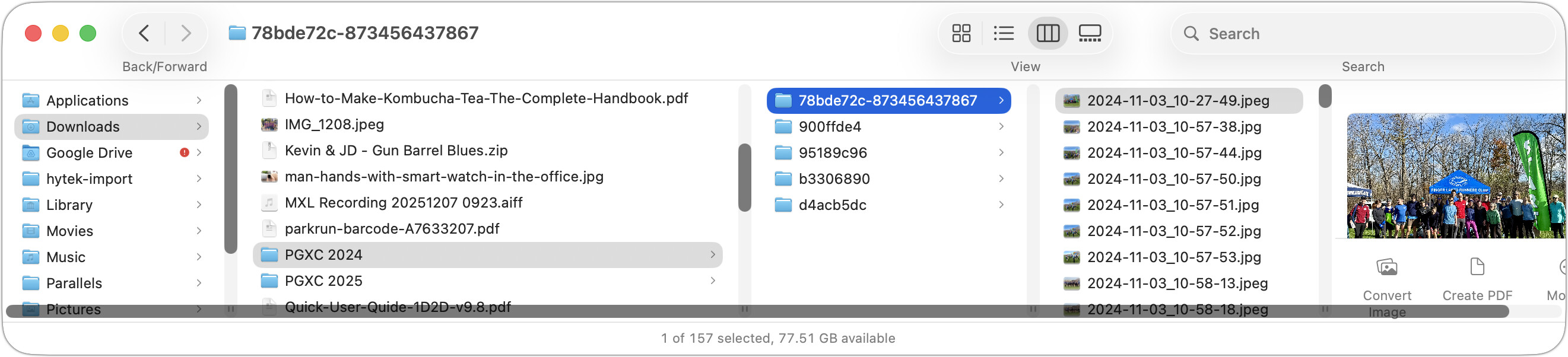
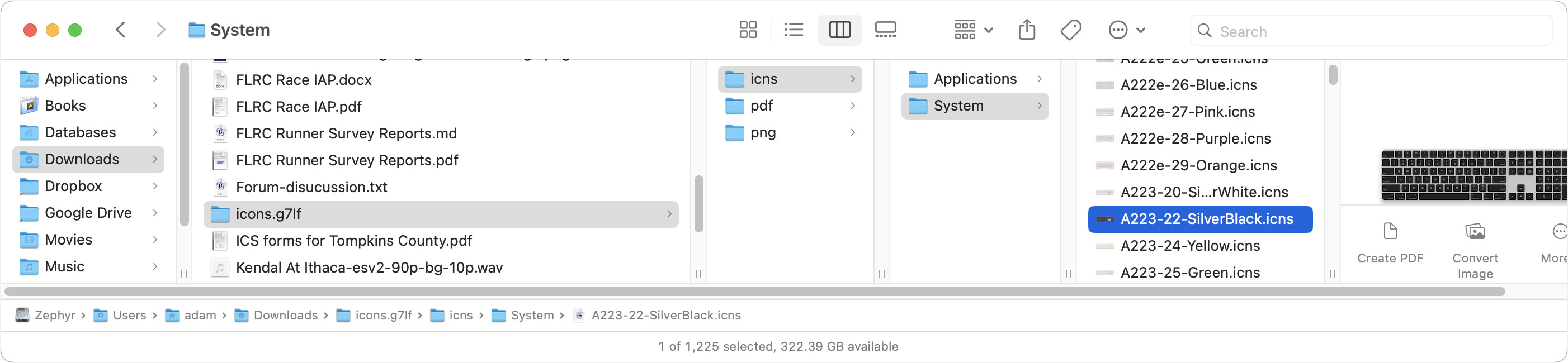
[…] ]expands columns only enough to display the currently visible items without truncation. This approach makes perfect sense, since the user is invoking the command to adjust what they’re looking at.
I respectfully disagree with your assessment that this “makes perfect sense,” Adam. Not because of personal opinion, lot alone a desire to enter into an argument.
It simply is a question of consistent behavior of one interaction being applied across different contexts.
Take, for example, double-clicking a column divider in a spreadsheet: this will also adjust the width of the column to the widest cell content in that column. And it does so without depending on whether that widest content is in view, or not. This behavior is exactly identical at least in Apple Numbers, Google Sheets, and Microsoft Excel.
Similarly, the same interaction applied to the sidebar in Apple Mail will adjust the width to the widest folder name. Again without taking into account whether or not that folder name is inside the window’s viewport. It doesn’t even matter if the section containing the widest folder name is collapsed, or not. Double-clicking the divider always adjusts to accommodate the widest name.
Most importantly, the same thing happens when you set a Finder window to List view and double-click a divider. It will adjust the column width — Name, Date Modified, Size, etc. — to its widest content. And yet again, it’s irrelevant whether that widest content is in view, or not.
As an extra bonus, I tried the interaction on a 2014 Mac running macOS Mojave. On that OS, the Finder shows the exact same behavior as all the examples above, including in Column view!
Someone at Apple must have decided, then, that the old, more consistent behavior deserved to be modified. And I wish I knew what the rationale for that change was, given how it has made the behavior uniquely inconsistent.