Woo! macOS 14.3 fixes the bug with printing lists in Contacts.
2 Likes
Bleh! Looks like you’re right. I positioned myself far enough away from my phone that I could still hear it, but not be recognised by it, and even with an unlocked watch my phone’s Siri would not let me change focus without unlocking first. Awww … that’s too bad! Thanks for clearing that up.
No mention thus far whether SDP knows where Home and Work are if Settings > Privacy > Location Services > SystemServices > Significant Locations is turned off. Hmm… [EDIT: ok, I completely didn’t read this thread…]
I have not had a positive experience updating to 17.3. First on my iPhone 12 Mini it updated by itself —no input from me. Right after, the phone totally froze! I tried pushing the volume and power buttons to no avail. Then I did a Google search on how to unfreeze a phone. I finally found a YouTube video that fixed it.
I have a Zagg keyboard attached to my iPad Air 5 (newest one), (Other than the unauthorized update and freeze)— I didn’t encounter any problems on the phone using the update . So I updated my iPad. NO EMOJI’S!!!. The “globe/emoji” key on the Zagg keyboard no longer works!
I realize an emoji is not important to some people, but I used them all the time! I see on Google that there are many complaints about the way Apple has handled emojis. Supposedly you click on stickers, then faces and you see them. Why add 2 extra steps when they were already convenient? And from what I have read, Apple has made the “globe” key on 3rd party keyboards non-functional! I am not happy!
HOW TO FORCE RESTART YOUR IPHONE IF IT IS FROZEN
1.YOUTUBE VIDEO
Here is the link to that You Tube video to unfreeze your Apple device… This is the best one I looked at. He showed what to do all the way until the iPhone started again and had to add the passcode. My iPhone took a while. I almost gave up and lifted my finger off the Power button. Do what he says —keep your finger on the power button!
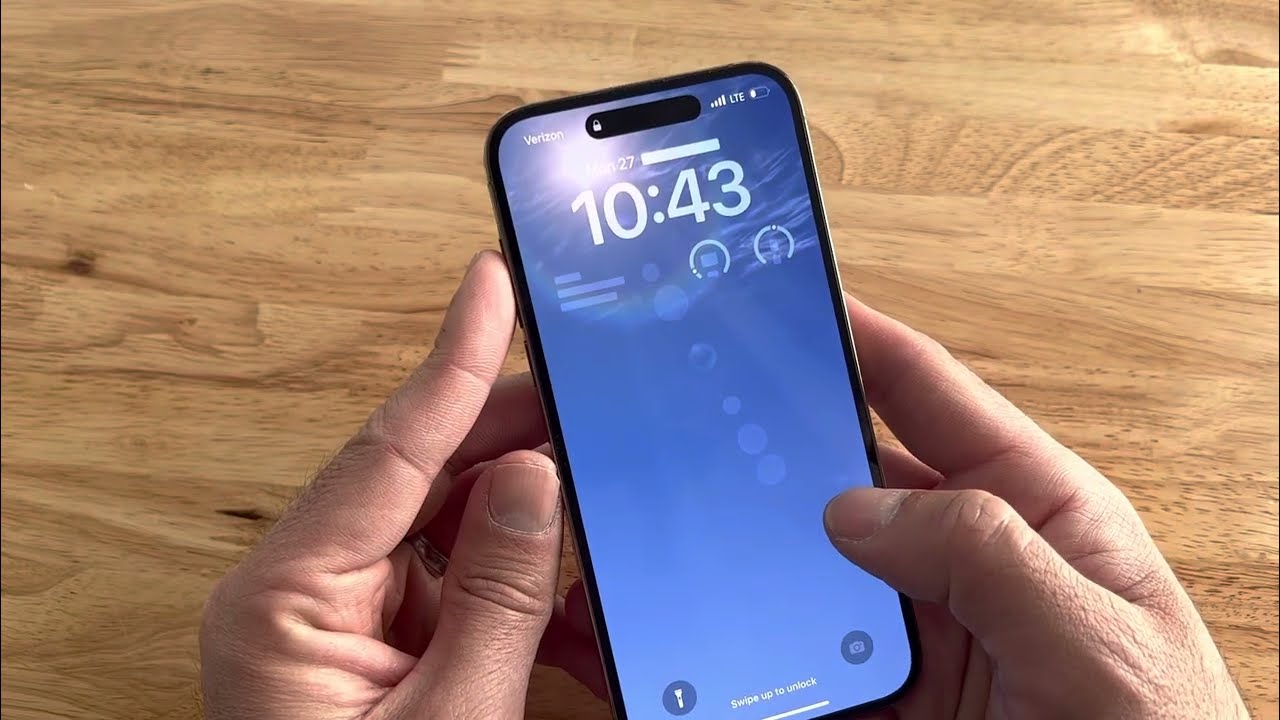
How to Restart a Frozen iPhone
———
2 Apple Support
Force restart iPhone
If iPhone isn’t responding, try forcing it to restart.
——-
Note: Apple’s page shows you the steps to take. For me, watching the YouTube and actually seeing what to do was better. YMMV
1 Like
Maybe this is a little off-topic, but this article prompted me to immediately update my iPhone to iOS 17.3. After this update I discovered that I can no longer successfully search my calendar. I’m wondering if this is a known issue or if anyone has experienced this problem.
Essentially, no matter what I search for, the response is “No Results”. I have several calendars and the weird thing is that through experimentation I discovered that it is actually searching two seldom used calendars, but not all of my calendars and not my main calendars. My two main calendars, my “Personal Calendar” that I share with my wife, and my private “Work Calendar” will return no results, but a Calendar of Japanese Holiday schedules that I subscribe to, and an NFL Football Schedule Calendar that I subscribe to WILL return results (though that’s not much use really). I’ve tried turning calendars on and off, restarting my phone etc. but nothing helps.
Anybody else?
Mine is working fine for future and past searches