My wife has an odd problem on her MacBook Air (M2) running MacOS Sequoia 15.7.1: She can’t send photos (JPEG), either from Photos by pressing the + or by dragging and dropping them from her drive into Messages. Neither works. The photos appear on Messages in her computer, and it appears that they have been sent, but recipients just see a blank bubble.
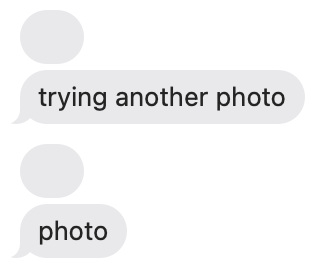
On my M2 MacBook Pro running 15.7.3, I can do this with no problem.
She can send them from her phone. It’s driving her nuts because she prefers to download photos to her Mac, edit them, and then send them to friends/family.
Has anyone else run into this problem, and if so, any suggestions for a solution? We’ll try upgrading to 15.7.3 as soon as we get back from a trip, but I think the problem has been around for a while.
Thanks for your time and trouble! And happy holidays to those who are celebrating.
Edited to add: at first I thought it was just drag-and-drop, but it won’t send photos from Photos either.