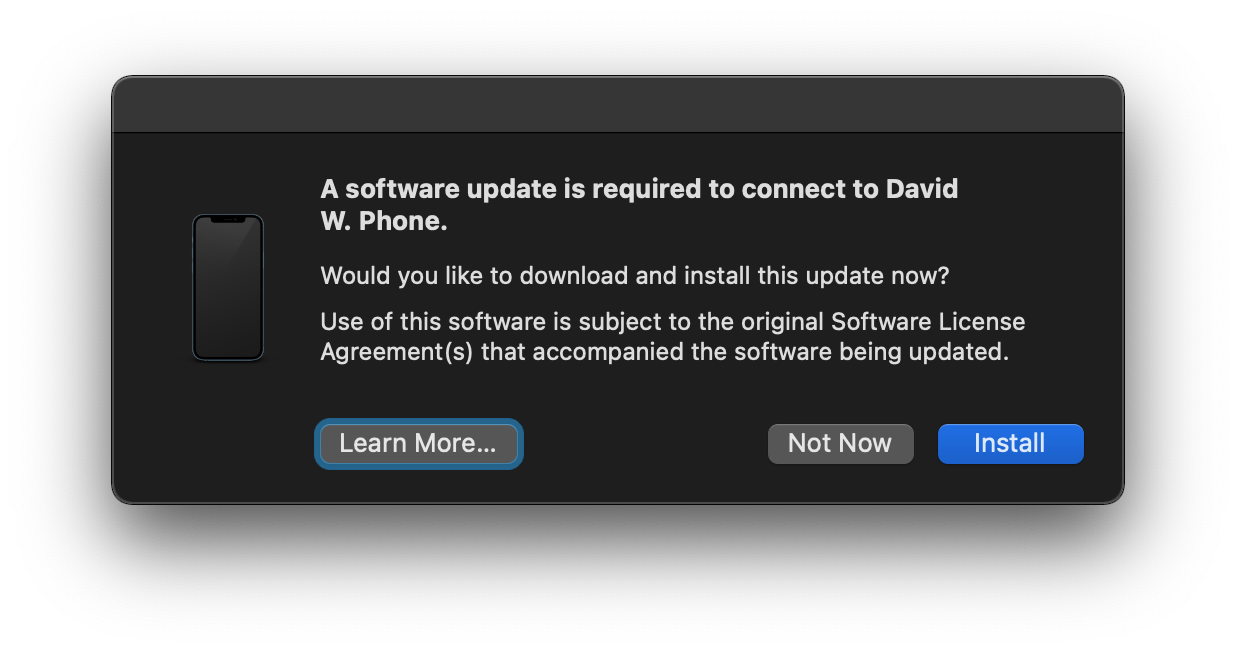
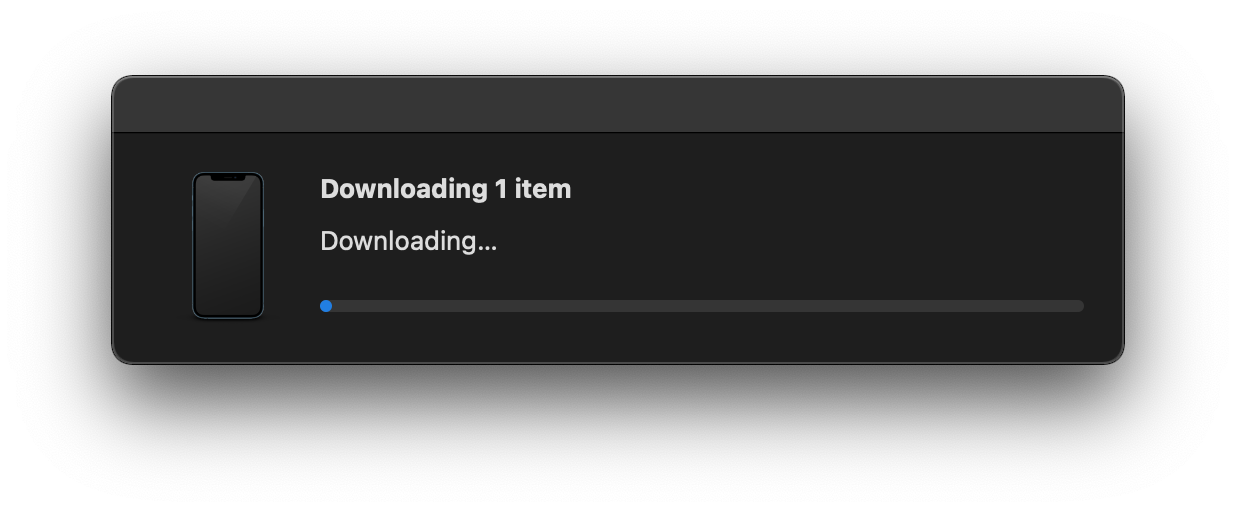
And, it just sits there on Downloading forever. The progress bar never moves. To get rid of it, I either have to kill it via Activity Monitor (MobileDeviceUpdate) or reboot my Mac.
Is there something I need to do in order to get this download to work and install. I have a feeling it’s trying to install a macOS 12 install and can’t because I’m just on macOS 11.6.4.
No idea why the download is taking so long. There was an update for Mobile Devices posted very recently, but it’s tiny and not at all associated with macOS 12. Went relatively fast for me in both Mojave and Catalina.
It’s terrible UI. Apple tells people next to nothing (it was even worse in the past) about what it is and why it’s necessary. And then, as you say, there’s no pause or cancel option. Worse yet, though, there’s no simple way to initiate or re-initiate it, considering since most users don’t realize what it is and how it’s being triggered, they wouldn’t know that to re-initiate it you have to reconnect your iOS device through USB. It’s really just as if Apple once again where trying to hammer into people to finally stop using USB connections to their iOS devices altogether. There’s iCloud after all. Argh.
If you can, try leaving your phone plugged in while this poorly designed message is up. I would bet that once the software finally did update, it cancelled installation because your phone wasn’t plugged in.
FWIW, a few weeks ago (Pandemic Time) on my Mac with my main music library (i.e., an older MacOS), I encountered a version of this update, and it failed several times until one time it worked. No useful error messages, and like @Simon writes, a terrible UI.
iMazing triggers the same update. I just did it last weekend. I guess I was lucky that I had to wait only like 1 hr for the download to finish. The installation also took seemingly forever.
These are updates to macOS but their purpose is to get the Mac to properly talk to the iOS device. This is why they often occur after new iOS devices have launched, but sometimes they also happen outside of those windows.
That’s good, but what happens when you are on an older OS? I’ve gotten messages to update my Mac OS to a higher version. I’m on Sierra which is why I went to iMazing, knowing my 13 Mini wouldn’t back up to my older iTunes.
iMazing needs that update too because they’re running on top of apple’s structure. But they’re as good as it’s possible to be about letting old stuff work. My mac with iMazing is a 2011 mini running el cap, and I had to do one of those updates when I upgraded to ios 15. I do have older hardware though (iphone 8, ipad mini 5). My escape hatch if needed when I get a new iphone and ipad this spring is to move iMazing to my Catalina mini, but if I didn’t have that, Catalina in a VM (which I think you already have?) should also work. You’ll need to tell the VM host to mount USB devices. In VMWare, I generally set things to ask each time a new device is connected; I don’t know how Virtual Box does it, but surely there’s something similar.
I am running iMazing (to keep backups of iOS devices) under El Capitan on an older Mac mini. The update was of the MacOS component as others said, which it requires to talk to an iOS device (iPhone SE 2nd gen in my case). The only change was my updating iPhone from iOS 14.8 to 15.3 a few days before the component update was triggered.
I had this problem with my iPhone 12 and my iMac Retina 27" on Big Sur. The download never got beyond the first blue dot. Then I closed my Cloudfare Warp VPN and everything worked properly. This is not the only issue that has been connected to Cloudflare Warp VPN, although Cloudflare 1.1.1.1 works fine. I have since deleted the VPN.
If you are not running Cloudflare Warp or a VPN of any kind then we need to dig deeper.
I get the same thing on my iMac that is maxed out at MacOS 10.13.6. I click on the “Not Now” button and my iMac connects just fine. As far as I can tell, this is only another form of Apple FUD to force us to buy newer, yet unneeded hardware.
Follow-up on 1 Mar 22
I just synced and backed up my iPad Mini 4 running iPadOS 15.3.1 using iTunes 12.6.3.5 in MacOS 10.13.6. I got the “update” alert and just dismissed it before syncing and backing up.
It’s only needed to connect to new iOS hardware or enable new features/fixes. If you connect older working iOS hardware, you can ignore it without problems. Except of course Apple’s constant nagging. I end up just doing it because of that. Precisely what they want obviously. Oh well, you have to choose your battles.
No, not at all. As others have stated, it simply allows you to connect to any new iDevice you may have purchase or will purchase in the future or to accommodate an iOS/iPadOS update on an older device.
Has nothing to do with macOS updates and your Mac can still be updated with background updates to such things as MRT and XProtect as well as these iDevice updates. They don’t require a restart and have always been very quick and trouble free for me (as opposed to the OP’s recent experience).

 I end up just doing it because of that. Precisely what they want obviously. Oh well, you have to choose your battles.
