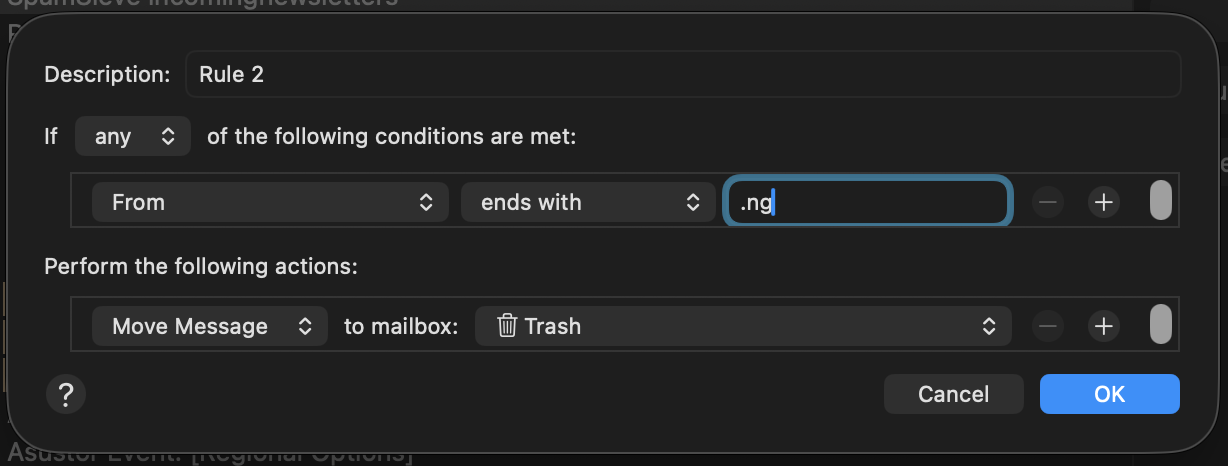
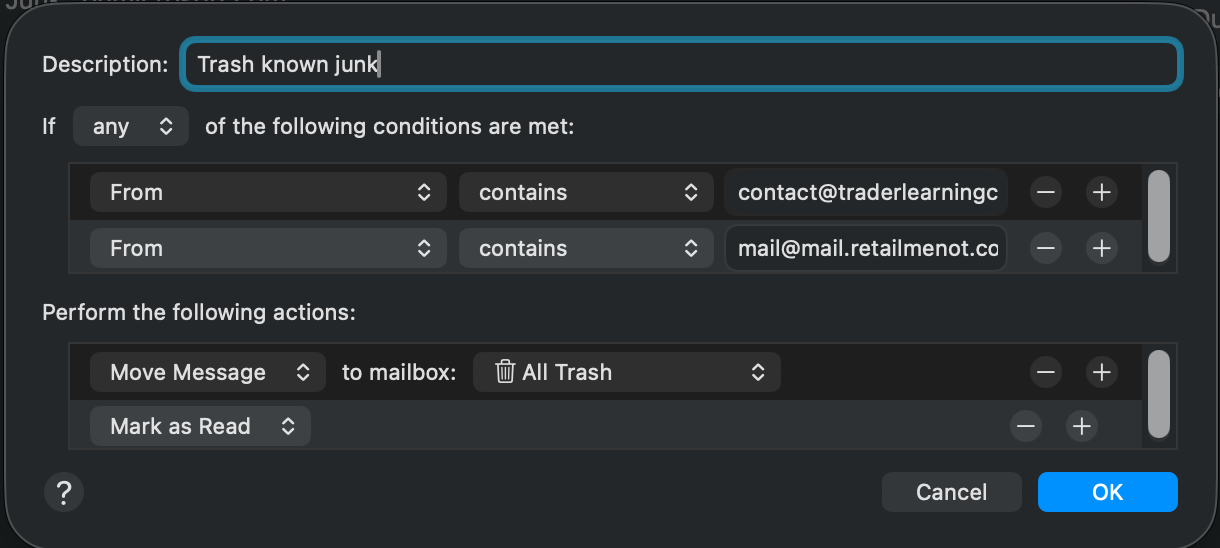
The short answer is that blocking spam in the email client by the From address is ineffective, because the From address can be anything. It is like trying to block robocalls by the caller id – they can fake it so it can be random phone numbers.
Your ISP can, theoretically, do a better job, because at the time they are receiving the message, they know exactly who the sending server is. They can choose to accept the message, accept it but mark it as spam, or deny it.
The trick is how does the ISP know which sending servers to trust? This requires effort, and it is a moving target: if they’re too conservative, they let spam through, but if they’re too aggresive, they can drop legitimate email.
Spectrum may not be putting in the effort to do an effective job.
So there are three strategies you can take:
- Switch to an email service provider that does a better job at spam management.
- Try to manage it at the client end (more on this below)
- Aggressively report every single spam email you get to the ISP that sent it so that the spammers get kicked off their provider. I use SpamCop for this purpose. *
Managing at the client end: As I said above, once the mail is accepted by the mail server (technically, a Mail Transfer Agent), you don’t know for sure where the mail came from. Each MTA the email passes through adds headers to the email that are supposed to track its path, but guess what? Spammers can add fake headers.
You can use SpamSieve, which examines the message body and headers and scores it for characteristics that distinguish spam from not-spam. I don’t know if SpamSieve goes as far as analyzing the headers to discard the fake headers and look up the true spammer’s server in spam blocklists.
The spam processing in Mail just looks at the body for words and phrases that are spammy vs. not. It can be fooled.
* I’ve had my 4 email addresses for decades. Last week I got 3 spam messages, total!