Originally published at: Apple Releases OS 26.2.1 for AirTag 2, Extends Certificates on Older Versions - TidBITS
In conjunction with the introduction of the second-generation AirTag (see “New AirTag Offers Expanded Range, Louder Speaker,” 26 January 2026), Apple has released iOS 26.2.1, iPadOS 26.2.1, and watchOS 26.2.1, all of which are necessary updates to support the new AirTags. Those who are buying new AirTags should update right away; my feeling is that everyone else can ignore the updates and pick up the bug fixes with the OS 26.3 updates, which should be out soon. Apple claims there are also bug fixes, but doesn’t deign to clarify what they might be.
More intriguingly, the company also released updates to four older versions of iOS and iPadOS, dating back to iOS 12. The updates include:
- iOS 18.7.4 and iPadOS 18.7.4
- iOS 16.7.13 and iPadOS 16.7.13
- iOS 15.8.6 and iPadOS 15.8.6
- iOS 12.5.8
Usually, when Apple updates much older operating systems, it’s because of a particularly problematic security vulnerability, though even then, the company seldom goes back more than two releases. However, something else is going on this time, as indicated by the security notes, which state that none of the releases have any published CVE entries.

So what is the reason for these older updates? On my iPhone 6s running iOS 15.8.5, the description for the 15.8.6 update reads:
This update provides important bug fixes and is recommended for all users.
Unhelpful, but in the iOS 12.5.8, iOS 15.8.6, and iOS 18.7.4 release notes, Apple says:
This update extends the certificate required by features such as iMessage, FaceTime, and device activation to continue working after January 2027.
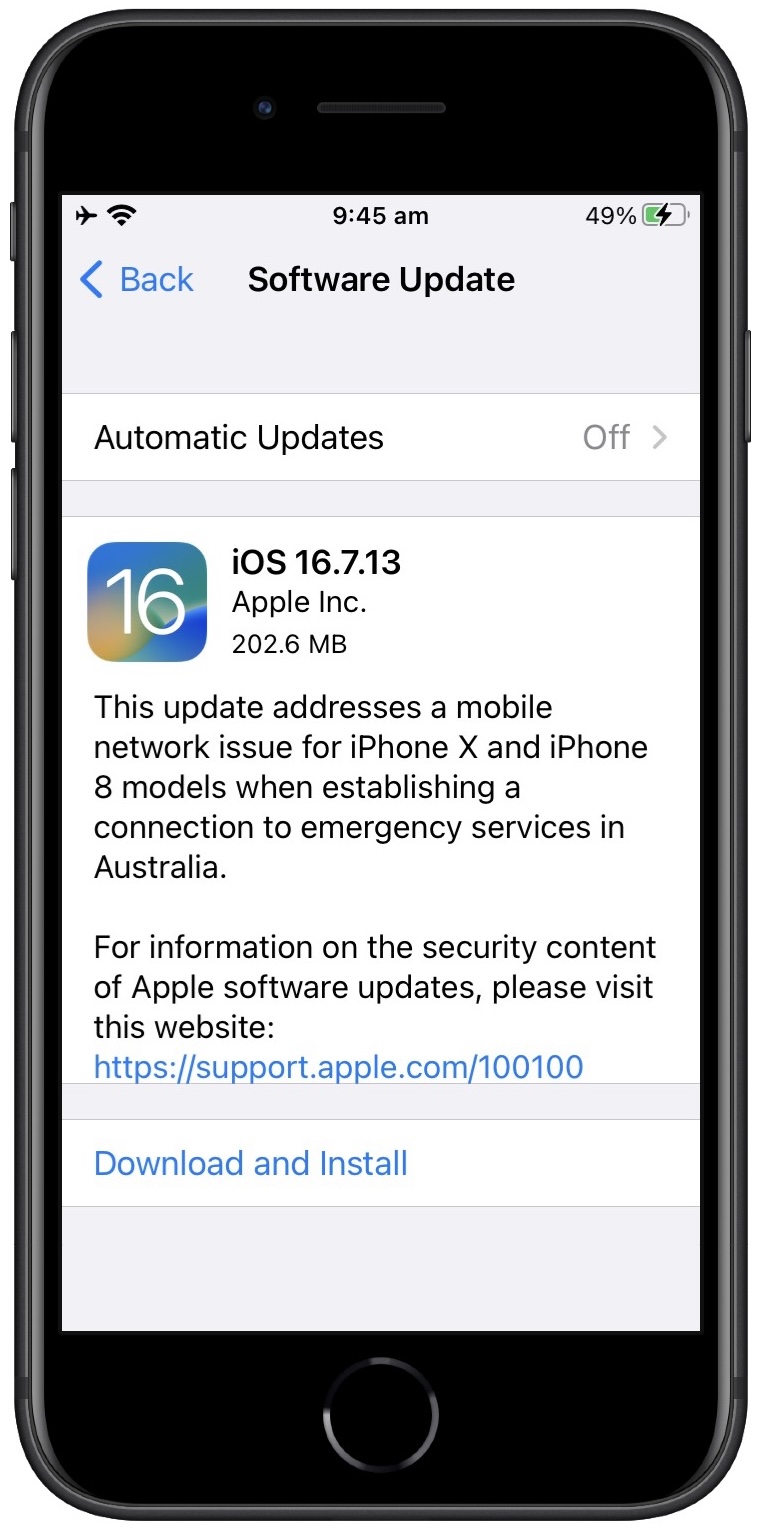
However, the iOS 16.7.13 release notes currently repeat what appears on the iPhone 6s:
This update provides important bug fixes and is recommended for all users.
I think the iOS 16.7.13 description is just a mistake on Apple’s part—someone pasted the wrong text into the content management system. My strong suspicion is that these historical releases are merely administrative updates designed to give users of older devices a year before things start breaking in January 2027. It’s too bad Apple isn’t using the more explicit language in its on-device messages, since it would undoubtedly encourage more people to update.
If you have an older device that is maxed out on one of these older versions, I strongly recommend updating sometime in the next year. There’s no reason to do it right away, but don’t put it off too long or you may forget entirely.
I wonder exactly how devices that don’t update will degrade in functionality. Apple identifies iMessage, FaceTime, and device activation, but it seems likely that other Apple-specific services might also be impacted.