There’s no indication that this bug has been exploited in the wild. In fact, Apple’s wording suggests to me that Screen Sharing is vulnerable to unauthenticated connections over the local network, not the Internet. Plus, Screen Sharing is turned off by default, so it seems likely that only Macs with it explicitly enabled would be vulnerable. You can check your status in System Settings > General > Sharing > Screen Sharing.
Regardless, the possibility of an unauthenticated user being able to observe or control another Mac via Screen Sharing is sufficiently concerning that I recommend everyone update as soon as is convenient.
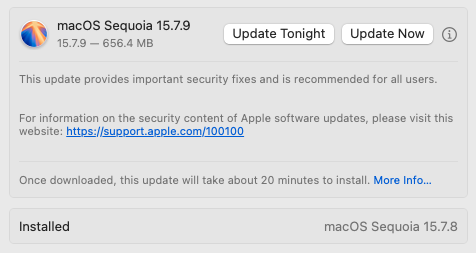
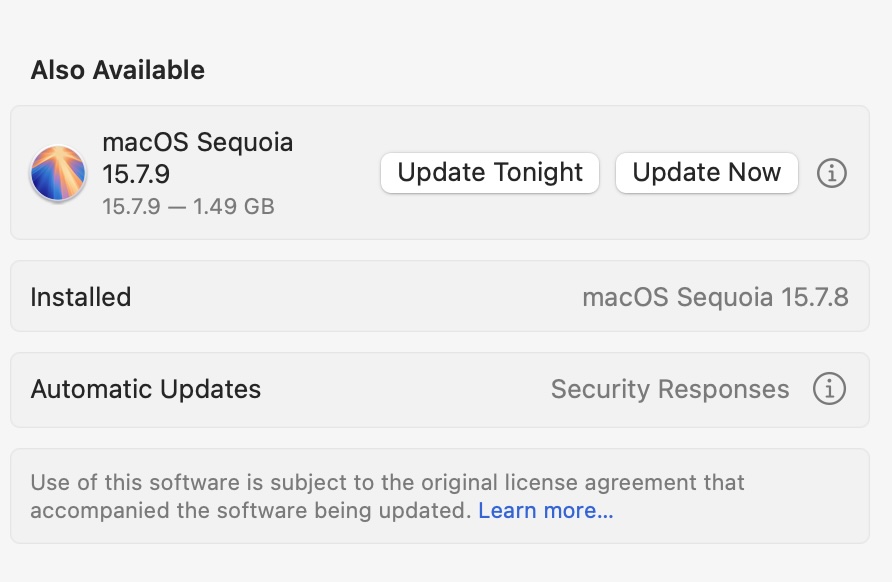
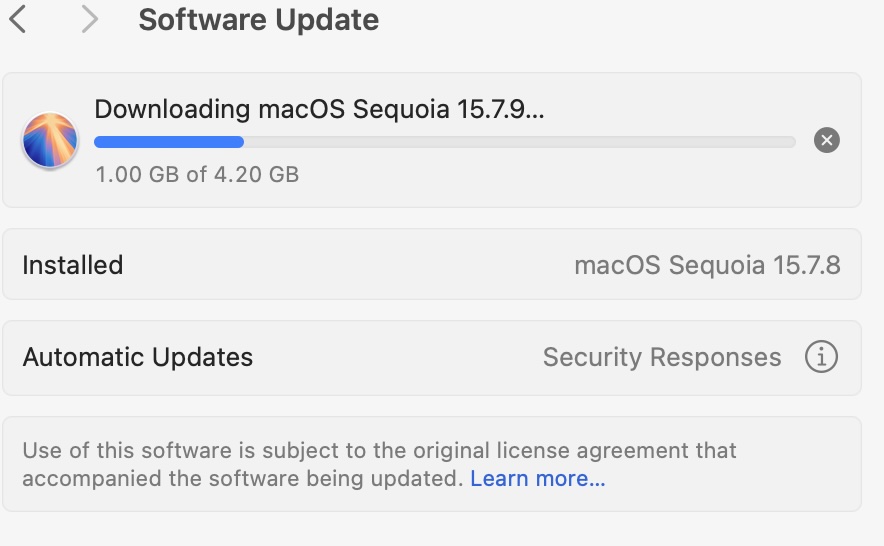
Howard Oakley has reported that the actual payload is often much smaller than what Apple’s numbers indicate. Also, isn’t the minimum update size nowadays dictated by the SSV?
Just for the record this did not fix the issue I am experiencing with not being able to use an app like RealVNC to control my Macs after upgrading to 26.6. Makes sense since it’s closing more vulnerabilities, but I had some hope for a little while when I first saw the update available. :)
What were you (each) upgrading from? If you were upgrading from 15.7.8, then it was probably a delta-update. But if you were upgrading from an earlier release, then you probably got a “combo update” containing all the fixes from 15.7.1 through 15.7.9.
Same. I was upgrading an M4 MBP from 15.7.8 and it started small 1.5GB, but after a minute or so something reset and it started downloading 4GB. Install was very quick but still required multiple reboots. It’s ridiculous that the numbers can’t even be consistent on the same machine throughout the same update.
Actually I don’t think you need to go into the Remote Management settings as the poster says. I know I tried this with macOS 26.6 and it didn’t work, but now in 26.6.1 you can set the VNC password in the Screen Sharing settings and that fixes things at least for me.
The link in that message seems to be mangled. Neither my Mac nor iPhone can connect and get a HTTP ERROR 400 Ambiguous URI path separator error. Here is a clean version.
It appears that some of the slash characters were replaced by %2F.
I should never have uncovered the rabbit hole of the update sizes—as with the Finder, they’re just not predictable or understandable from the outside anymore. I’ve pulled that paragraph now.
I vaguely recall Howard Oakley mentioning the unpredictability of update sizes at some point in the last few years. It may be much ado about nothing, but I think it’s a useful reminder for those eagle-eyed individuals who try to analyze everything that happens on their systems. Our Macs are increasingly inscrutable, and there doesn’t seem to be much that can be done about that.