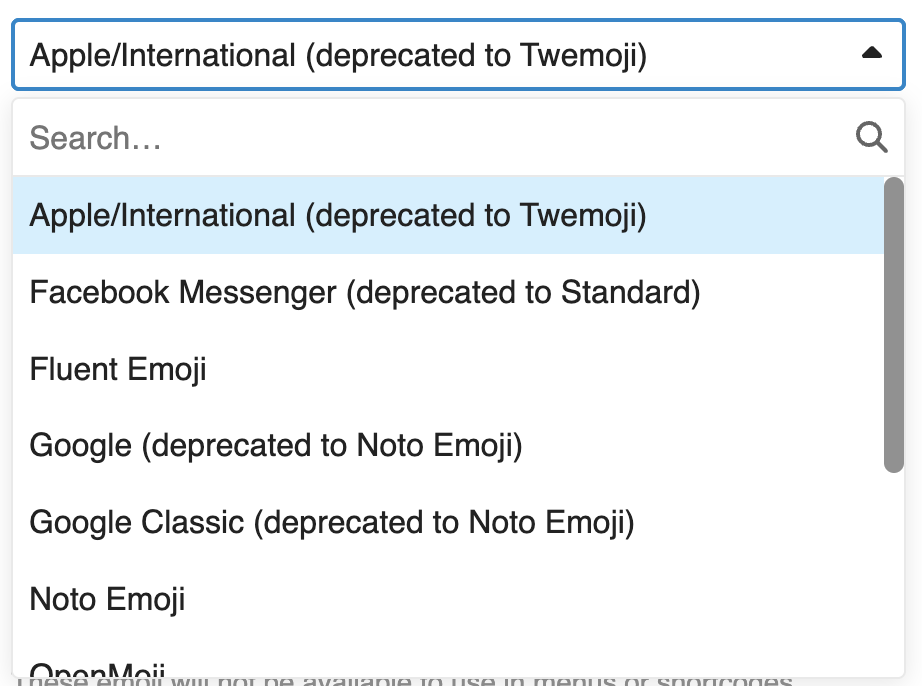
Many people have noticed the change in emoji styles, from Apple to Twemoji due to licensing issues (it sounds like Apple Legal may have played a role here). Here’s why. (We didn’t see this earlier because we haven’t been able to update Discourse until we moved to a new DigitalOcean droplet.) This is, unfortunately, out of our control.
Someone on that discussion made a comparison page. Frankly, everything sucks compared to Native in that comparison, which is the Apple set. For now, I’ll stick with Twemoji.
I’m surprised this is an issue at all. Why wouldn’t the software just present the Unicode sequences and let the browser render the emoji as it wants? This avoids all issues, because the rendering will by done by OS code on the reader’s computer.
If there is a reason why Discourse needs to send images instead of Unicode sequences (maybe it has characters that don’t appear in Unicode), then yes, I agree completely with the decision. There are copyright issues around fonts and artwork, so anything distributed with software needs to be either public domain or licensed. (Open source fonts still requires a license, but they usually include no-cost licenses for those who comply with the terms.)
Quick test. Three emoji presented two ways:
As Discourse markdown (entered via the editor menu)
Grinning Face:
Heart Eyes:
Face Savoring Food:
As direct Unicode (entered via Apple’s emoji palette):
Grinning Face: U+1F600:
Smiling Face with Heart-Eyes: U+1F60D:
Smiling Face Licking Lips: U+1F60B:
Weird. They look different in the editor, but when I post the edit, the Unicode characters are replaced with the Discourse graphics. Is that a configurable feature?
I also noticed that the Discourse palette includes many that are not on Apple’s picker (and are therefore probably not actual Unicode), like the Money-Mouth face () and the Shaking face (). Which probably explains why it’s not just sending Unicode sequences.
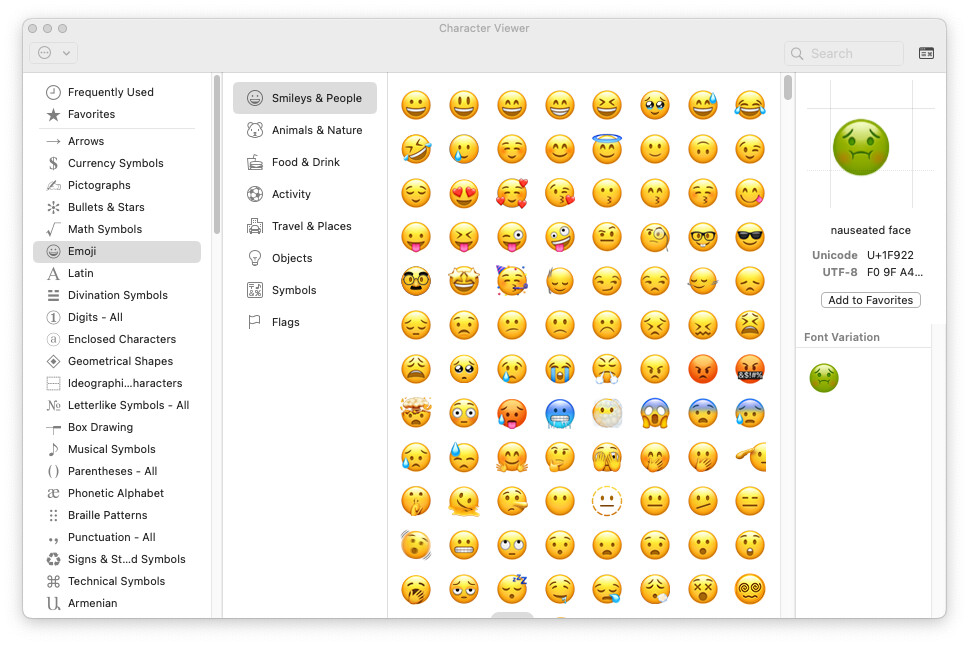
You’re right. They’re not in the “Emoji” section of the character viewer, but if I instead go to the “Unicode” section and select the corresponding code-point ranges (thanks for the numbers), they’re there.
This post suggests that they don’t want to do that because people could end up using emoji that are understood on one system but not another, resulting in “tofu” square boxes. Plus, there are custom emoji.
That’s actually a really good point. Apple ties new emoji releases to OS upgrades, so if you’re using anything other than the most current OS, there may be emoji you can’t see. If the site supplies the images itself, there’s no chance of that happening.
I’m not seeing anything. One possibility would be to turn off Discourse’s internal emoji rendering, which would mean that we’d lose conversions of :-) to . I suspect we’d also lose the ability to type :penguin: to get a . But then true Unicode emoji would still be enterable and displayable, at least on the Web.
I know that Discourse has a generic replace-text mechanism. You can configure it to look for particular strings in a message’s source and replace that with something else. (Many years ago, I was on a site that had fun with this on April 1st, replacing all kinds of common words with other words.)
I wonder if the emoji-replacement (both from Unicode and from the text-string representations) uses this mechanism. It would make sense to me. The question, of course, is if the tables used for this are editable/configurable. I suppose you could turn off the internal rendering and add a new table to replace the text-string versions with the Unicode sequences.
But, given the number of emoji characters and all the various modifier sequences, it would probably be more work than it’s worth. But maybe someone else has already done the work.
For giggles, I’ve turned off emoji support in Discourse, so typing :-) just gets you a smiley face and not an emoji. However, it seems that I can still enter actual emoji, so let’s see if this shows up online and in email. 🙄
And because it must be someone’s birthday somewhere, my favorite emoji sequence of all time, with props to Sandra Boynton.
🦛🐥🐑🐑
Oh, never mind. If I turn off emoji, we lose the emoji reactions too.
I suppose the practical upshot of this is that if you’re dissatisfied with the quality of Discourse’s built-in emojis, you can always manually enter Apple’s emojis, and they’ll display correctly.
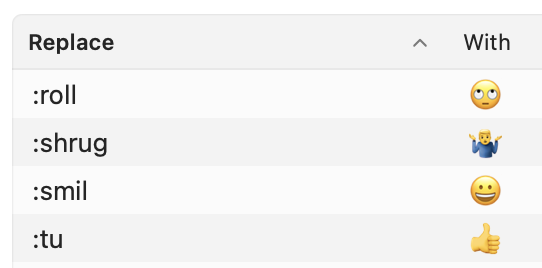
I’m guessing that most people here use few enough emoji that an easy way to make them faster to enter is to define a text expansion in System Settings > Keyboard > Text Replacements. Here’s what I have.
Select the Emoji category and double-click on a glyph and it will be entered into whatever text box you’re typing in (in any app that supports Unicode text entry). When you’re done, just tap “fn” again to close the window (or click its normal close-button).
I notice that the reactions are on a white background, meaning they look out of place when the forum switched into Dark mode (bad in my device setting). Could they be on a transparent background?
Yes, they do count as new emoji, so there may be some dupes in older articles.
My understanding is that Discourse doesn’t let me replace custom emoji—I have to upload a new one and give it a new name. I could delete the old one, but if I did that, I fear all old posts that use it would lose it or show a broken icon even if I uploaded a new emoji with the same name.
If someone knows more about this for sure, let me know. I haven’t had time to research.


 ) and the Shaking face (
 ). Which probably explains why it’s not just sending Unicode sequences.
 . I suspect we’d also lose the ability to type
  . But then true Unicode emoji would still be enterable and displayable, at least on the Web.