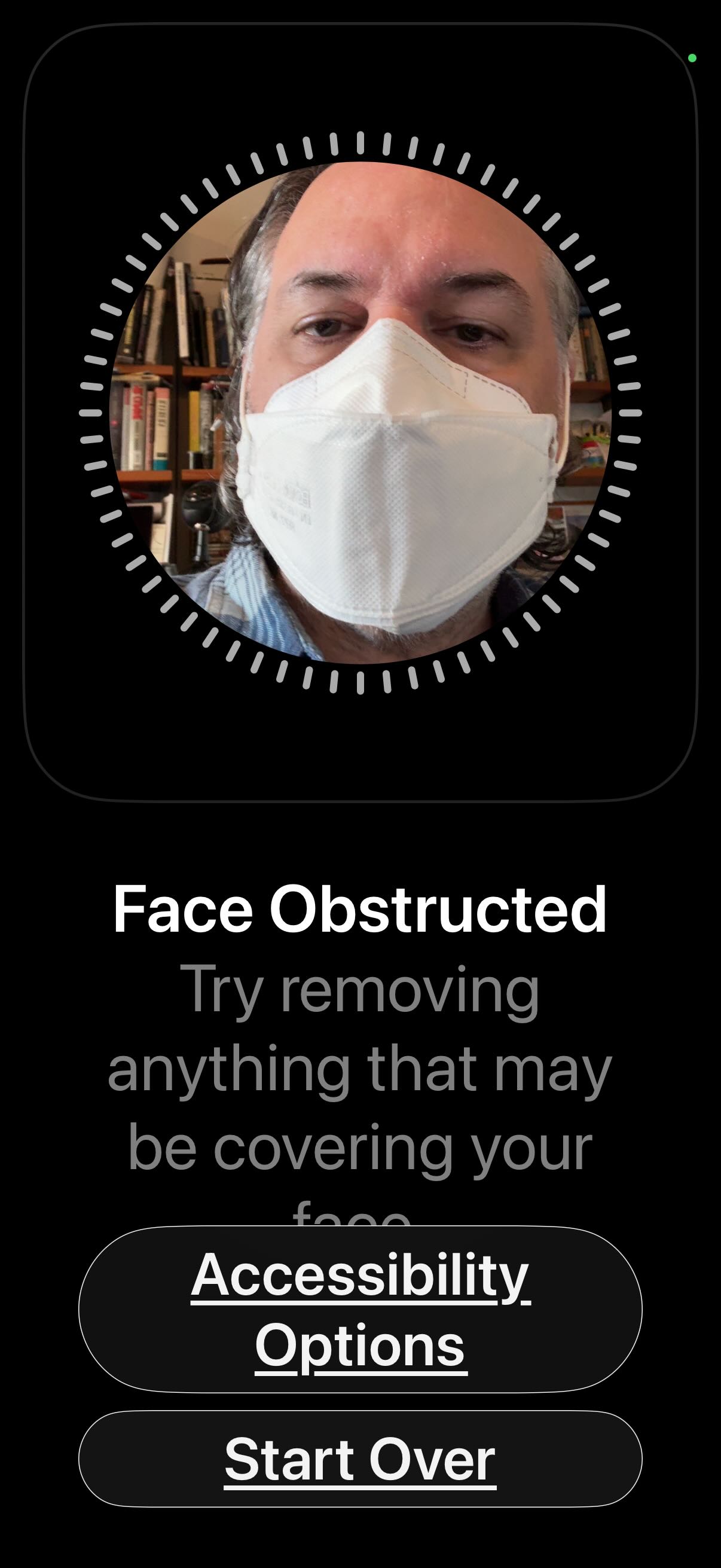
Despite many claim via Google AI that there is a mask configuration for iPhones beyond iPhone 12, I cannot see an option: Use Face ID with a Mask anywhere in settings
Is this just mainly due to
it is not included yet in iOS 26
and that nobody has confirmed this information yet, thus not answerable on the web
I do know that when you set up a new iPhone, or one that was factory reset and which you are restoring, one of the questions asked when you set up your passcode and Face ID is if you want to set up with a mask as well.
The location of that setting has not changed since Apple introduced the feature during COVID-19 (2021 or 2022 I believe - it was not early in the process, when it would have been most often used.)
On my iPhone 16, the option is “Set Up an Alternate Appearance” (which for me is me with reading glasses). I set up without them first, then added them. However, when I tried just now to add a new one with me wearing a mask, the setup failed. The fairly ironic message was “Face Obstructed” “try removing anything that may be covering your face”
Couple things, I think you’ve confirmed the following
you have to set up “regular” Face ID before trying the option with mask i.e. there is no default mask-only option
it doesn’t actually work with mask anyway LOL
Which belies a number of Google AI comments regarding Apple’s advance tech that scans eyes
I actually have a unique scar on my forehead … no, my name is not Harry, btw … that I figured would work quite well for a Mask only version of creating Face ID
I cannot get past the take your obstruction off phase in the prompts … may seem dumb, … but I was just trying to make it work as a Mask On Default ID
On a related note, I’ve always been annoyed by the fact that iPadOS doesn’t have this feature to support Face ID with a mask/alternate appearance as well. It’s almost been enough to make me want to downgrade from the iPad Pro back to the iPad Air that still has Touch ID. But the display on the iPad Pro is so nice…..
Does this always work for you? For me, seems like every once in a while it fails. Same with opening my laptop, sometimes I get an error that the watch is too far away (even though it is on my wrist, and I’m typing on my keyboard)