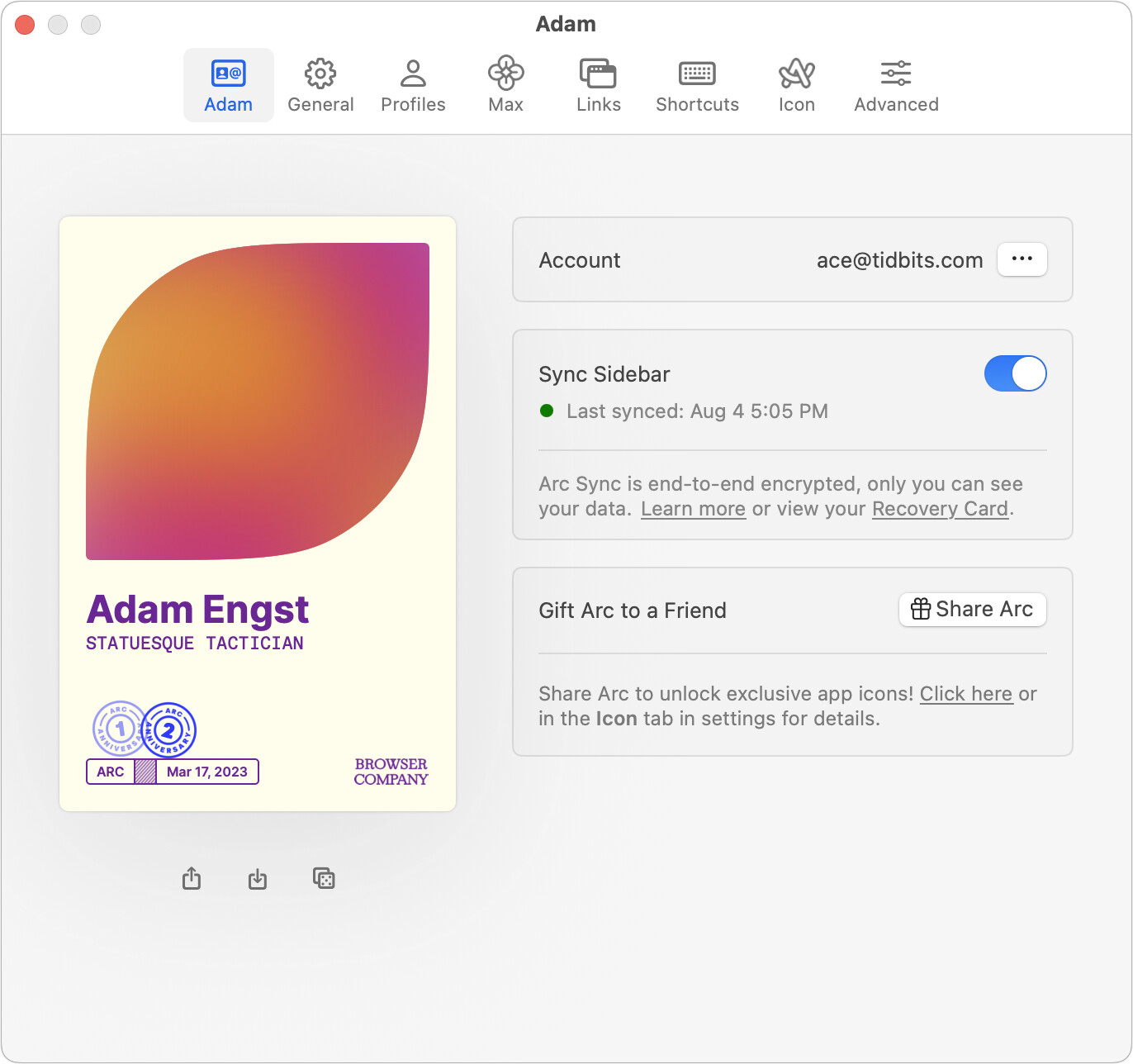
A few times when setting up Arc on a new Mac or account, I’ve seen the need to toggle Sync Sidebar off and back on again to restart syncing. Give that a try.
Thanks! I had figured that out finally. ARC now has two different syncs and the old machine was still on iCloud sync. Once they were they same it synced but not everything. All non-pinned tabs were blown away and possibly some pinned ones. Spaces have been re-ordered on both (I can drag Spaces around when they are the little dots, but now when they are in column view. Maybe I missed something).
In hindsight I should have shut down the new Mini and changed sync on old ARC first. Passwords need to be exported then imported by space.
And this is the problem with an app that isn’t getting any real updates. The iCloud syncing has been deprecated for a long time, but lots of people probably never switched, and setting up a new machine will run headlong into a syncing conflict.
Right! I had kept it updated but didn’t know about the sync change. And it wasn’t easy to find the info googling, I just happened to toggle the sync button and it finally worked and that’s when I figured it out.
After losing over 30 tabs I’d opened yesterday for research, I figured out why Arc blew away my unpinned tabs once the sync took place.
I don’t know if this was the case when I set up Arc 2 years ago, but the new install on the M4 Mini defaulted to 24 hours. So when the two Mini’s synced, I lost all my unpinned tabs.