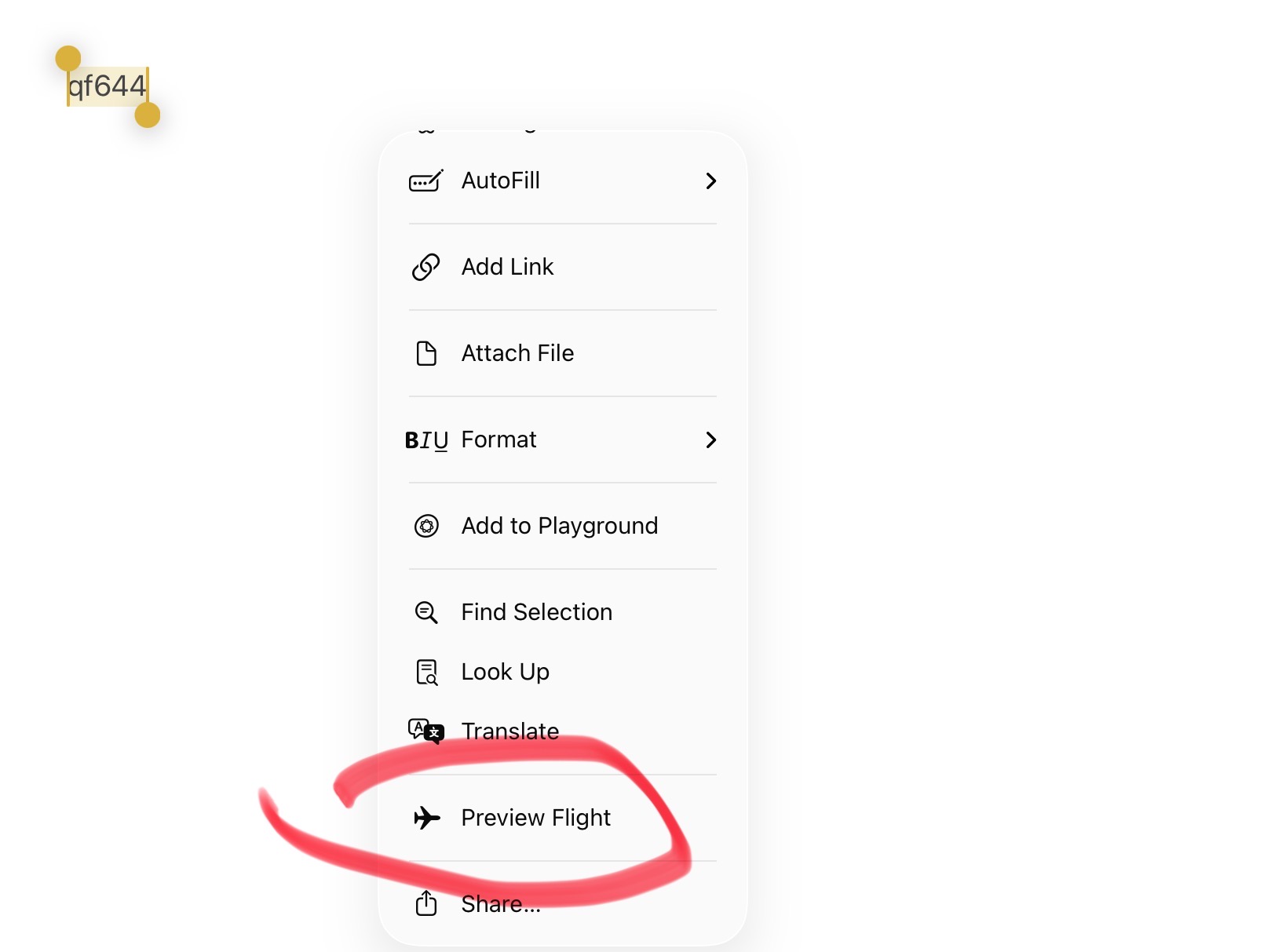
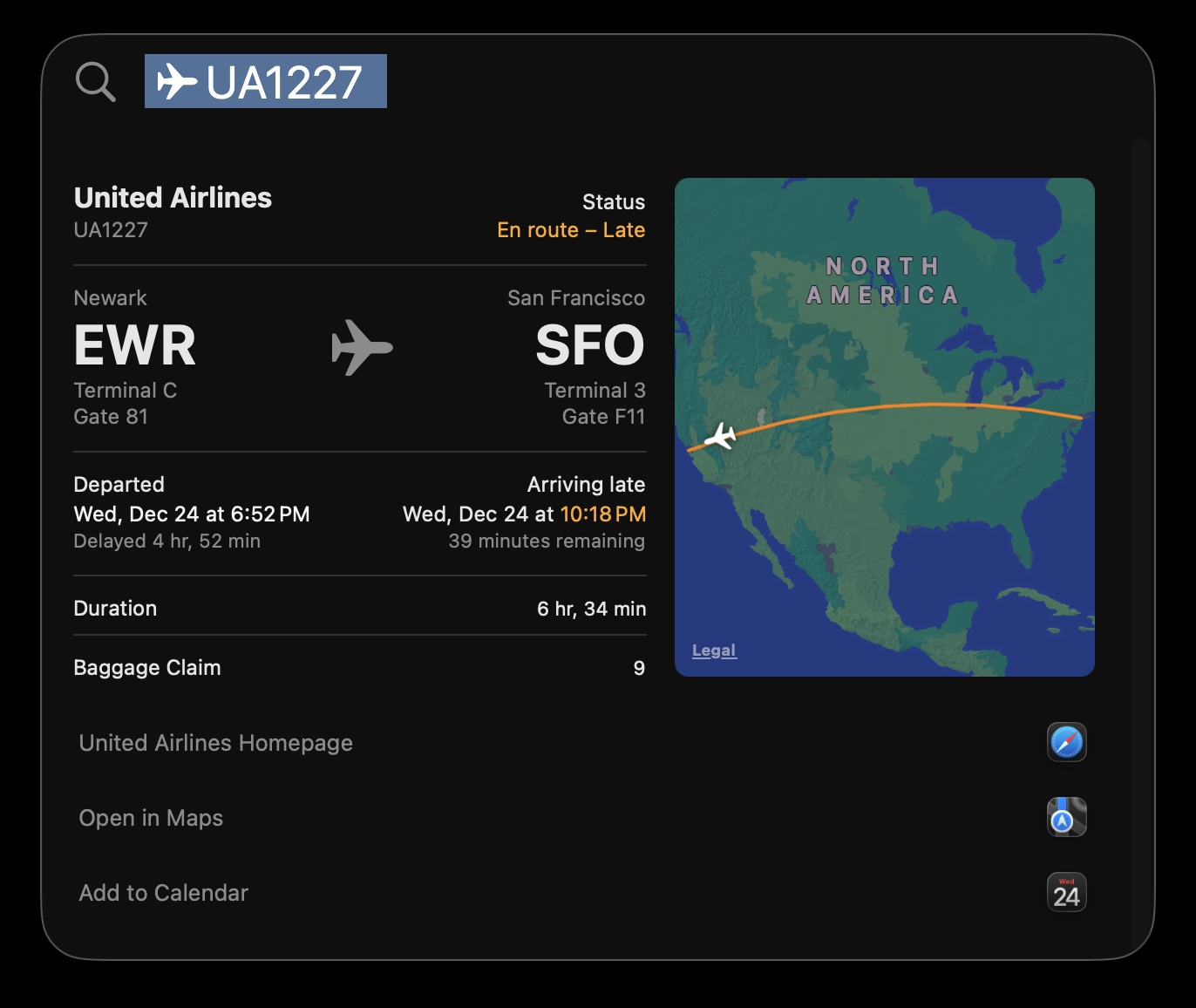
I just tried it with a flight from Perth to Sydney. I typed the flight number in Notes, selected that text and chose Lookup. A short list of flights appeared and I chose the enroute one. A map of the flight path and flight details popped up. I also found another selection “Preview Flight” that goes straight to that flight. Nice!
Just tried it. I think it has to be in Notes. I typed a flight number in a new note, then simply selected it. The standard pop-up includes “copy- etc and there is “lookup” and “preview flight” — it took me right to the flight apparently still in Notes. Very cool!