I’d be Citrus if I needed one.
3 Likes
That would be my top pick too. Then Blush.
1 Like
Apparently very repairable:
1 Like
I would guess that improved repairability was part of the design spec from the beginning, at least if Apple intended the Neo to appeal school districts. Coincidentally, iFixit recently gave the Lenovo T14 and T16 business laptops 10 out of 10 repairability scores. I particularly appreciated this comment from Lenovo:
One of the biggest challenges was shifting the mindset early in the design process. Serviceability is typically optimized later in development, often constrained by structural, material, or layout decisions that are already locked. To reach a 10/10, we had to bring those conversations forward and challenge long‑standing assumptions about what ‘good design’ really means. We addressed this by bringing design, engineering, service, quality, and sustainability together from day one.
I’m not expecting miracles from Apple, but if targeting institutional use encourages improved repairability, I’m all for it.
PS. iFixit is working on a Neo repairability report.
2 Likes
And getting a surprise, it seems. From Nick Heer:
Earlier this week, I linked to iFixit’s exploration of ways Apple used to prioritize repairability in its laptops. The headline on the article is “How Apple Used to Design Its Laptops for Repairability”, but the
<title>tag reveals a more incendiary thesis:Macbook Neo Shows how far Apple’s repairability design has fallen – iFixit
Looks like they had to change the title once they actually started looking at the computer.
1 Like
Another thoughtful blog about the Neo, linked from a blog in Macstories.
3 Likes
iFixit has just posted their teardown:
I love the fact that the battery is relatively easy to replace - a bunch of screws, no glue, and no need to remove any other parts (although you do need to disconnect three cables).
I also love the fact that the trackpad tension is adjustable. A surprising but possibly useful feature.
5 Likes
I’m just curious why 18 screws are required for the battery or 44 for the keyboard.
I’m just thankful they didn’t use welds instead of screws.
2 Likes
I think it was just a price comparison.
My USB-C hub is arriving today, a week ahead of my new Neo ;)
Also, arriving is a 65w charger; the little Neo 20 W charger might not be enough to power the computer plus hub and attached accessories.
Mostly, I use my aging iPad to read substacks at the laundromat. It’s good for that. And e-books.
One of the teardown stories I read said that the battery tray has a double duty in the Neo: holding the battery (!) and adding rigidity to the outer shell. So more screws means more attachment points, leading to less flexing of the enclosure.
1 Like
“must repairable MacBook in 14 years". This must refer to my beloved 2012 MacBook Pro 13 inch—so beloved that I bought three of them. It was the last laptop that I could open up and replace the drive, the battery, or other piecesparts, and add memory.
My last one, purchased in 2015, went belly-up last week, and I just ordered a Neo to replace it; it wasn’t my main computer, but a secondary one for use at the office. Probably the biggest challenge will be seeing if I can make Tahoe run the old ScanSnap.
2 Likes
Good Luck! see at least these other Topics here in TBT:
If I need a quick scan to the Tahoe Mac, I use VueScan, which I’ve set up to as close as I can have it to my ScanSnap Manager settings. If I have a bunch to do, I can fire up the MacBook Pro (running Sierra) and it works as I’m used to for many years.
2 Likes
Popped by an Apple Store tonight to check these out. The Indigo one is pretty gorgeous with its candy coloured keys. The others are really nice with white keys.
3 Likes
I ordered one today as a ‘travel’ machine, and sprung for the higher spec in Silver.
They appear very solid and well made, and from a 10 minute play in the store they seem usefully snappy. I’d like to have waited for the next version (I expect it will be bumped to 16gb), but the current machine will serve the family well — we all have some longer trips planned in the next 12 months.
Delivery expected by April 10 – just in time as we fly out April 15.
Well, if they use the A19 Pro currently in the iPhone 17 Pro and iPhone Air, it would be 12 GB.
1 Like
Thanks, David @TBTdn. Grok found this for me: Replacing ScanSnap Manager on MacOS - Max's Notes. My Neo hasn’t arrived yet, but at least now I have a starting point—which turns out to be pretty much the same as getting the scanner to work on my M1 MacBook Air now on Sonoma. Might have to fiddle with the OCR.
There’s always Vuescan…
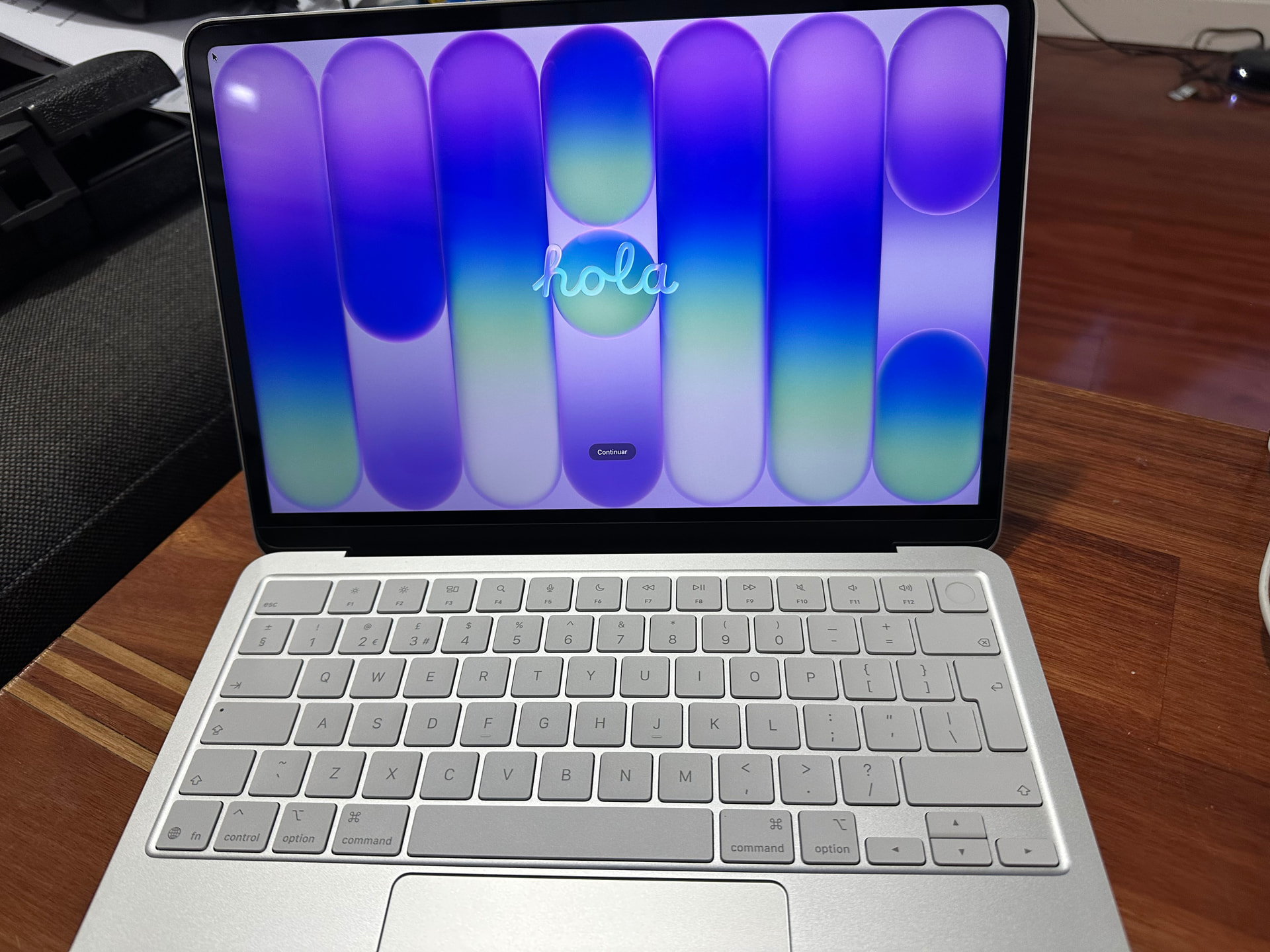
So the Neo arrived today - a few days ahead of schedule and plenty of time to use it a bit before travelling OS next week. First impressions:
- Feels very solid, much nicer than anything plastic. Has a decent heft about it without feeling heavy. It’s hard not to call it ‘cute’.
- Screen is very nice, even when not using its native resolution. Nice and bright.
- It’s taking a little while to get used to the non-haptic trackpad. I’ve had haptic pads for so long the Neo feels a little strange, but not a massive issue.
- Setup felt slow, but I guess that’s normal for an initial setup. It was also syncing Mail/Notes etc from iCloud so maybe it was just background activity.
- Completely subjective but the Neo wallpapers are ugly
- I bought the silver and it could easily be mistaken for a MBP
- The keyboard is annoyingly different to my MBP. I use the # key a lot and it’s not shift-3, it has to be fn->3 (shift-3 is now a pound sign). It may not sound like much, but my muscle memory is locked in and it’s annoying as hell. I’ll see if it’s possible to change but I suspect I’m stuck with it.
- The left hand shift key is TINY - and it’s the one I use most. It’s very easy to miss
- The return key is an odd portrait shape, totally different to the panoramic landscape key on the MBP - again, very easy to miss hit.
- Apart from the key weirdness, the keyboard feels fine.
- For a low cost machine, the speakers are pretty good. The MBP is noticeably better in bass, and overall ‘punch’, but you’re comparing $4500 to $1000 AUD.
- It came with Tahoe 26.3.2 installed and a nag to update to 26.4
- It could be a Tahoe bug, but some of the Safari advanced features couldn’t be selected until I quit, and restarted Safari - then it was fine.
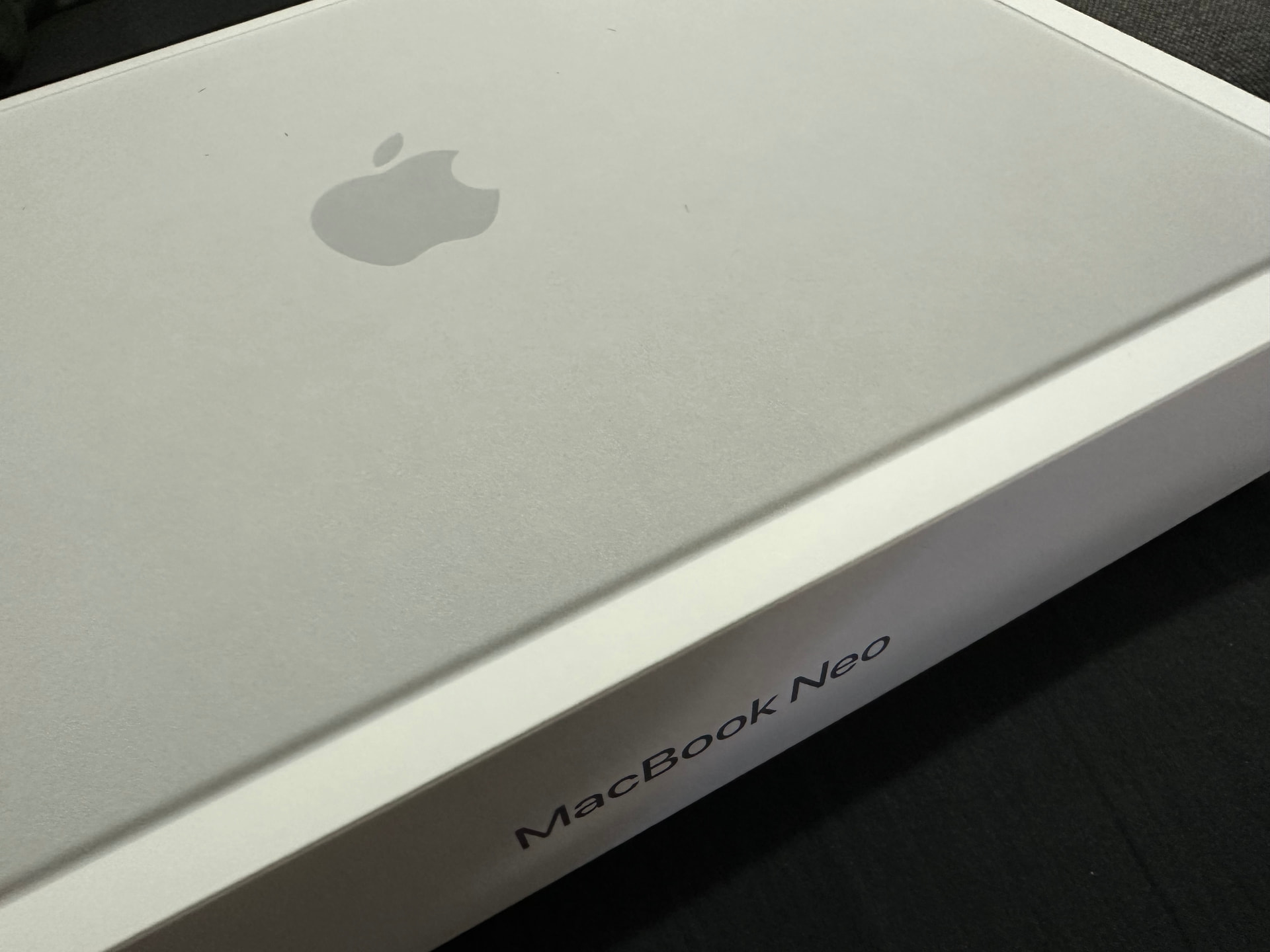
That’s all for now, here it is…
4 Likes