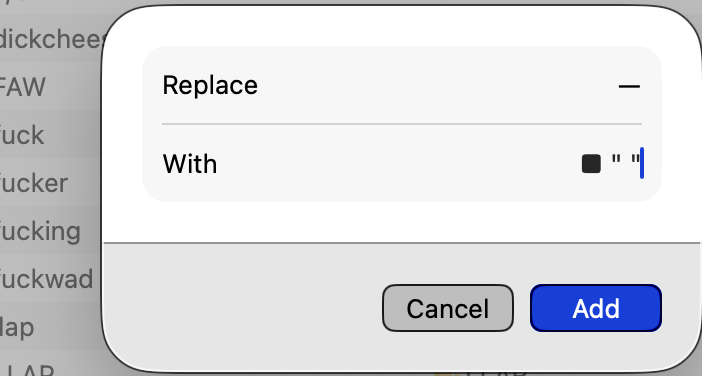
I thought this used to work, pre-Tahoe. Seems not to work now:
I want to be able to type two hyphens and a space, like this:
–
… and have my MacBook replace it with a square bullet and that one space. Like this:
■
But Text Replacements won’t allow that trailing space. Any workarounds? The simpler the better. (I was hoping something like Option-Space would work, but it doesn’t.)
I’m confused. I have plenty of replacement phrases that end with trailing space. Because space is the trigger for expansion, you can’t include one in the shortcut, but you should be able to include a trailing space in the replacement text. (Or is this an iOS vs macOS difference?)