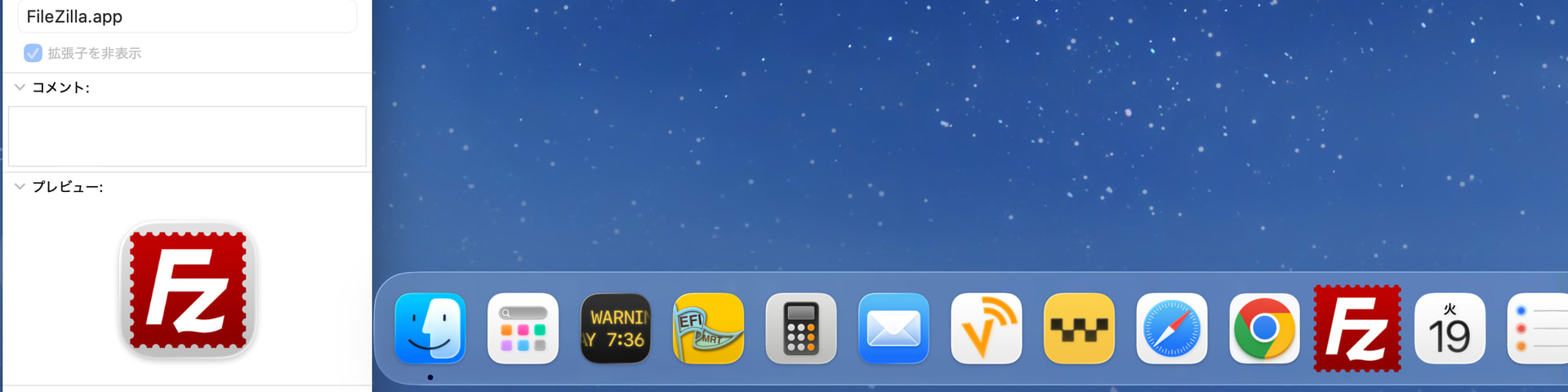
macOS Tahoe 26.5 (25F71), M4 Mac mini (2024). Looking at the Dock, I noticed the FileZilla.app icon looks like a large square - squircle-free!
To the left, Finder’s Get Info window for FileZilla.app is showing, and the app icon is squeezed into a squircle there. Why is it different from the icon on the Dock?
Applications may customize their Dock icon. One way is with a Dock Tile Plugin, that allows “Customizing an application’s Dock tile when the application itself is not running”.
Find Any File does this: when the application is running, its dock icon has a menu that lets you pick what the icon looks like: classic or various squircle versions. The change takes effect the next time the application is launched.
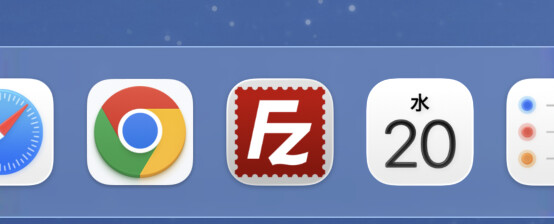
Then FileZilla informed me that a new version is available, so I updated the app, which showed the squircle icon on the Dock. I then tried to restart the Mac, but the squircle icon remains on the Dock, even before I launch FileZilla.
Now I have no way to see the squircle-free icon on the Dock. Strange.