Never, ever, ever configure your browser to auto-restore your previous session. If it ships with that feature enabled, go turn it off. This way, when something goes horribly wrong (whether malware, a scam or just a big) you can just quit and restart it. If it restores your old session, it may well restore the problem as well.
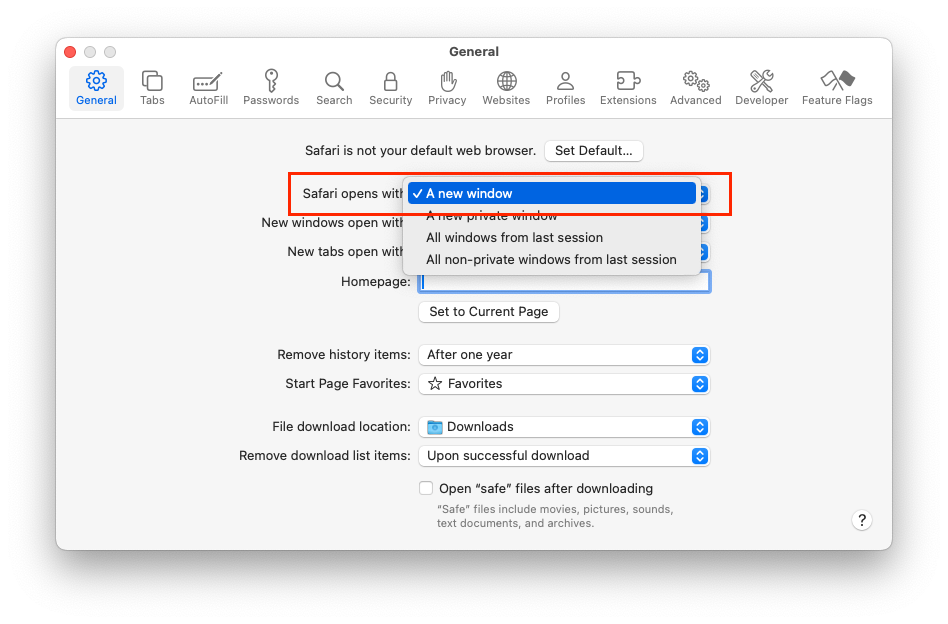
On Safari, this is: Settings → General → Safari opens with: → A new window. Do not select either of the two options that restore windows from the previous session:
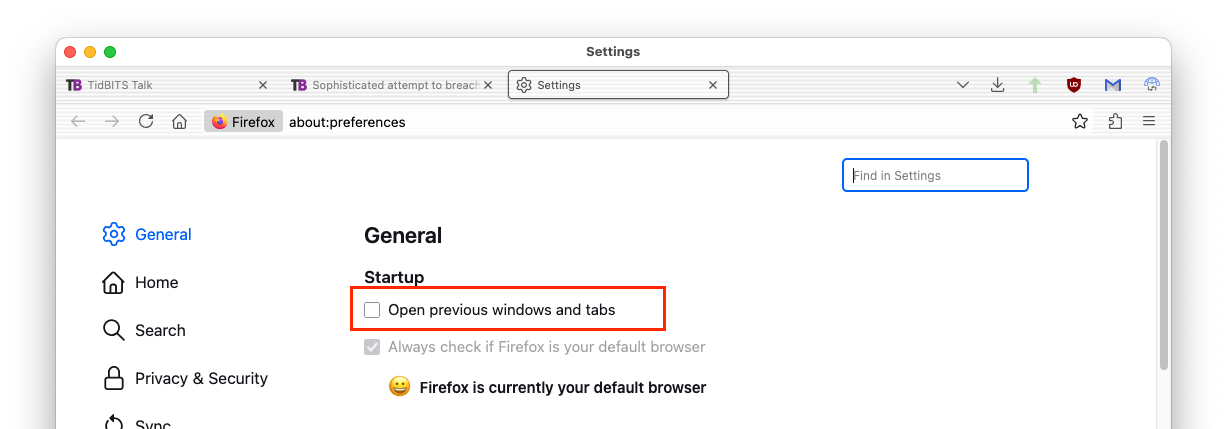
On Firefox, it’s Settings → General → Open previous windows and tabs:
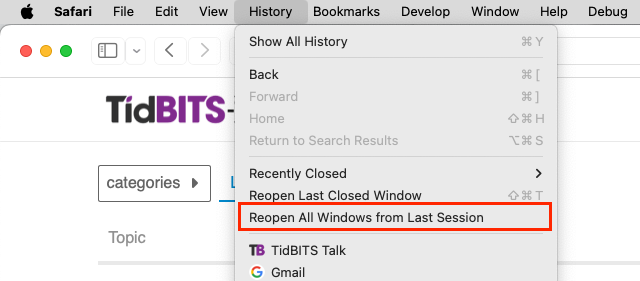
If you actually need to restore the previous session once in a while, there should be a menu option to do it.
On Safari, it’s on the History menu:
Similarly for Firefox:
