In the current version of iOS, The time should be displayed in the upper left corner. The top of the screen has that blank area that limits what the status bar can display, so battery percentage and date went bye-bye after the iPhone 8.
You can pull down the notification screen to see the date and time, or use the calendar and clock widget to display the date and time.
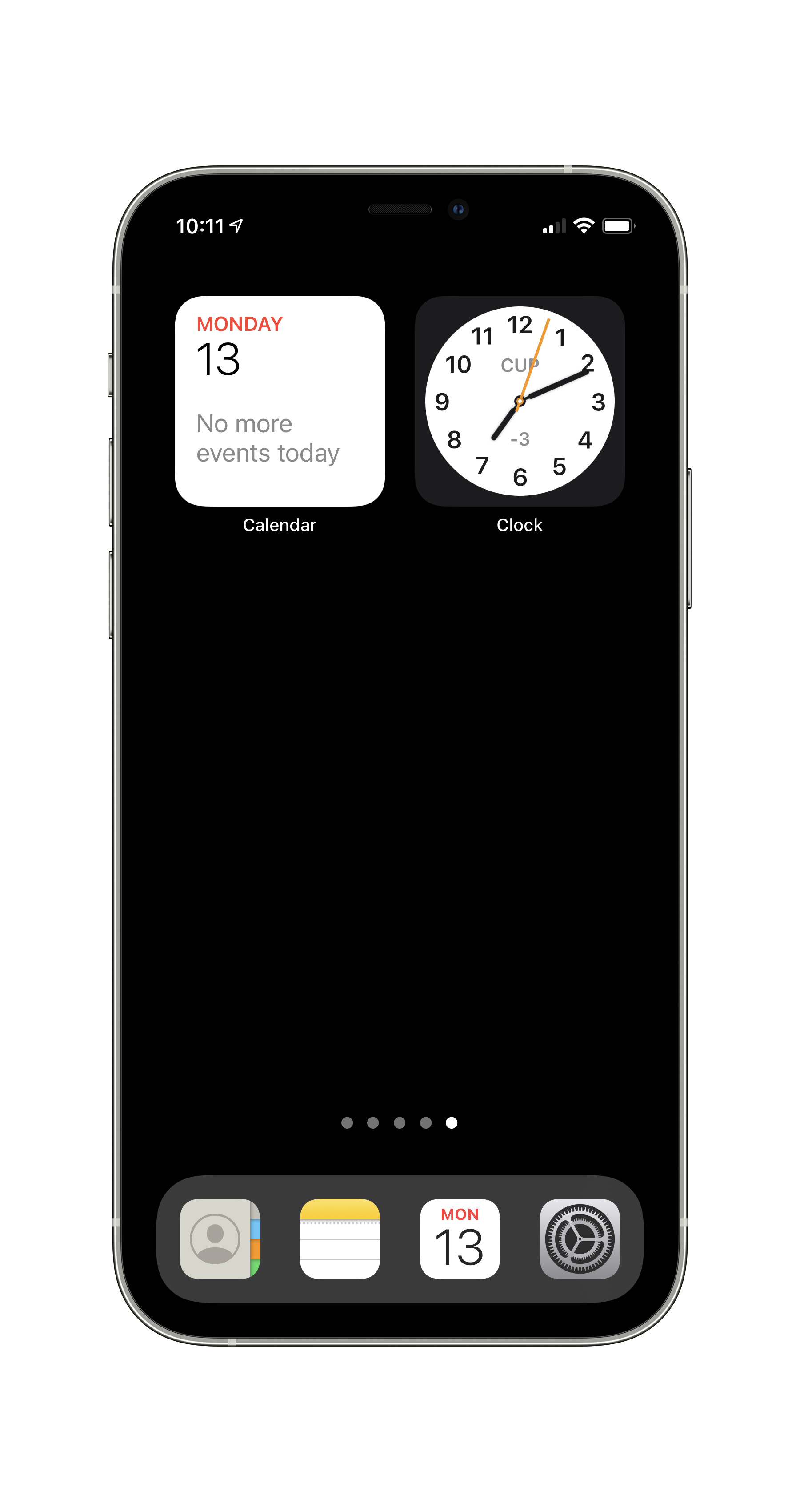
Yes, even the smallest widgets take up the space of four icons, but widgets can be stacked upon one another, so maybe you can stack the two upon each other.
Another alternative as shown in the image. Add the calendar app to the dock on the bottom of the screen. It displays the date on the icon. Then, you get the date and time on your Home Screen without using widgets.