When I search for “digital”, initially Firefox only reports the number of instances in the article, and it will move through them as I click the “next” arrow. But when I click the next arrow while on the last instance of “digital” in the article, Firefox will select the first instance in the comments and adjust the total number of instances.
I think the answer is that Discourse loads only a subset of posts in a topic to start. As you scroll, it loads more of them. As a result, when you open a topic to start a search, only the visible text will be searched. If you scroll to the bottom, all the text in the topic will be loaded, such that matches for text that wasn’t originally loaded will work.
Additionally, if you’re scrolling through a long thread, the Discourse scripts will discard content that has scrolled off the top (or bottom) of the page. This can easily confuse a browser’s built-in search features.
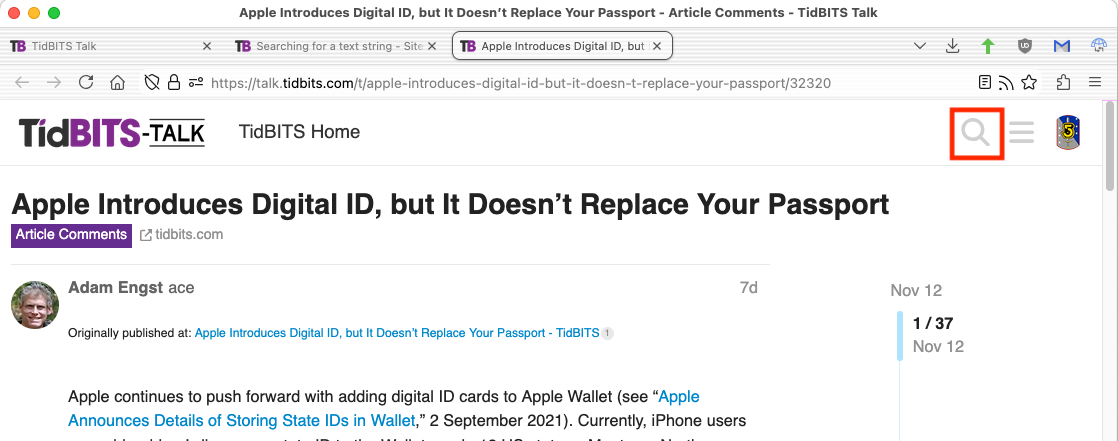
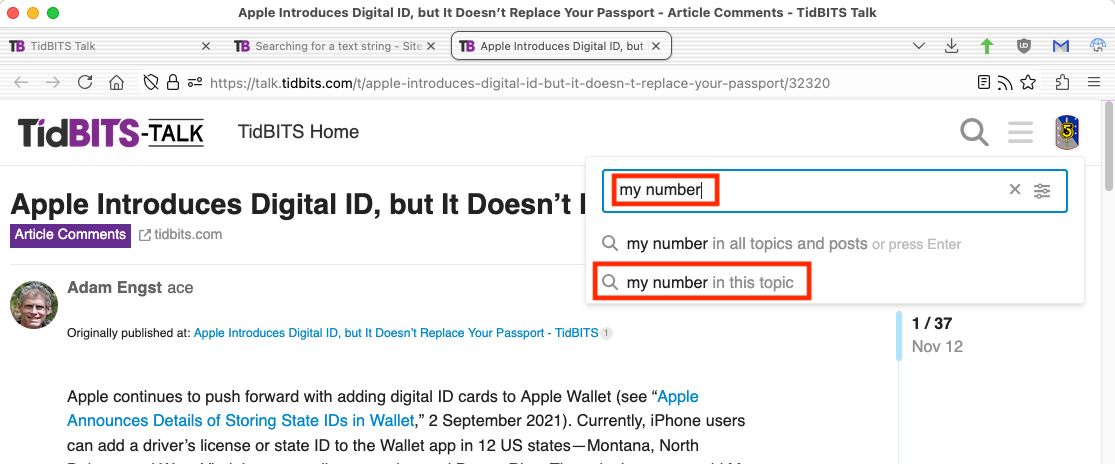
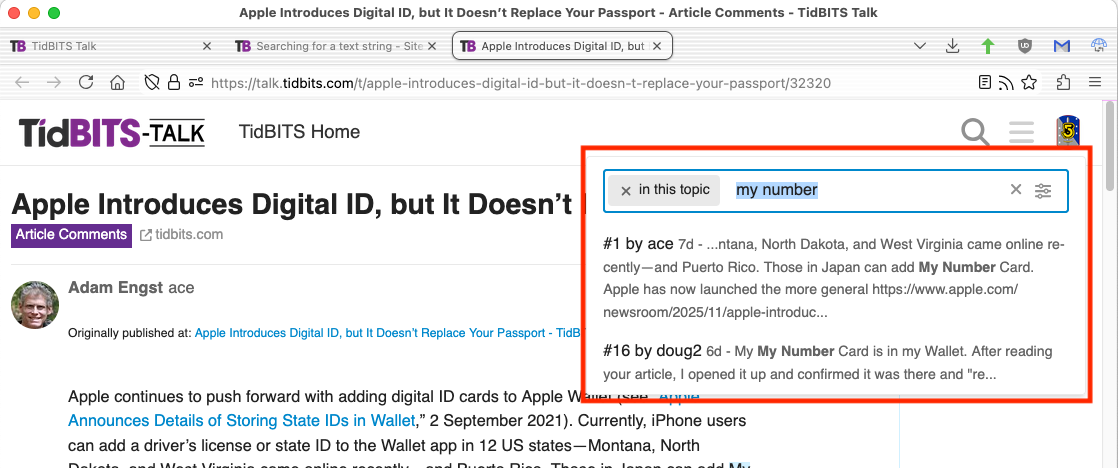
Using the Discourse search button (the magnifying glass icon in the upper-right corner) is better than your browser’s search function, because it will search the entire thread.