While there are generally alternative steps to accomplish folder management in Google Drive, my habit is to use control-click in order to elicit a dropdown menu of options. In the recent past I have noticed keyboard shortcuts don’t seem to work. Here is an example attached.
Current example Sequoia 15.7.1. Haven’t tested Tahoe and granted it’s not the very latest of Sequoia, but it’s been happening for a while now.
Instead of a dropdown menu I get a blank/empty
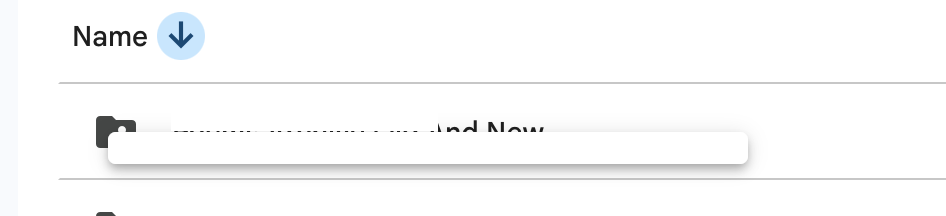
mini palette
Any thoughts?