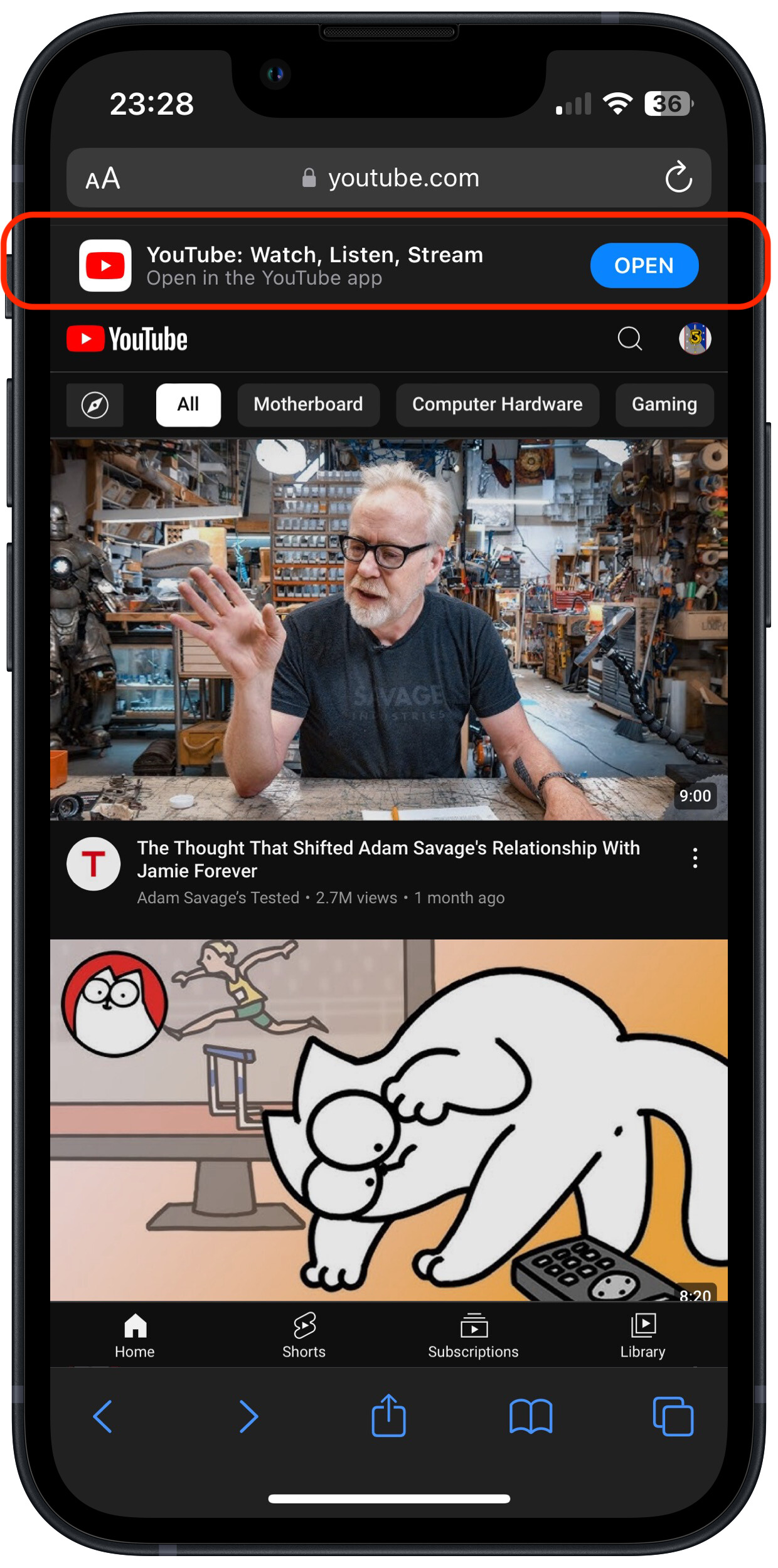
I have the Youtube app on my iPad. When browsing with Safari any links to Youtube automatically open the Youtube app and play the video. These days this is unnecessary (and irritating!) because the videos happily play within Safari (HTML5).
I have searched the internet for tips to disable this “feature” but the only one that seems to work is to delete the Youtube app from my iPad.
There are numerous tips that refer to settings that don’t exist (click bait?).
I didn’t see any obvious setting for this in the YouTube app, YouTube settings or Safari settings, but I may have missed something. Check to make sure you don’t have any Safari extension enabled that might do this.
I have looked at all the settings (safari, youtube, privacy/security…). This is happening with my iPad with OS 17.6.1 (but also earlier OS).
For now I think I will delete the Youtube app.
I’m leaving a breadcrumb here in case anyone wants to research this question further.
The source of the problem is Apple’s Universal Links “feature”. This feature causes regular links to places like YouTube to open in an associated app instead of in Safari.
Try long press (iOS) or right click (macOS) to bring up a list of options for opening the link. I don’t have an app that I can test this with at the moment.
Deleting the app is what I have done on iOS and iPadOS, with the added bonus that the ad blocking software that I use (Wipr) blocks ads in Safari but not in the app.