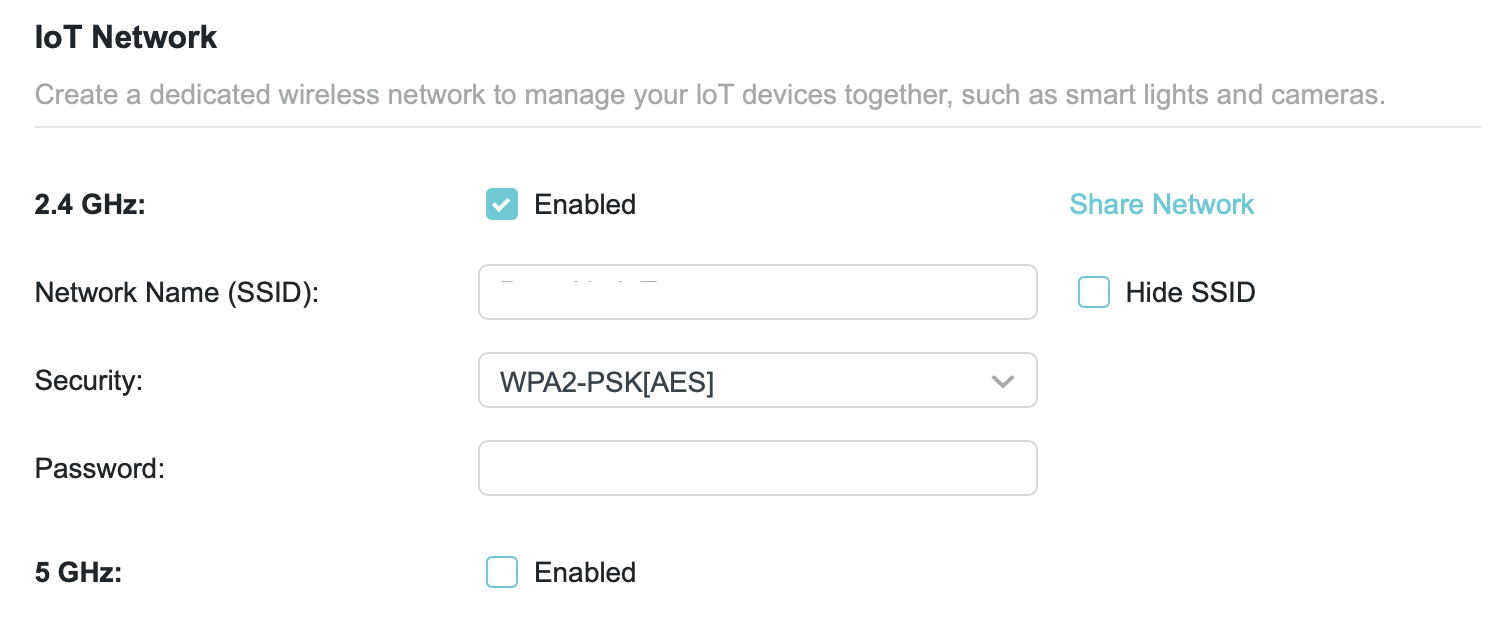
I see that my router (TP-Link Archer BE400, also referred to as BE6500 Dual-Band Wi-Fi 7 Router) offers the option of using separate SSIDs for Internet of Things (IoT) and Guests.
On this router, the IoT and Guest SSIDs each have unique frequencies, passwords, and authentication protocols. But the primary SSID, as well as the IoT and Guest SSIDs, draw from the same IP address range, so I presume the SSID doesn’t segregate traffic.
So what is the advantage of creating multiple SSIDs?
It depends on a few factors, but at least for the Guest SSID feature, you have the option of segregating guest clients from your local network and even from each other, even if they are drawing from the same pool of IP addresses. (From your router’s web page: Advanced > Wireless > Guest Network > Guest Permissions)
I presume that the IoT network similarly segregates traffic, but you might want to test it by connecting a Mac to the IoT network and seeing if you can access printers or other devices that are on your main network.
I don’t know what TP-Link is doing for their particular product, but I’ve seen routers where Ethernet VLANs are created on the wired side of the network, allowing you to create policies to segregate traffic onto separate VLANs that don’t see each others’ broadcast traffic.
So you can put your iOT devices (even wired ones) onto one VLAN, your guests onto another, and your own traffic onto a third. For all intents and purposes, they are three separate networks.
(Assuming, of course, any Ethernet switches on your network also support VLANs. Otherwise, two devices sharing a router port could snoop on each other.)
Ethernet switches that support VLANs cost a bit more, but they’re no longer prohibitively expensive. Some examples:
For comparison, a generic unmanaged Netgear GigE switch costs $18 for 8 ports or $100 for 16 ports.
Sadly, I couldn’t find an inexpensive 16-port Netgear switch with VLAN support. The only one I found costs $200, because it includes 180W of PoE. A good deal if you need it, but a waste otherwise.
No reason why it won’t work. Yes, it will increase latency for packets that have to pass from one switch to another, but unless you have an application that requires low latency or very low quality switches, you shouldn’t have a problem.
If you are using VLANs, then you may need to keep both switches configured appropriately.
In particular, there are different ways to initiate VLAN-tagged traffic. For something like a computer you can have it generate appropriately-tagged traffic - so it can sport multiple virtual interfaces, all sharing a single physical interface.
But for devices that don’t support this (like most IoT devices), they will only generate un-tagged traffic, so you’ll need to configure their switch port(s) to add the appropriate VLAN tags, in order to keep the traffic segregated.
And your router must know about VLANs so it can route each one appropriately. For example, you probably want your IoT and guest VLANs to only only access the Internet, but allow your main VLAN access to the other two, so you can manage them all from one place.
This is all well-established tech and it is used extensively in enterprise networks. But I don’t know how many consumer routers include the necessary support. (Of course, if you’re running OpenWRT on your router, then you can add it if it’s missing.)