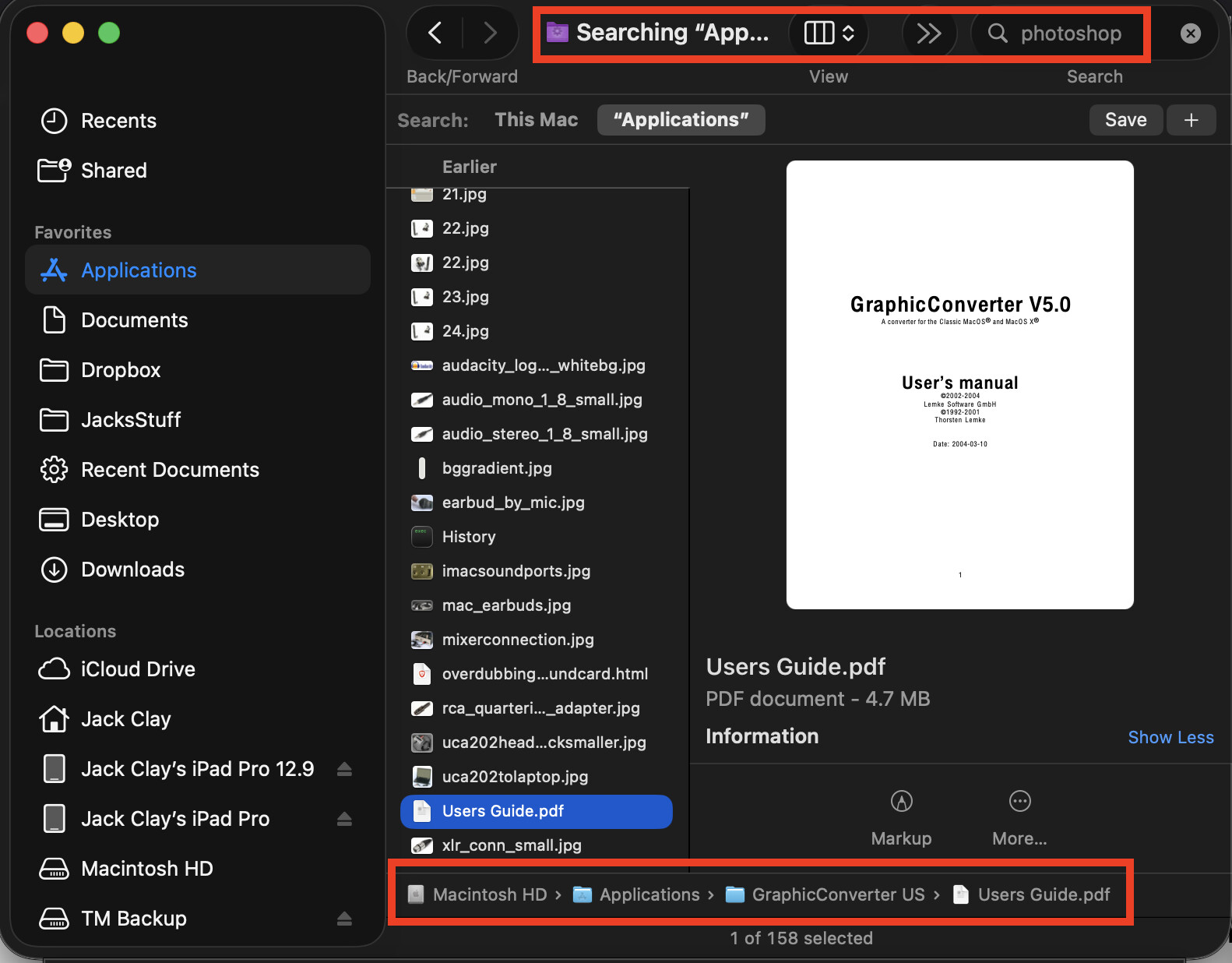
I searched in Applications for “Photoshop” and “Adobe” and the result was a list of 150+ files, mostly jpegs, but no files with either word in the name. I checked the Info panel on several files to see if either word was embedded anywhere there but found no reference to the search terms anywhere.
Spotlight indexes the contents of files. The Graphic Converter User’s Manual that you have highlighted certainly mentions Photoshop a number of times in the text. If the JPEGs were created or modified with Photoshop, then it will say so in the metadata.
You can see for yourself: since you obviously have Graphic Converter, open any of the JPEGs with that. Choose Window > Show Information. Select the EXIF tab. I’ll bet you will find a line that says something like, “Software: Adobe Photoshop”.
Yup, that’s the case. I suspected as much but didn’t know how to view the metadata so I tried the Information panel. Graphic Converter made it easy to see.
The Information panel in Preview will also show you the metadata. When I open a Nikon raw image in Lightroom and export a JPG, it does mention somewhere in the JPG metadata that Lightroom was used.