I am having a problem with my iMac 2019 running sequoia. Frequently when I am moving folders or even opening some I get the error code -8062. I’ve found some sources that say I should run terminal and enter dot_clean /Volumes/YourDriveName. Elsewhere it suggests I should include the particular folder or file name. I have no idea how things got so messed up but it is a pretty regular offender. I’d appreciate any help you can provide.
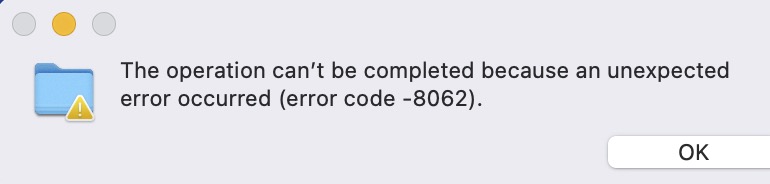
Here are a few articles on the subject:
- Ask Different: 8062 error can’t copy folders on Mac
- The Operation Can't Be Completed (Error Code -8062) | Fixes
As the text implies, its an unspecified error with no further information, but it seems to be caused by one or more of:
- Permissions problems
- Insufficient disk space
- File/disk corruption
I’m going to take A GUESS that this is a “permissions problem”.
There are terminal commands that can override and correct permissions errors – but I don’t know them well enough to use them.
I have a simpler way to try.
It should hurt nothing and it may work for you.
You’ll need an external drive of some kind. It can be an SSD, or a platter-based hard drive, or a USB flashdrive, perhaps even an SD card will work. The type of drive doesn’t seem to matter. It needs to be formatted for the Mac (HFS+ or APFS). Hmmm… even that might not matter, but I don’t know for sure.
Once you have this ready, connect it to the Mac.
Let the icon appear on the desktop.
Click on the icon ONE time to select it, then invoke the “get info” box for the drive. (you can type command-i)
In the get info box, scroll to the bottom and click the lock.
Enter your administrative password.
Now, put a checkmark into “ignore ownership on this volume”.
Then, close get info.
Now try copying the files or folders that are giving you the error to this external drive.
Once they are there, copy them BACK TO your internal drive.
You may have to rename the folder they’re in (so the original won’t be deleted).
Can you open the files in question now?
I believe this trick works because when you copy files from an external drive that has the “ignore ownership” box checked, they will automatically “fall under the ownership” of your working account…
Is it a repeatable, reproducible problem? Or kind of random, where you get the error, do the same action again and it works?
What kind of drive is it? Hard Disk Drive (HDD), Solid-state Drive (SSD), or a Fusion Drive?
Did you have this problem before Sequoia?
Do you have a comfortable amount of free disk space?
Is it fixed by rebooting?
Do you use third-party anti-virus software?
Do you use Time Machine, and is it starting a backup when this happens?
Does the machine’s GUI freeze sometimes?
Problems with permissions and extended attributes would be reproducible. Randomness implies more serious problems. If you have a Fusion Drive, I’d be worried.
Thank you. Those were interesting and may reflect part of my problem. I have had iCloud backup as shown in the attached files, but I did not have this difficulty until recently. RE disk space, I have 1.65 TB available because I purchased the maximum iCloud space available. Again, this is fairly recent difficulty I am experiencing. Sometimes it is a problem with a folder I had created on the desktop and I’m copying it or moving it to a different location.
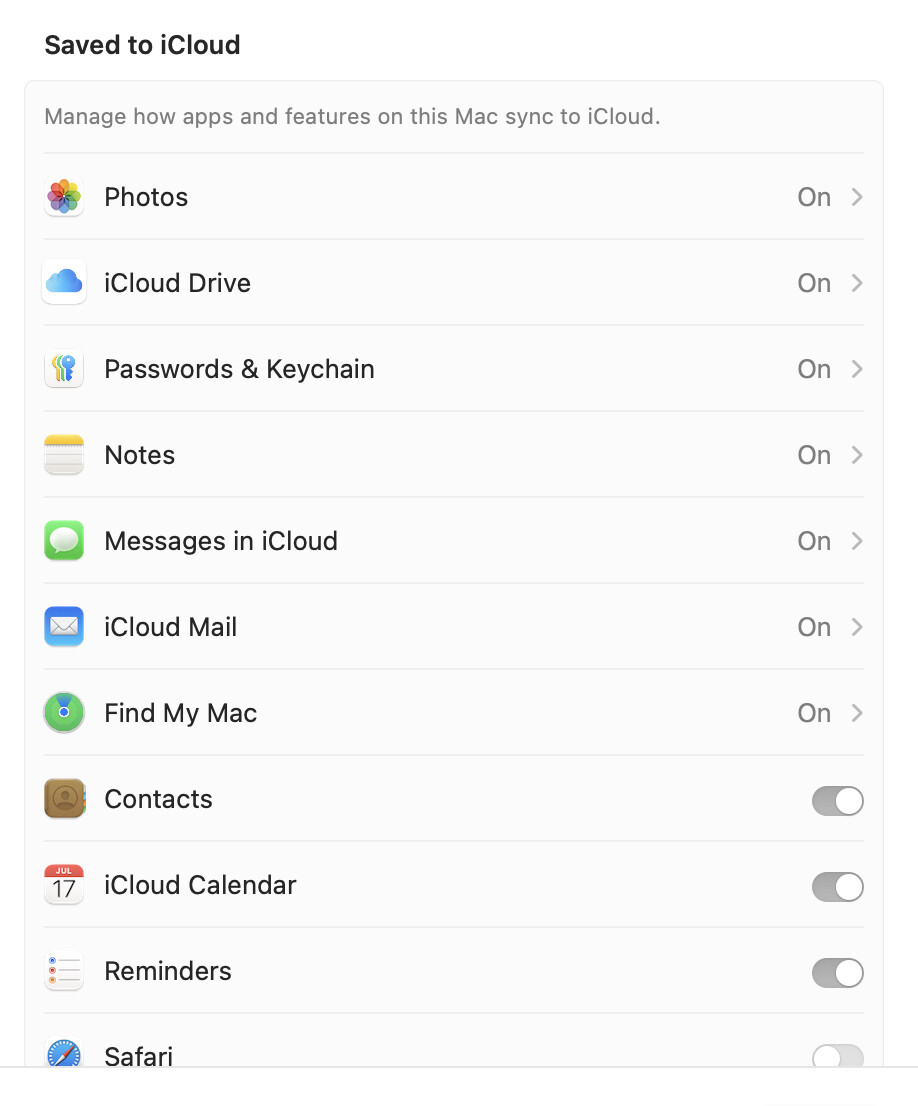
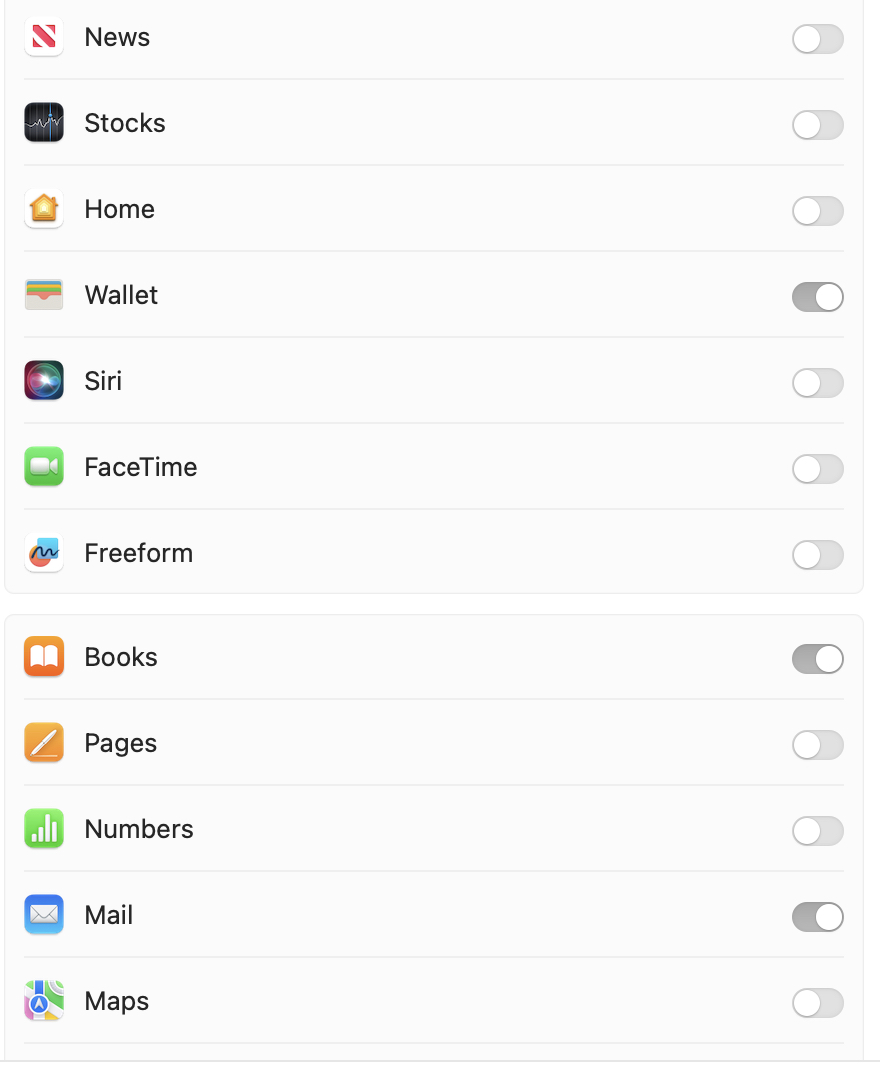

I’ve gone the “get info” and changed permissions but it made no difference.Thank you.
Oh, and one of the places where I have problems is trying to copy a file and/or folder to an external hard drive.
1 Like
Relying to your questions:
In that case there may be something more about the error in the Console messages.
yes, it is reproduible. When it happens I will go and do other work and then come back. I checked on Console and there was only one place where an app caused a crash and no listings for any of the regular incidents at all. Not that I understand what all the info says but I would expect there would be some indications of issues given the frequency of what I am seeing. Thank you.
Oh, there is one indication of a problem - if I try to copy a folder to a backup drive it gives me the error and no copy is made, just a darkened indictor of the folder being on the backup drive that I must delete. I will try to replicate that later today. Perhaps you may find something in that.